Your photos,
on hardware you own.
Noodle Gallery is a self-hosted photo and video app. Smart search, face recognition, Shared Spaces, S3 storage when the disk fills. You run the server.
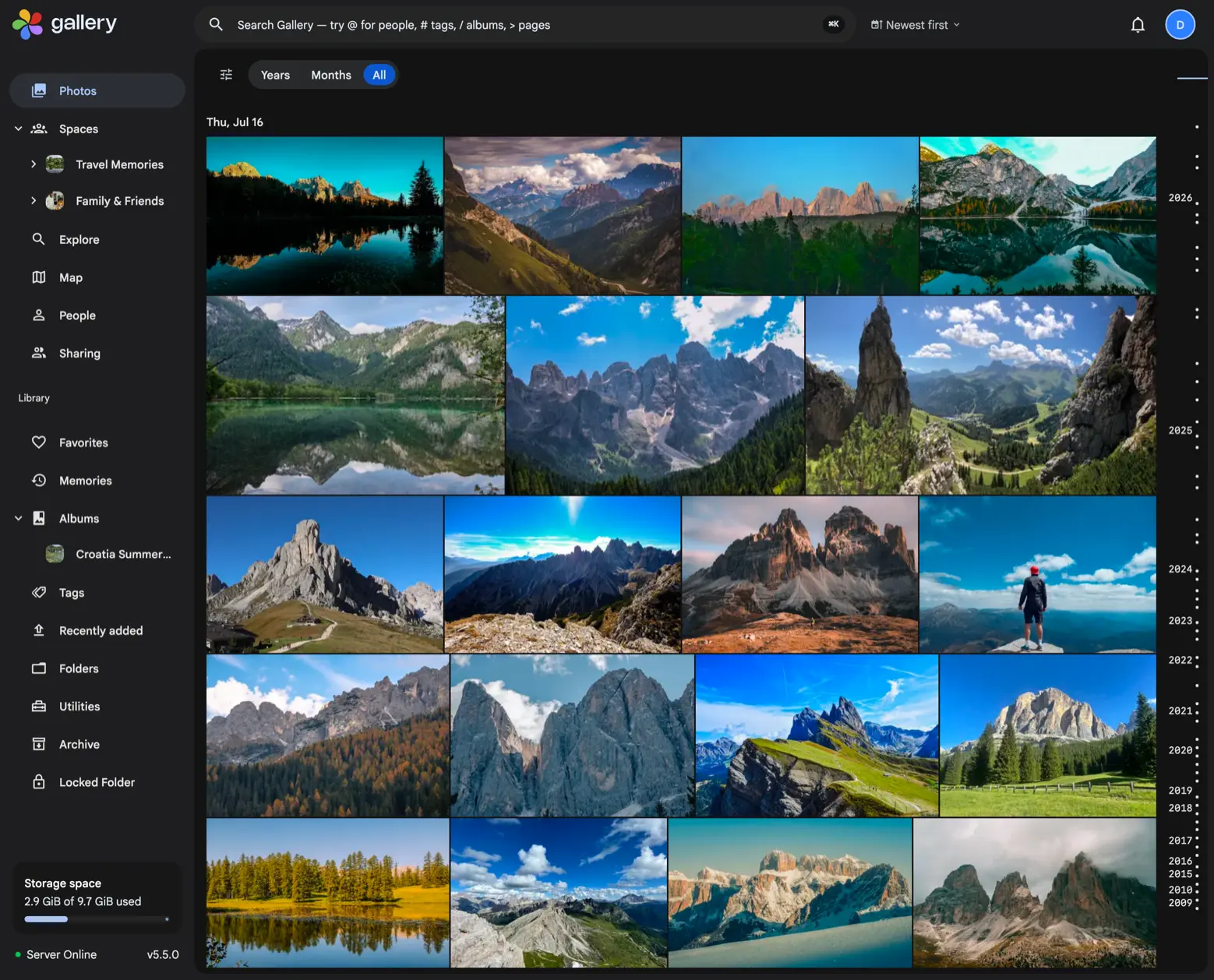
Gallery's top features
Three things a plain backup will not do: share one timeline with other people, find a photo you can only half describe, keep originals in object storage.
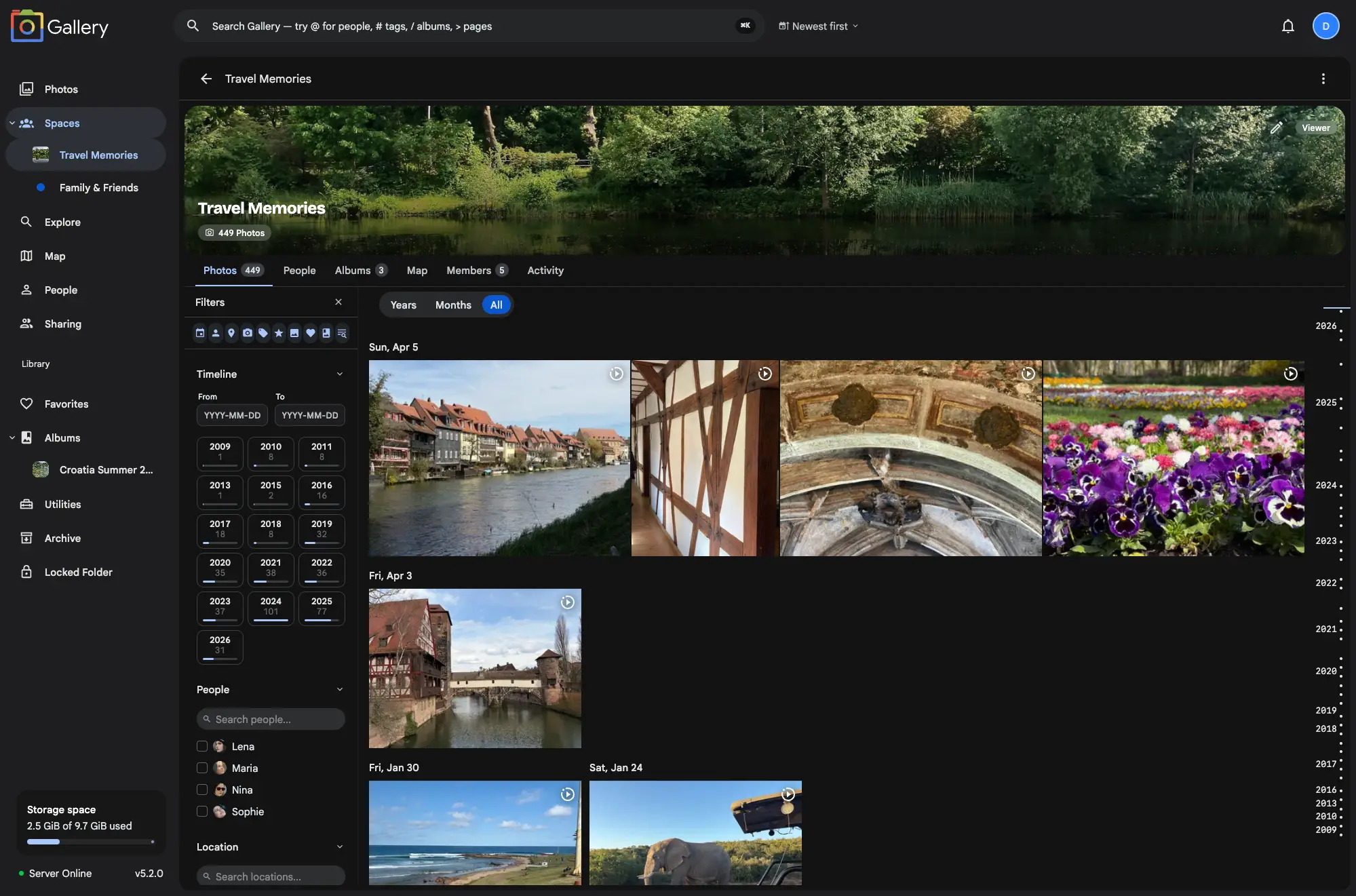
Shared Spaces
One chronological timeline that several people add to. Everyone keeps their own library, so the wedding ends up in one place instead of four group chats.
- One timeline, many contributors
- Roles control who can add, manage or browse
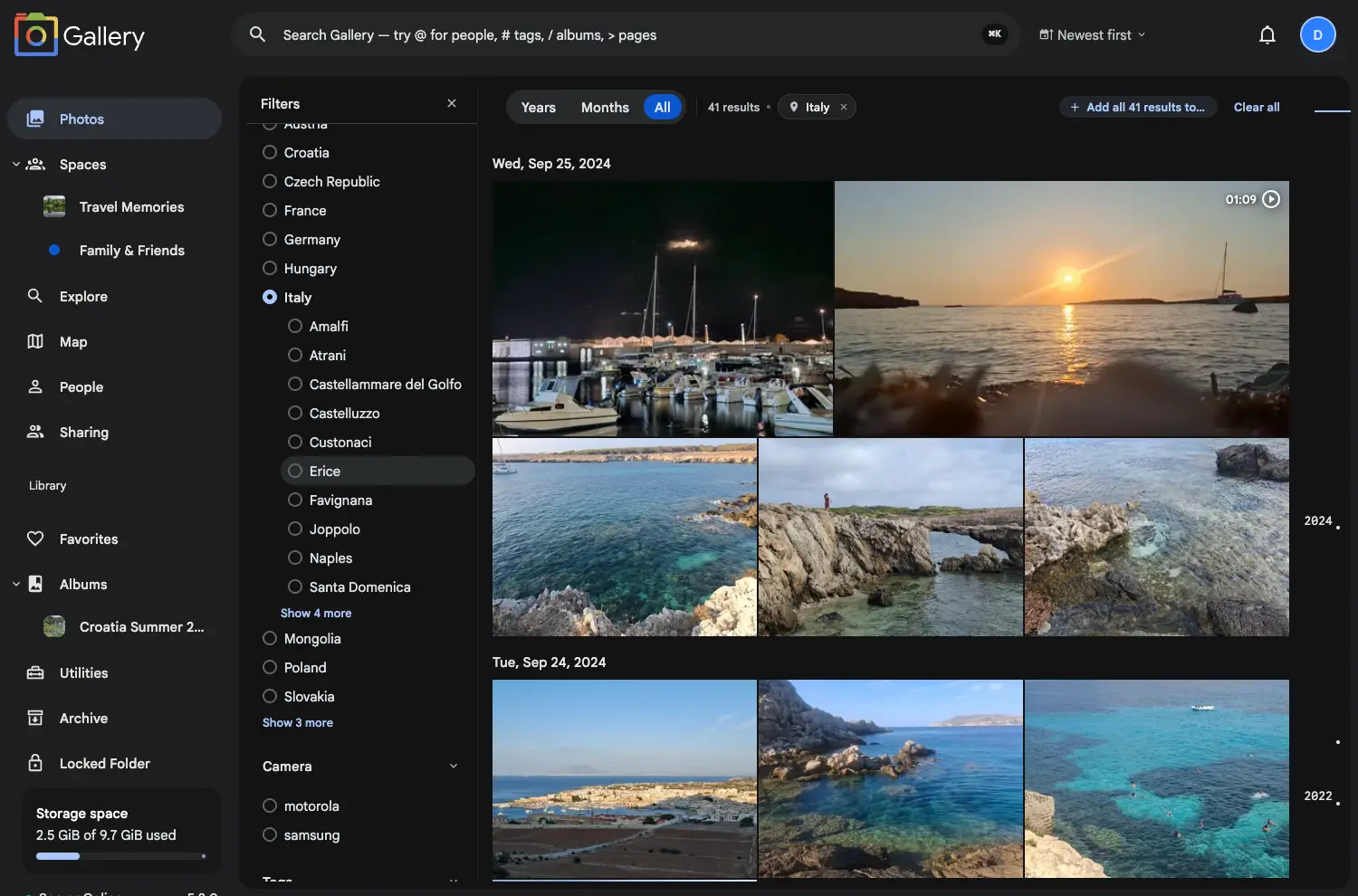
Search and filtering
Cmd/Ctrl+K opens a search palette from any page: photos, people, places, tags, albums, Spaces, commands and settings. Timeline filters narrow whatever is left.
- Natural language queries, ranked by relevance
- Search prefixes and page commands
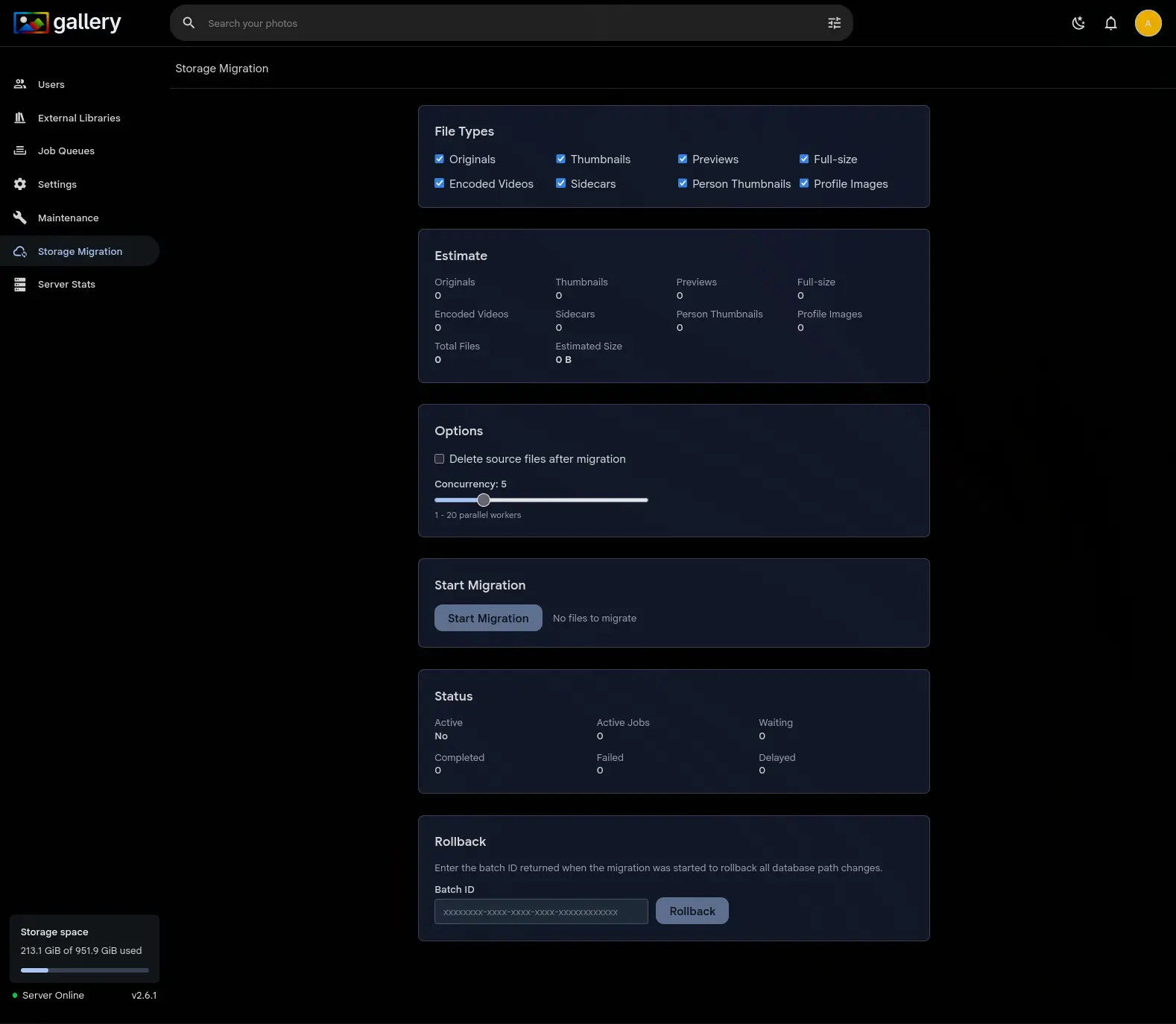
S3 storage
Keep originals in S3-compatible object storage: AWS, MinIO, Cloudflare R2, Backblaze B2 or Wasabi. Your library outgrows the server disk and stays yours.
- Any S3-compatible backend
- Storage scales apart from the server
Global People, live now.
Global People matches the same person across personal libraries and Shared Spaces. Watch the walkthrough.

Already using Immich?
Gallery is a drop-in replacement. Same Docker Compose file, same database. The mobile apps carry over too. Three lines of config move you across, and one script moves you back to upstream Immich. Your photos and videos never move.
image: ghcr.io/immich-app/immich-server:${IMMICH_VERSION:-release}image: ghcr.io/open-noodle/gallery-server:${IMMICH_VERSION:-release}image: ghcr.io/immich-app/immich-machine-learning:${IMMICH_VERSION:-release}image: ghcr.io/open-noodle/gallery-ml:${IMMICH_VERSION:-release}image: ghcr.io/open-noodle/gallery-server:${IMMICH_VERSION:-release}
image: ghcr.io/open-noodle/gallery-ml:${IMMICH_VERSION:-release}Noodle Gallery vs Immich:
Why pick the fork?
25+ features upstream Immich does not have, a 23-row comparison table, and a straight answer to "should you stick with upstream?"
Read the comparisonMigrating from Google Photos?
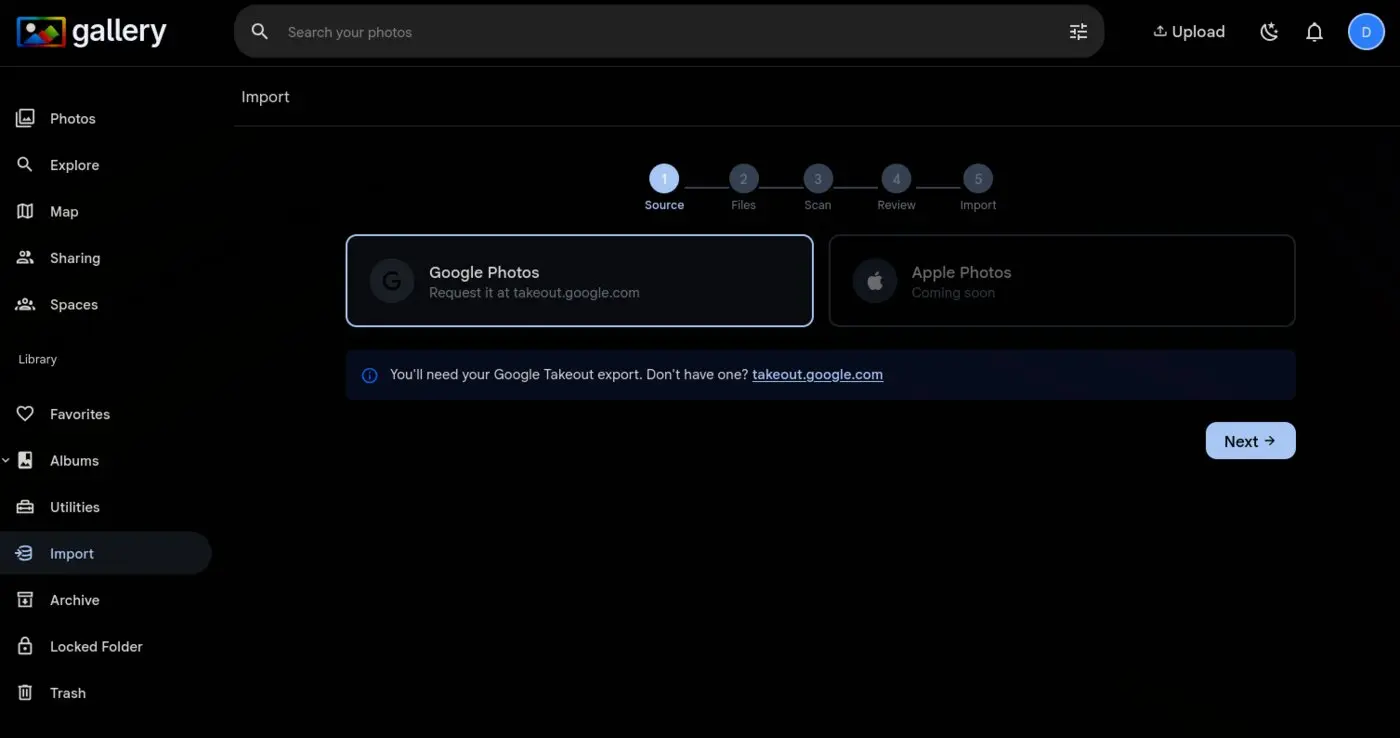
Gallery has an import wizard that reads your Google Takeout archive. Dates, GPS coordinates, descriptions, favorites and album structure all survive the move. Upload the zip in your browser and the wizard handles the rest.
See it in the demoRead about why Gallery beats Google Photosor follow the step-by-step migration guide.
Up and running in minutes
One Docker Compose file. Four services.
services:
  gallery-server:
    image: ghcr.io/open-noodle/gallery-server:release
    volumes:
      - /path/to/photos:/usr/src/app/upload
    env_file:
      - .env
    ports:
      - "2283:2283"
    depends_on:
      - redis
      - database

  gallery-ml:
    image: ghcr.io/open-noodle/gallery-ml:release

  redis:
    image: valkey/valkey:9

  database:
    image: ghcr.io/immich-app/postgres:18-vectorchord1.1.1-pgvector0.8.5
The full installation guide covers the .env file and the rest.
Join the community
Get help with your setup and shape the roadmap.
Start tonight.
Keep every photo.
Already on Immich? A three-line config change, then one pull command. Your photos, albums and faces come across untouched.