Everything in Immich,
plus more
Gallery is built on top of Immich, the self-hosted photo app. Every core feature is here, plus the ones we have been waiting for.
Coming from Immich? See what makes Gallery different →
Filters
Category
Tags
Edit members' photos in SpacesGallery exclusive
An Owner or Editor of a Shared Space can now fix the photos other members put there: rotate and crop, correct the date and location, add a description, a rating or a tag. The photo's owner sees who changed what.
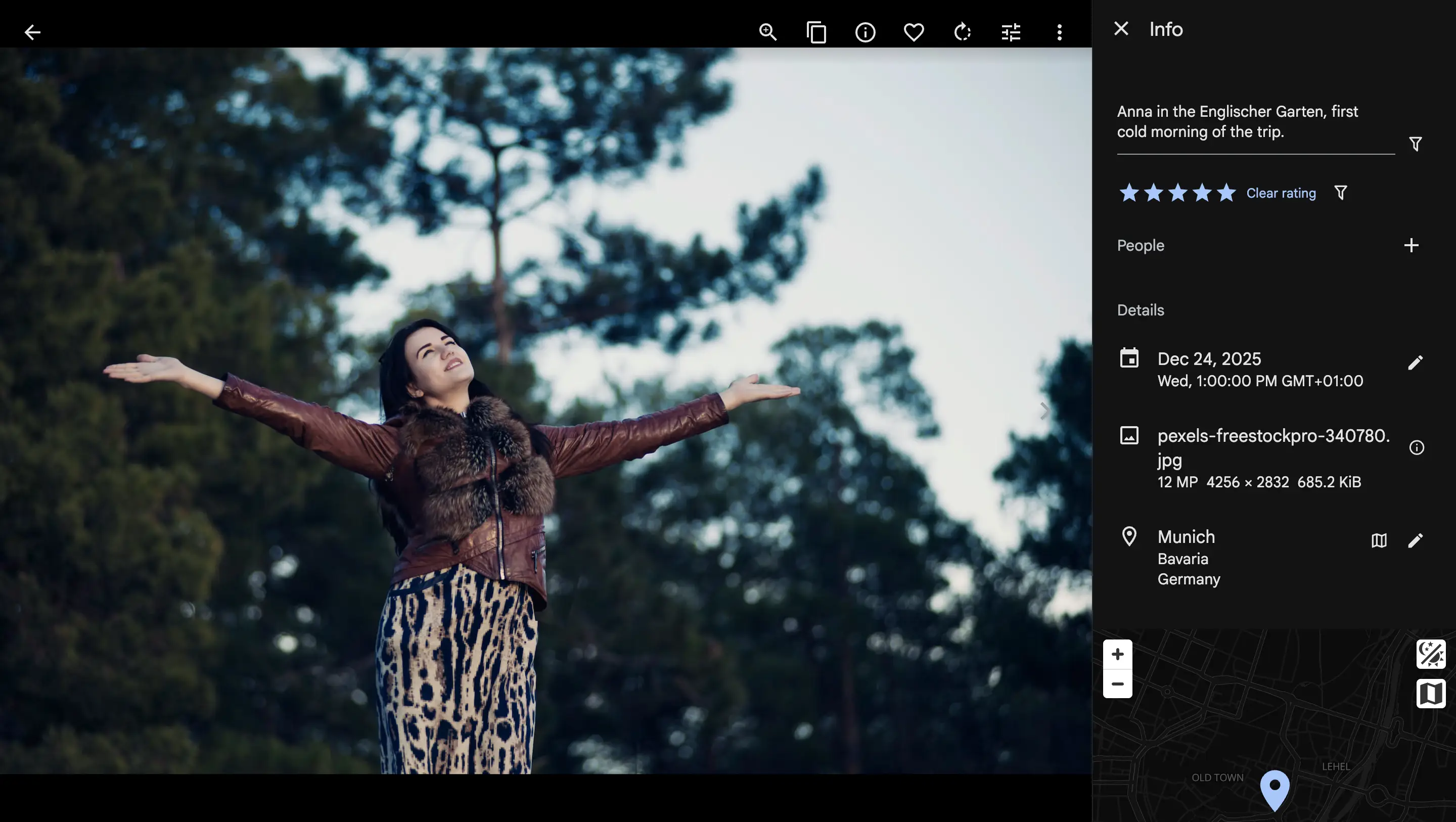
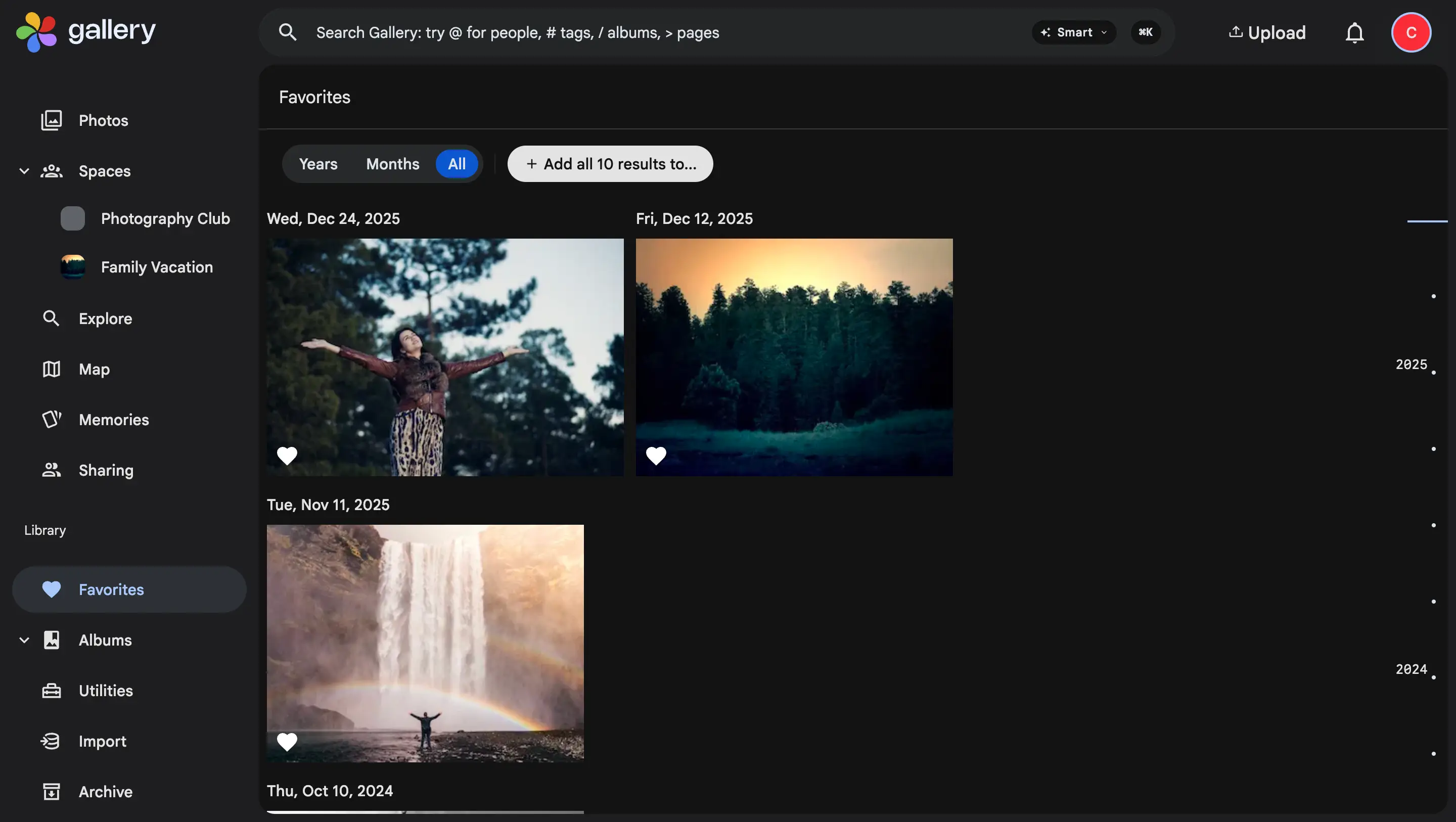
Personal favoritesGallery exclusive
Favoriting is now yours. Anybody who can see a photo can heart it, Space viewers included, and nobody else sees your hearts or can change them.
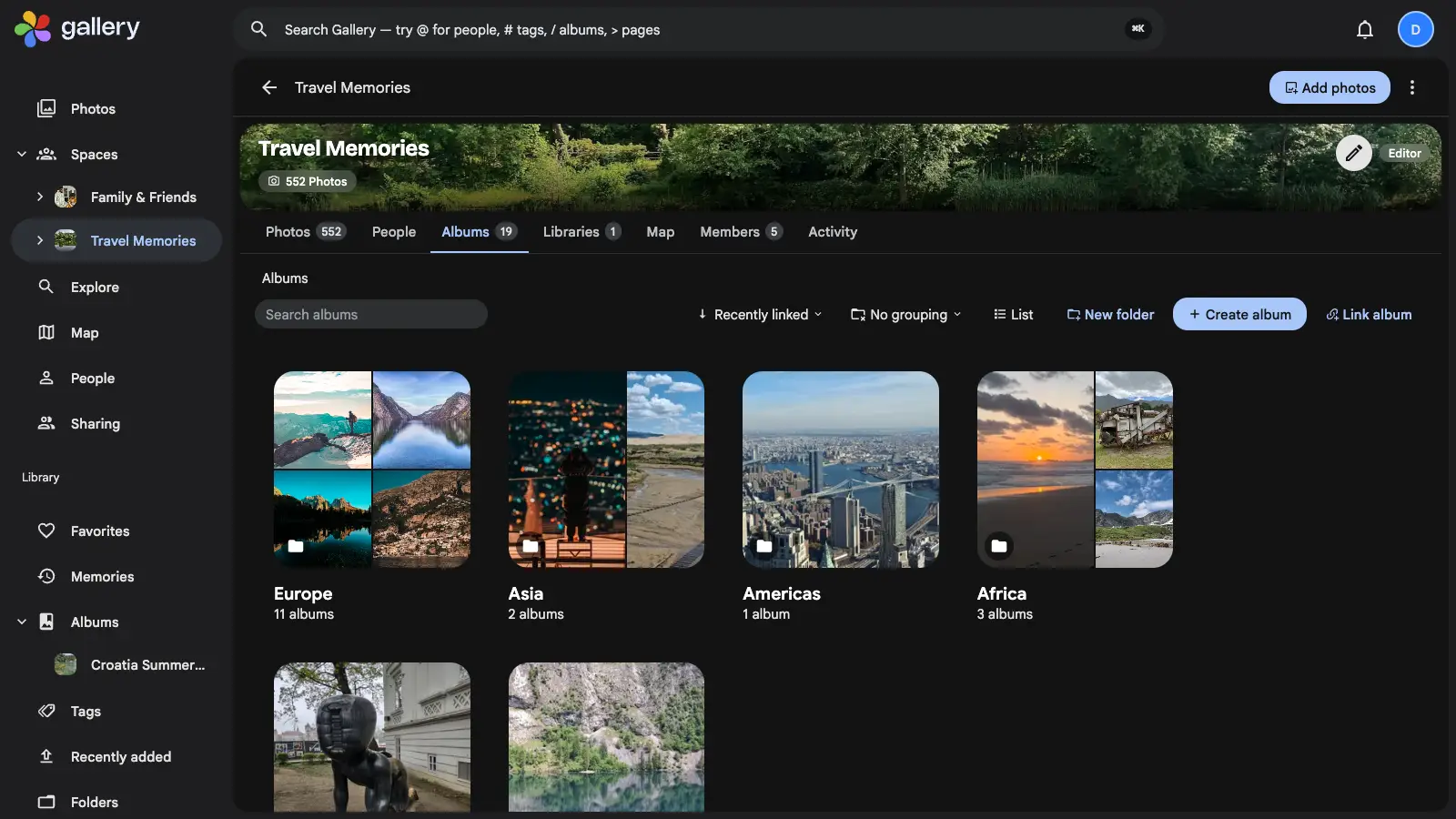
Space album foldersGallery exclusive
Nest a Shared Space's albums inside folders. Group them by continent, trip or year, drag them where they belong, and give a space with twenty albums a shape every member can follow.
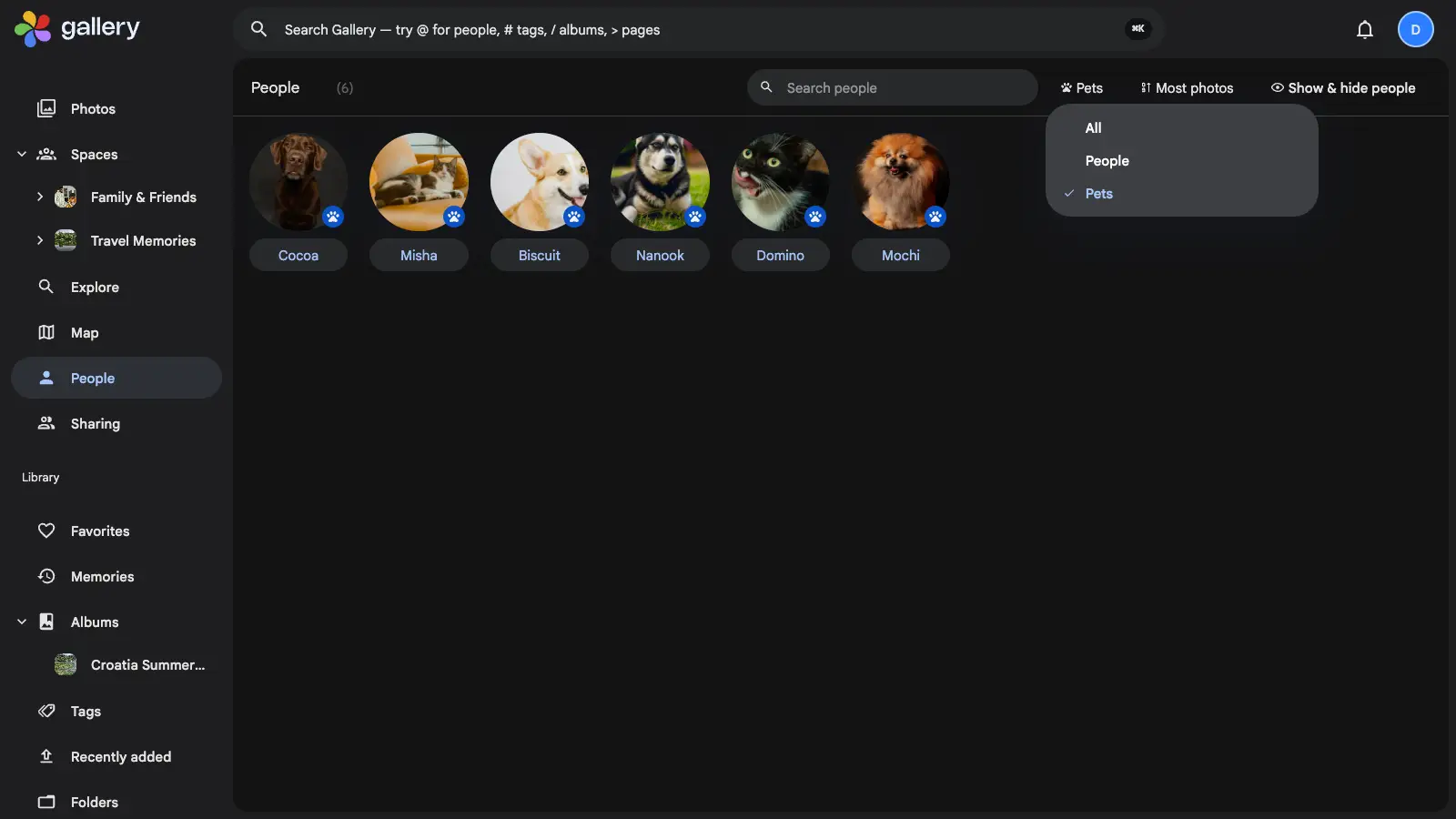
Pet recognitionGallery exclusive
Your two dogs stop being one shared "dog" entry and become Cocoa and Biscuit. The three pet re-identification models behind that are ours, trained here and published as open weights.
Generated memoriesGallery exclusive
Nine new kinds of memory, each on its own day of the month: a month recap, a season, a place you were on this date, a person you have not seen in a while, the videos you forgot you shot.
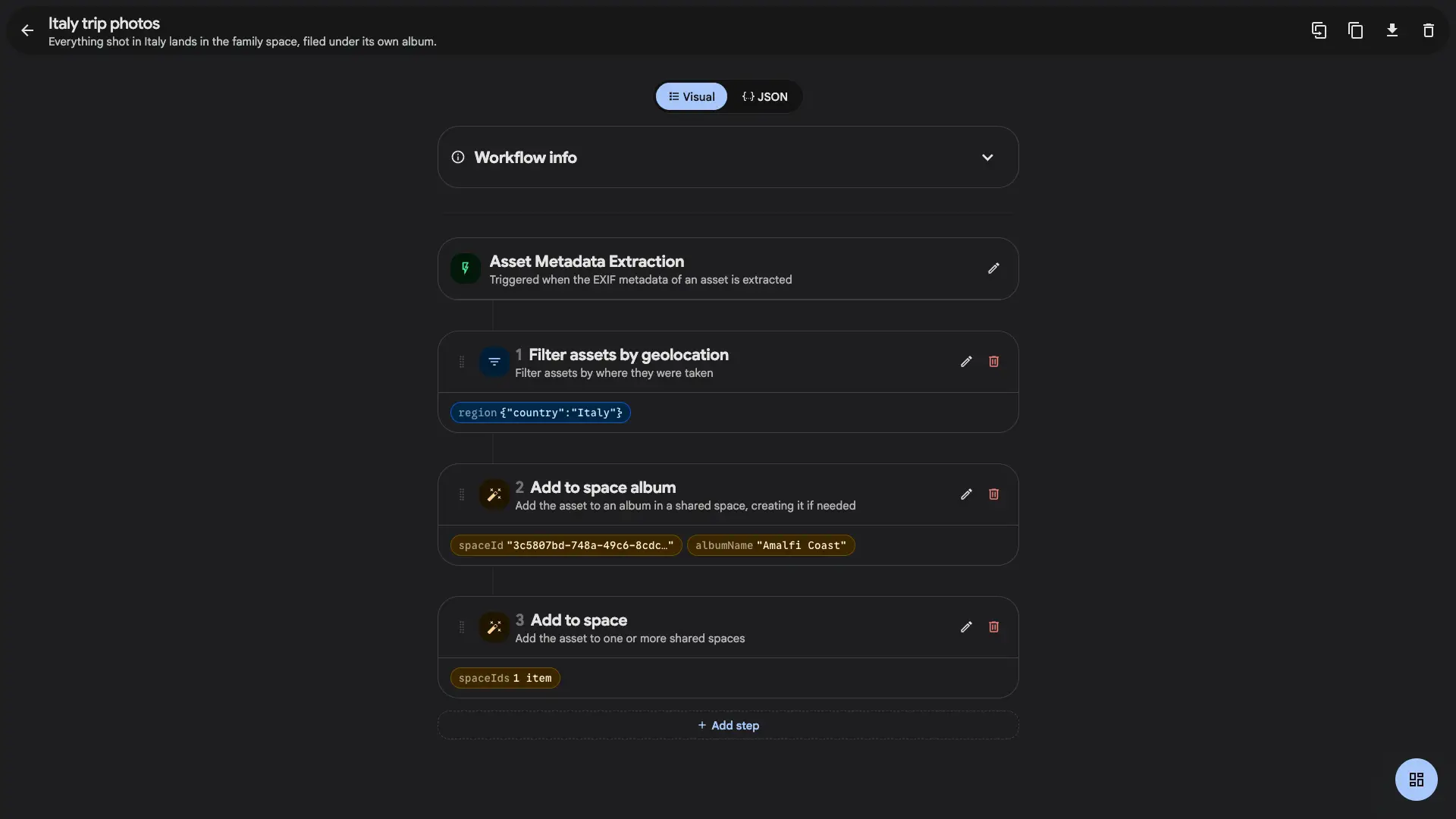
Workflows for Shared SpacesGallery exclusive
Let a workflow file photos into a Shared Space for you: into the space itself, or straight into an album inside it, created on the spot if it does not exist yet.
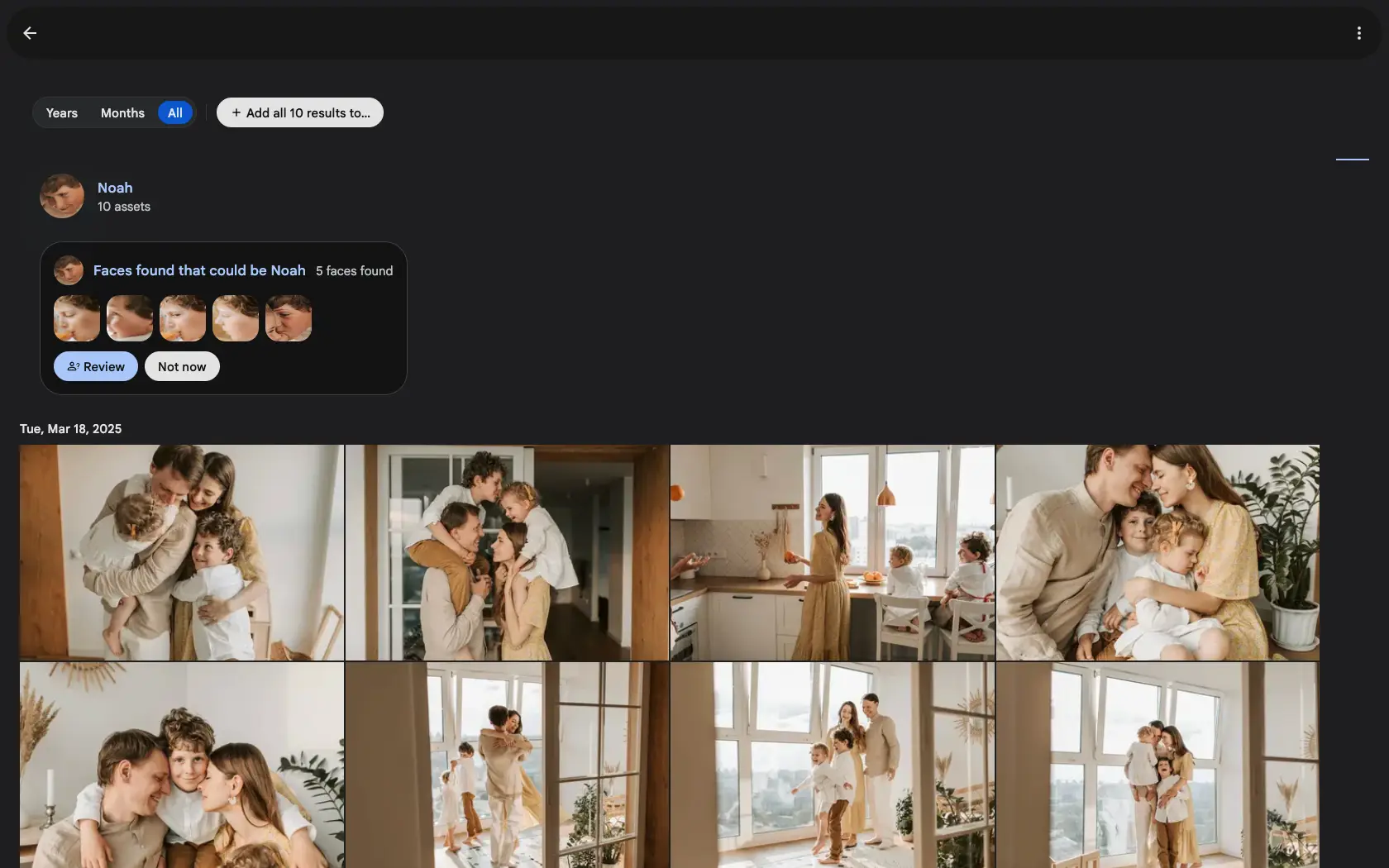
Face suggestionsGallery exclusive
Face recognition plays it safe and skips the close calls. Gallery brings those near-misses back to you, one face at a time, on the person page where they belong.
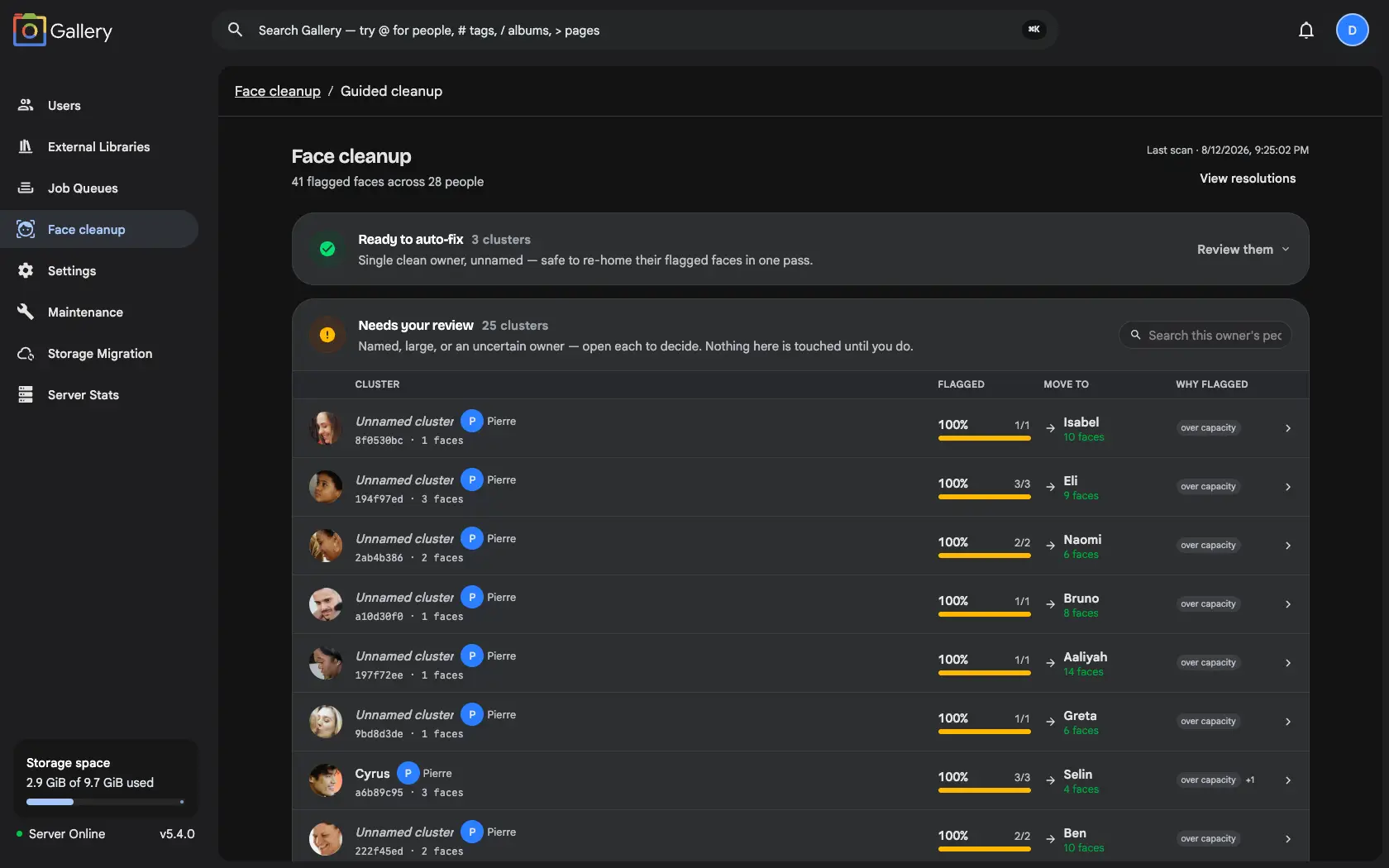
Face cleanupGallery exclusive
When recognition does get it wrong, a console finds the mixed-up clusters and lets you re-home every face, guided by a scan or by hand on anyone you pick.
Contextual filtersGallery exclusive
Click any metadata value in the photo viewer (camera, lens, place, date, tag, filename) and the surface you are already on filters down to match.
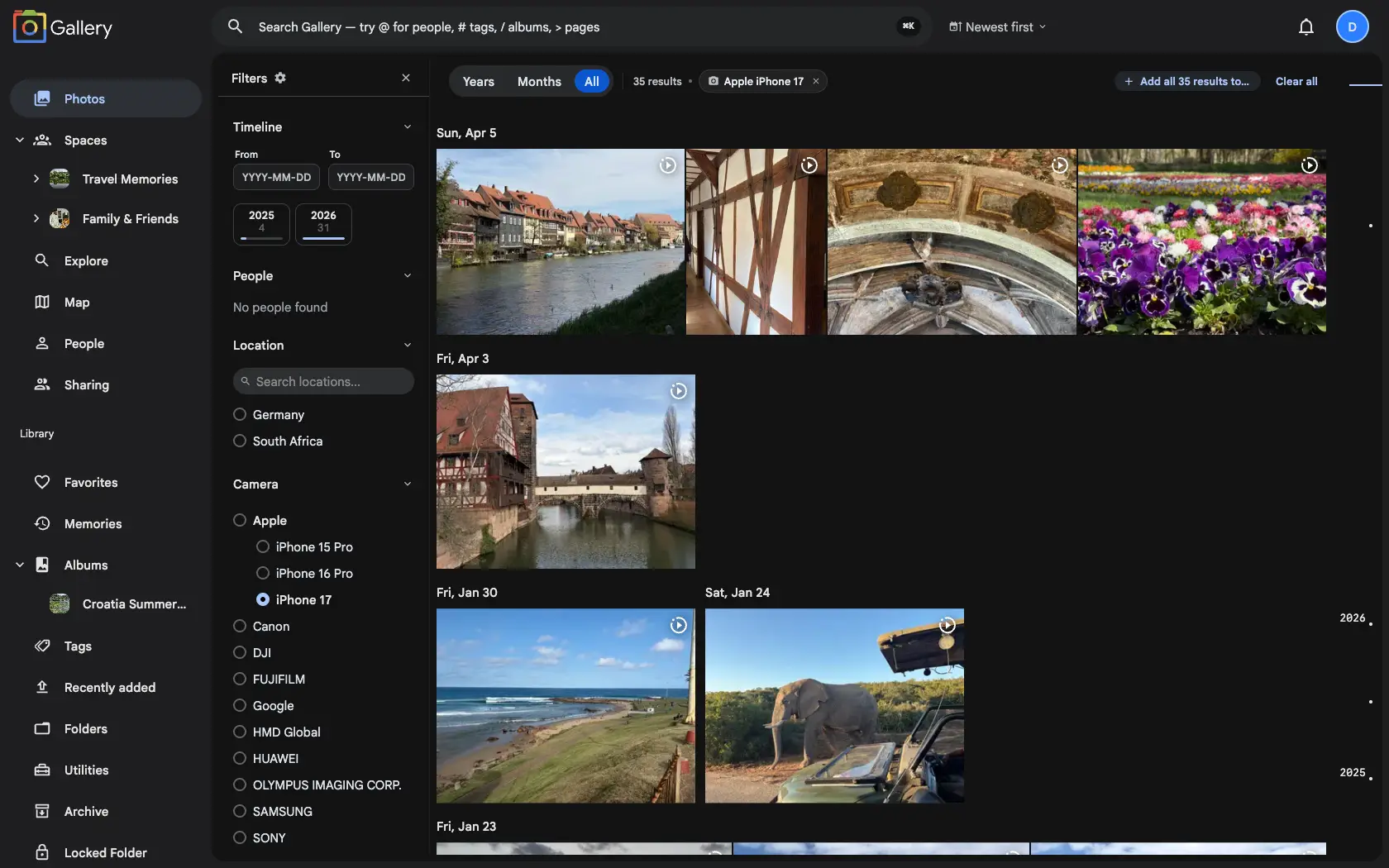
Space albumsGallery exclusive
Bring whole albums into a Shared Space. Link an existing album or create a new one inside the space, and every photo lands on a dedicated Albums tab for every member, on web and mobile.
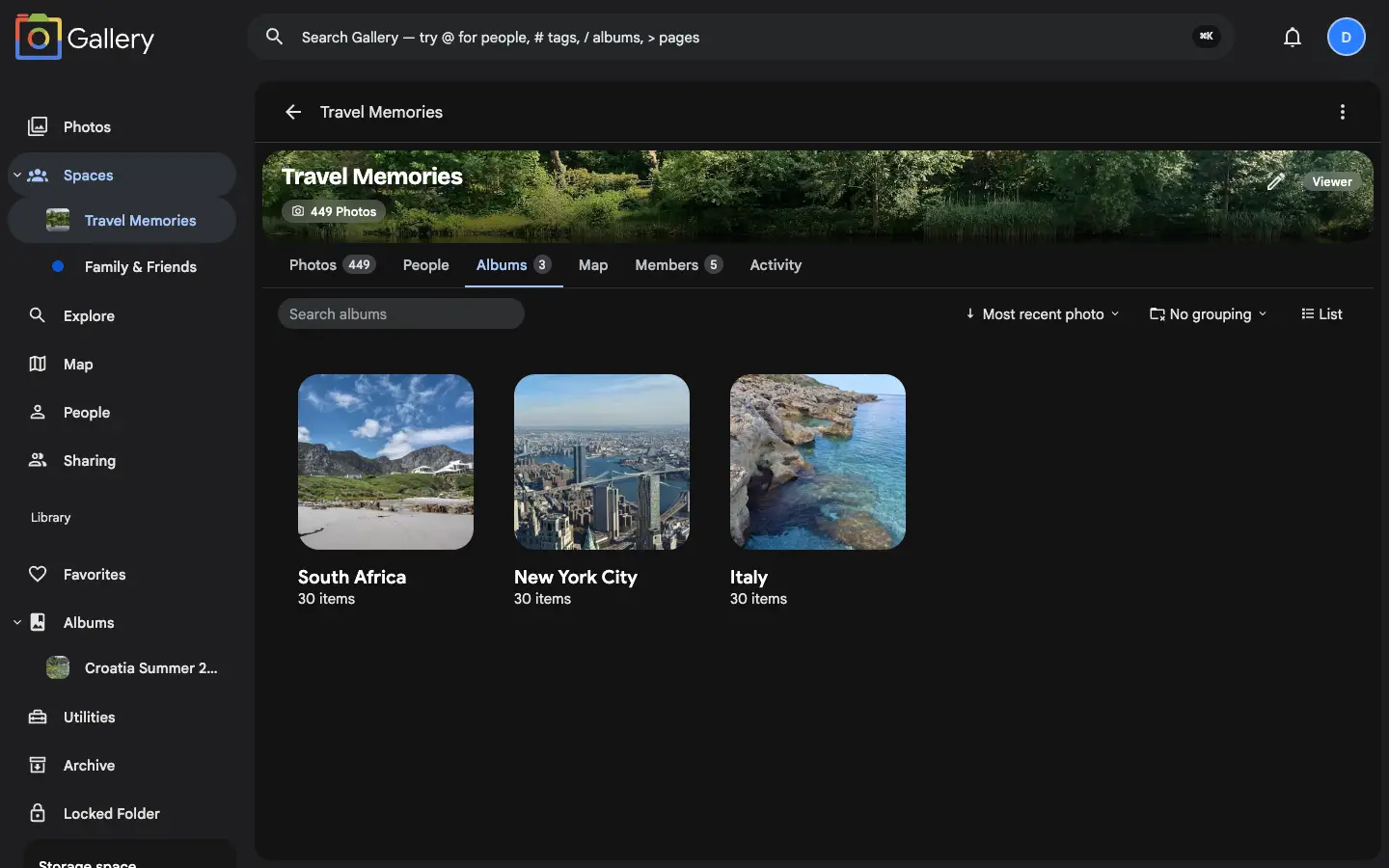
Timeline groupingGallery exclusive
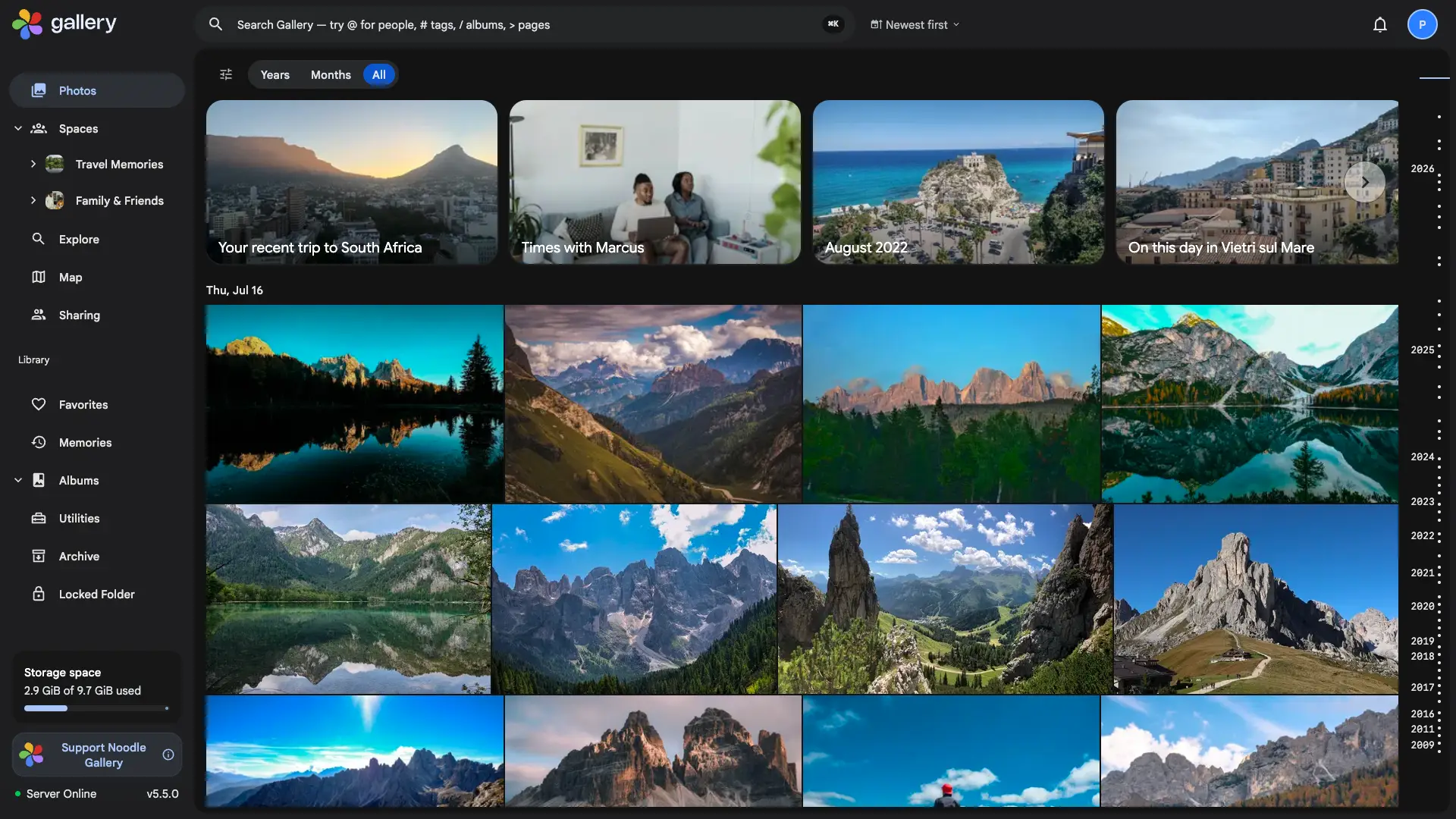
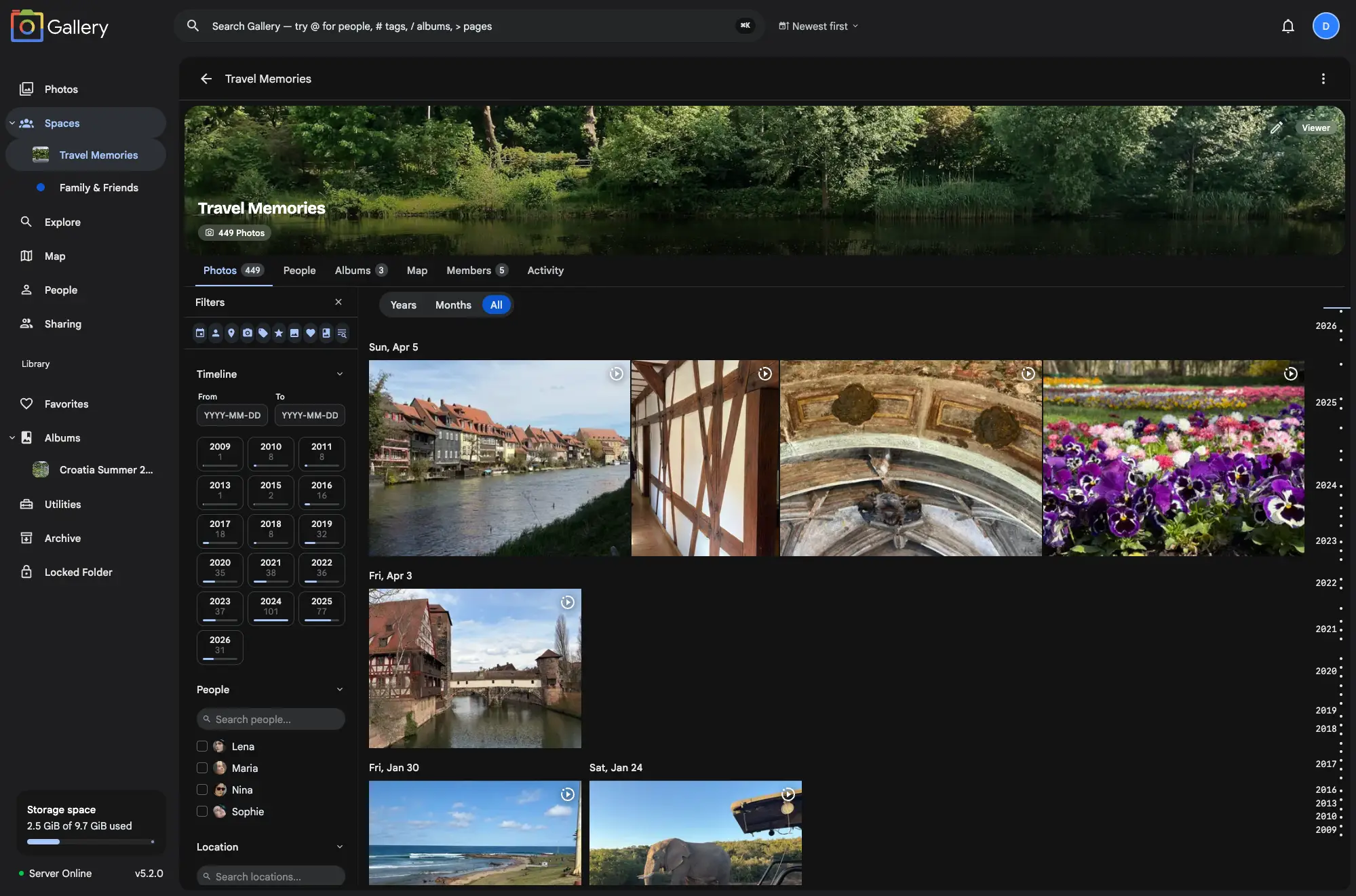
Switch between a yearly overview, monthly snapshots or full day-by-day detail on every timeline. Tap a card to zoom in without losing your place.
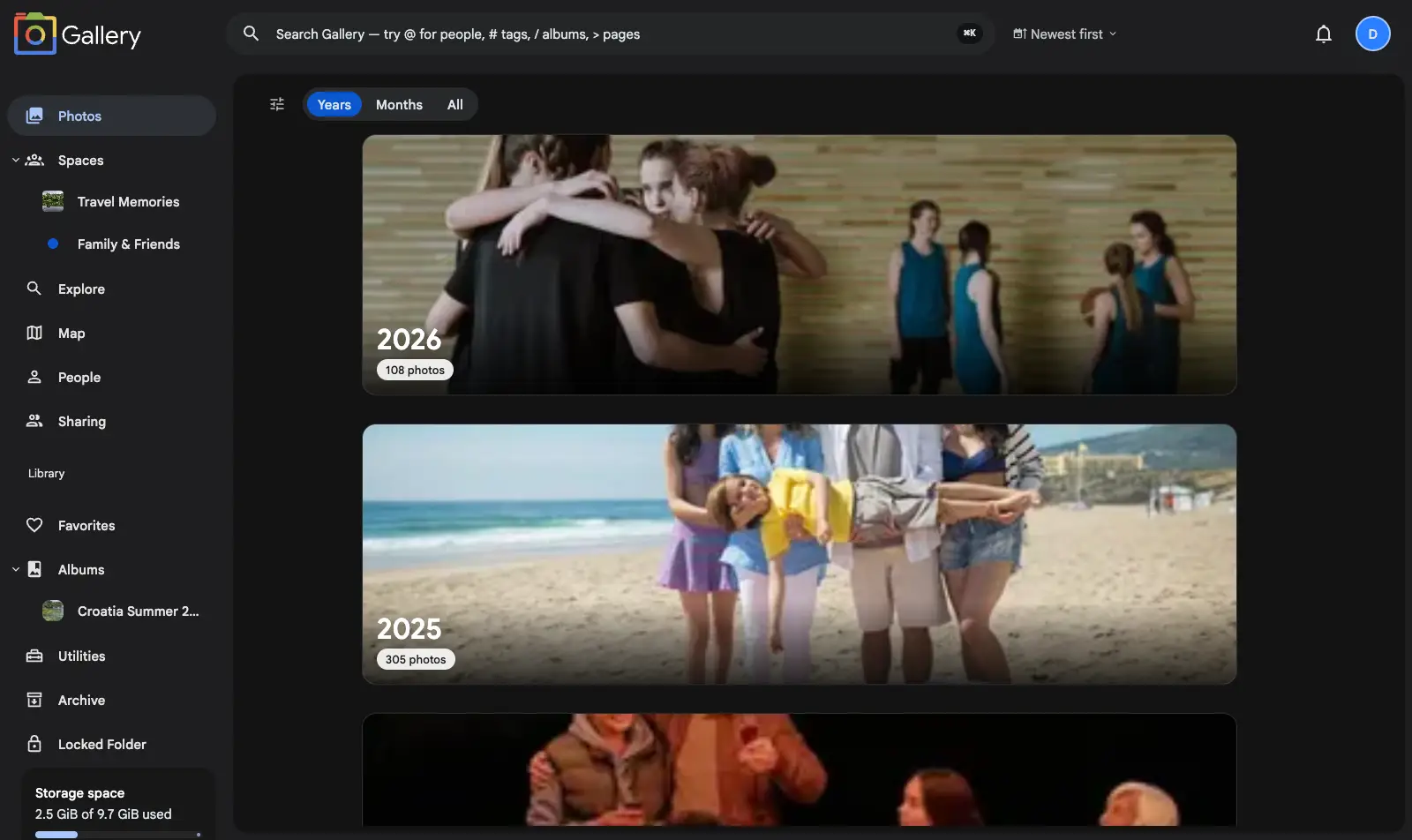
Global PeopleGallery exclusive
People now resolve across your personal library and timeline-enabled Shared Spaces, so the same person appears once wherever Gallery can prove it is the same identity.
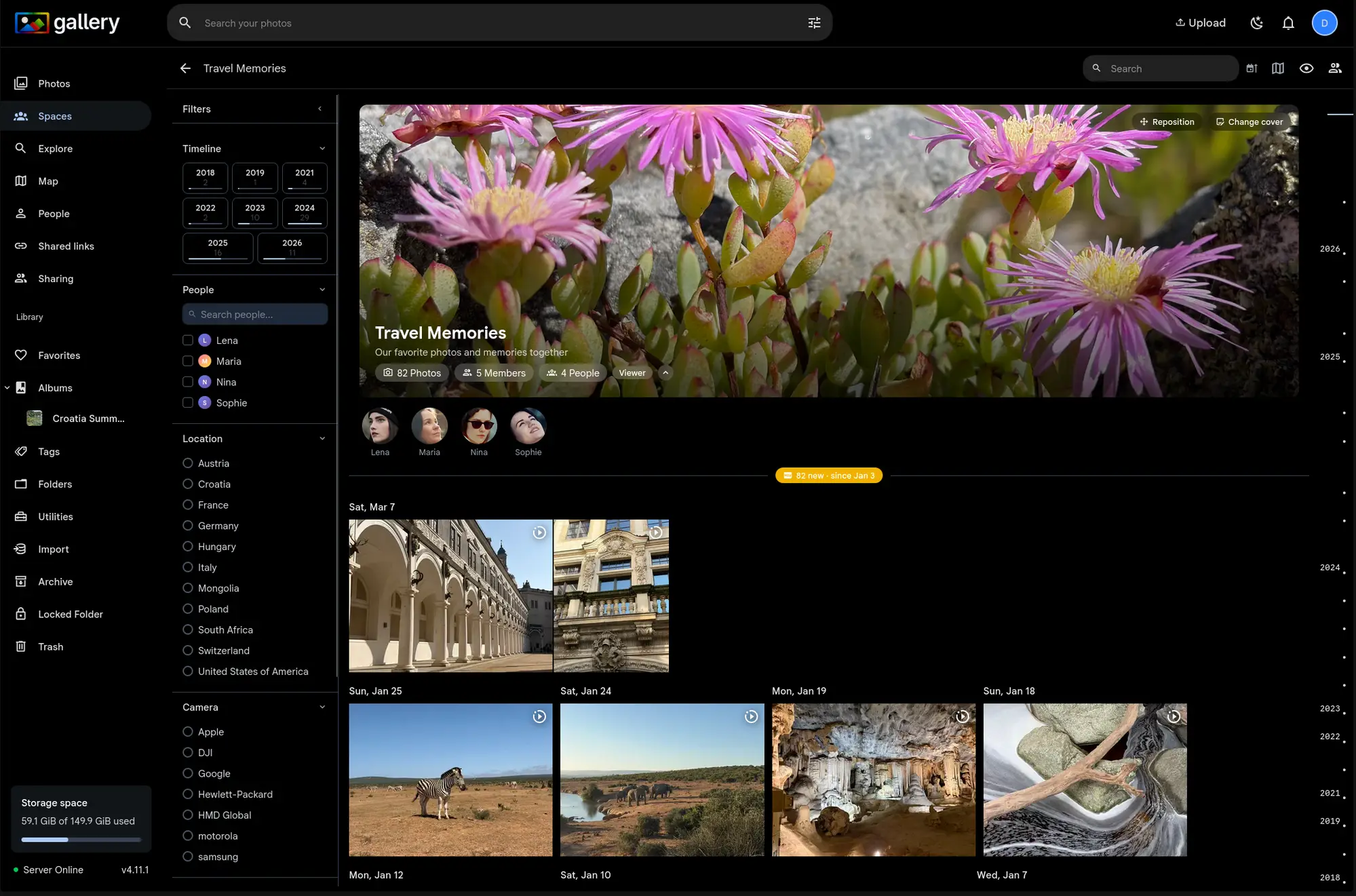
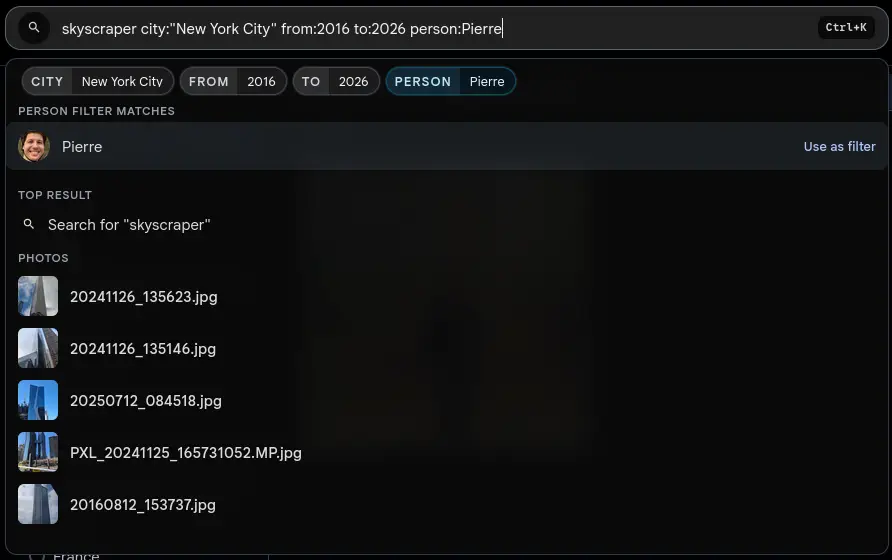
Inline search filtersGallery exclusive
Type filters straight into the search bar (people, tags, dates, locations, ratings, media type, favorites, cameras, album gaps) with live suggestions before you press Enter.
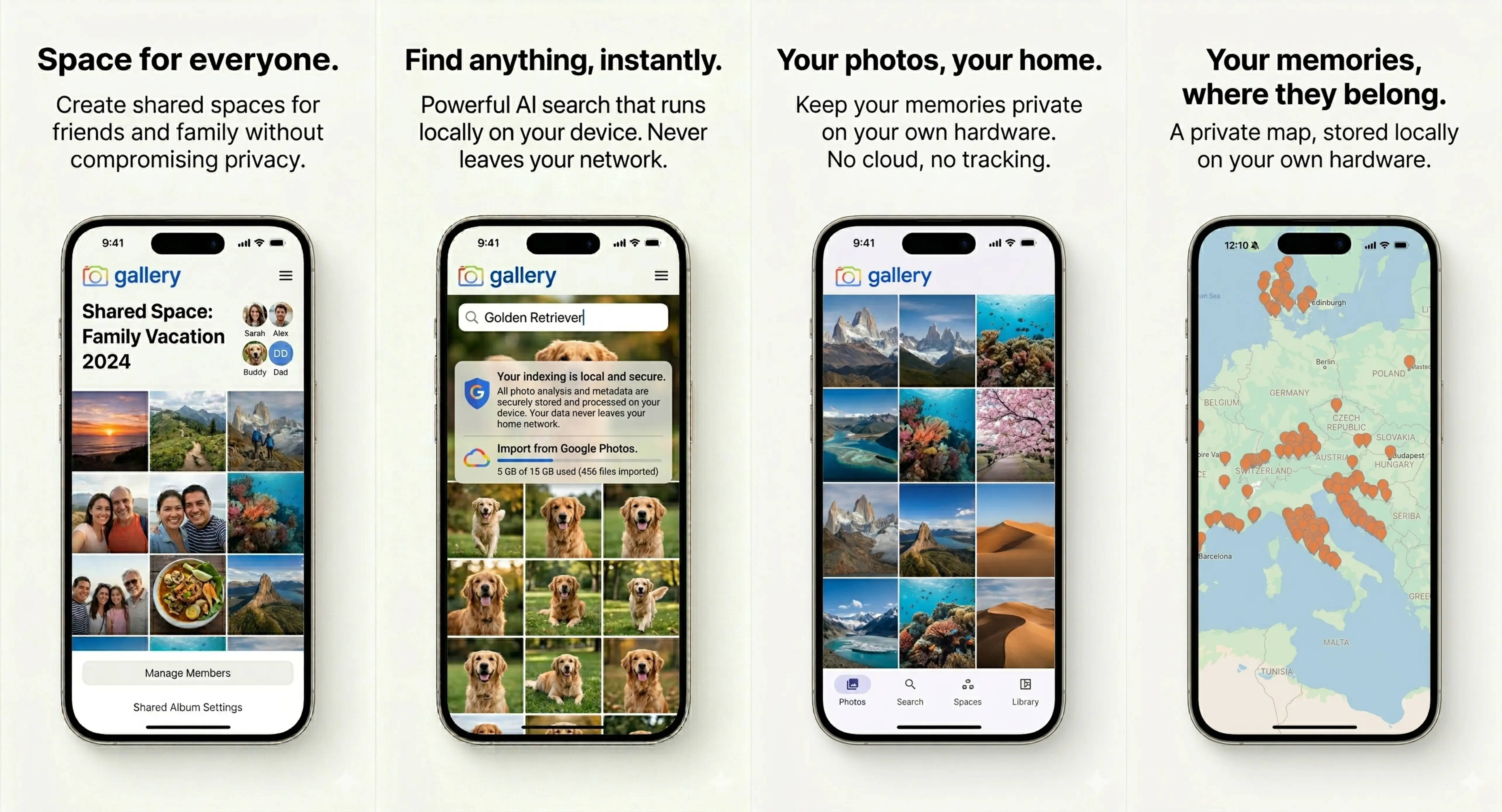
Noodle Gallery for AndroidGallery exclusive
The Noodle Gallery Android app is live on Google Play: background camera backup, on-device CLIP search, the map and Shared Spaces, from your Android phone.
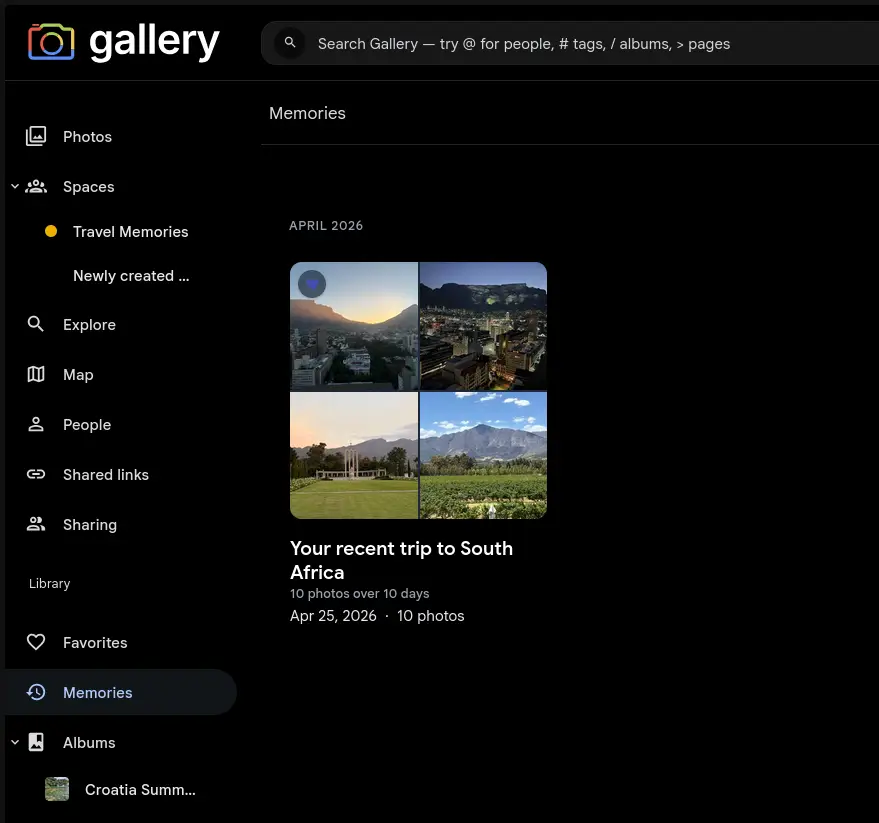
Memories archiveGallery exclusive
Browse every retained generated memory from the Memories page, and choose how long generated memories stay in your library.
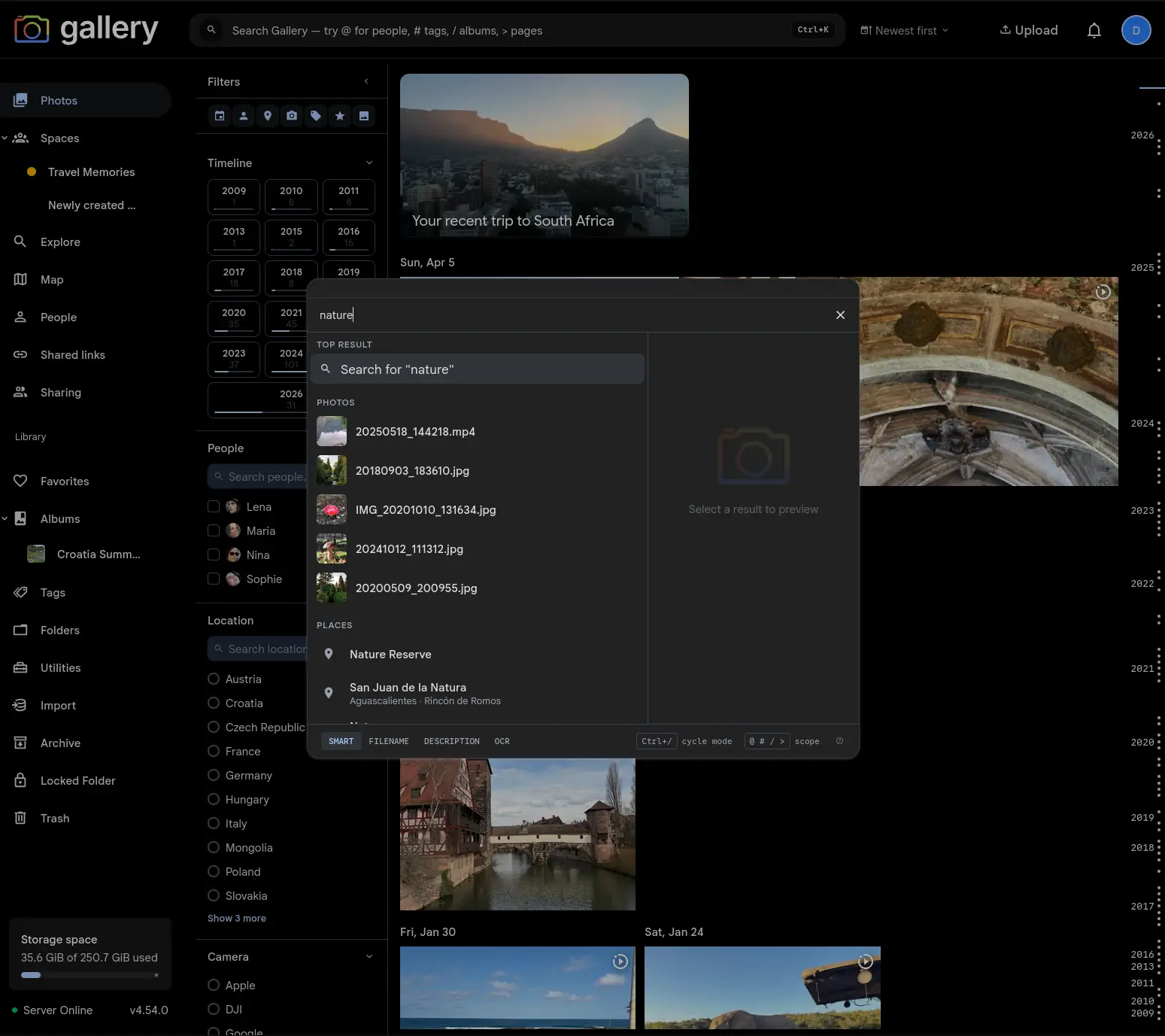
Global searchGallery exclusive
Cmd/Ctrl+K is now the main search surface: one command palette searches your current page, photos, people, places, tags, albums, Spaces, commands and settings.
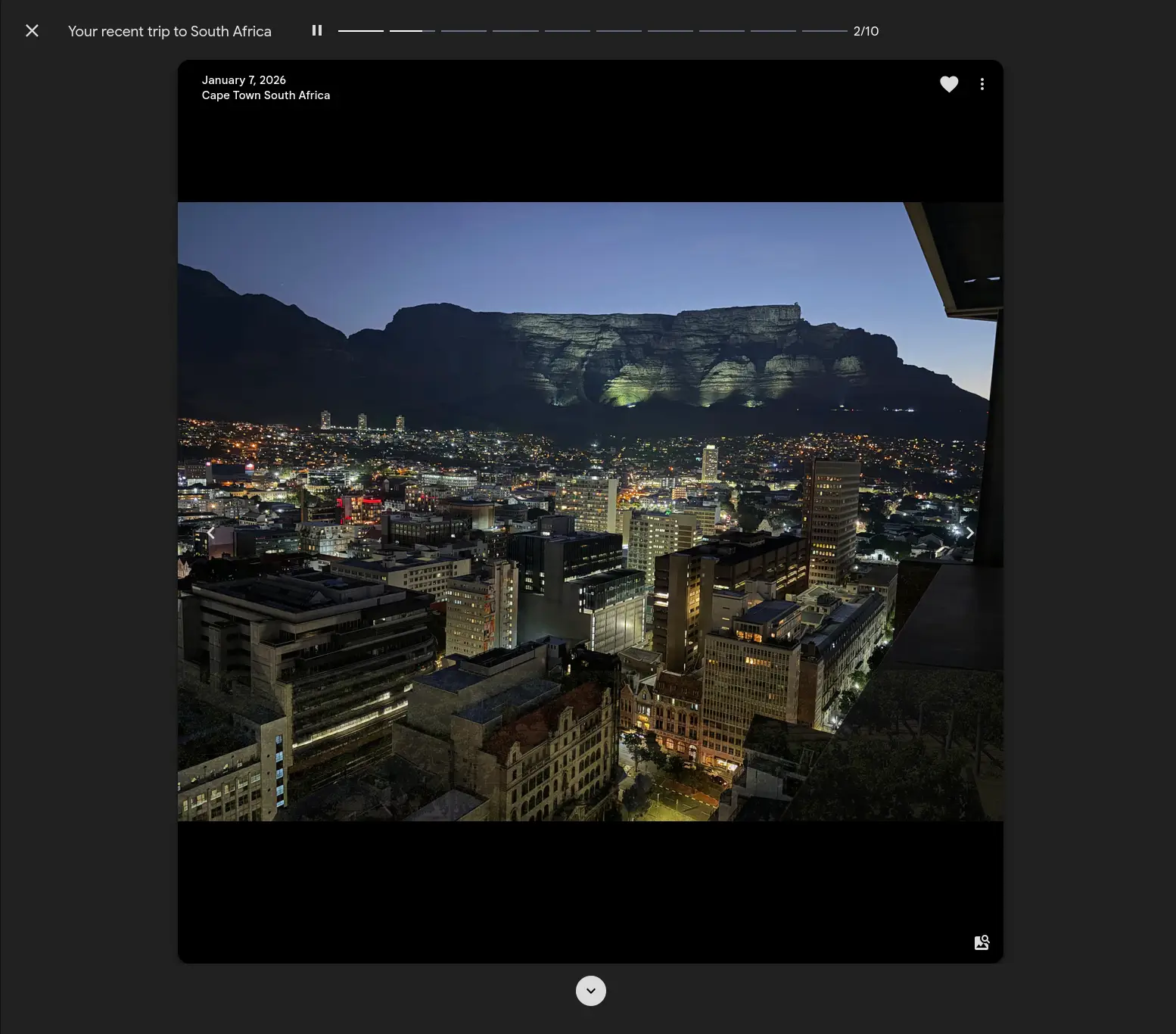
Smarter memoriesGallery exclusive
Recent trip and birthday memories come from server-side rules, with curated trip recaps and birthday sets that adapt to the photo history you have.
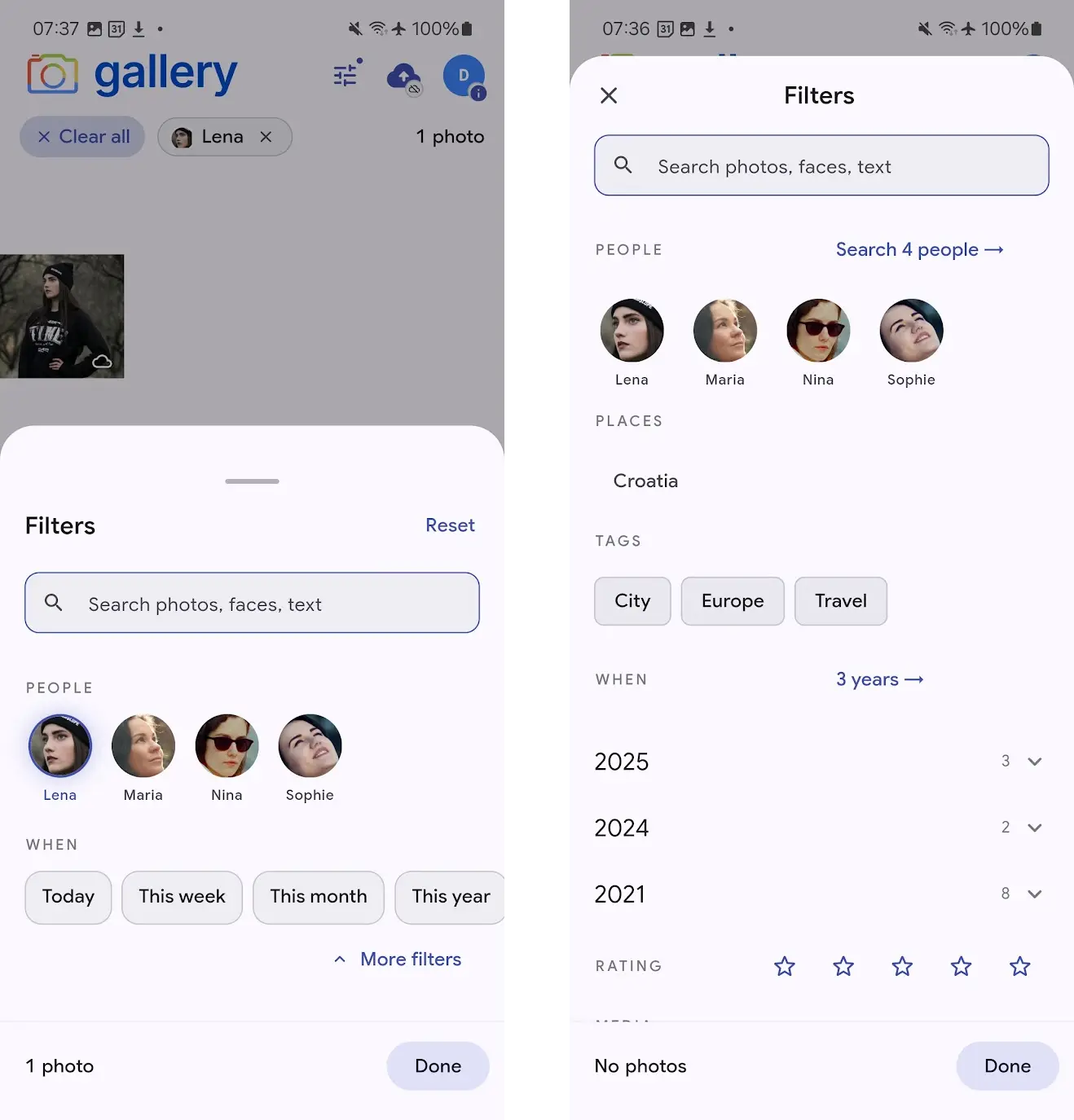
Photos filtering on mobileGallery exclusive
A three-snap bottom sheet on the Photos tab filters your timeline by people, places, tags, dates, rating and media type, without ever leaving the grid.
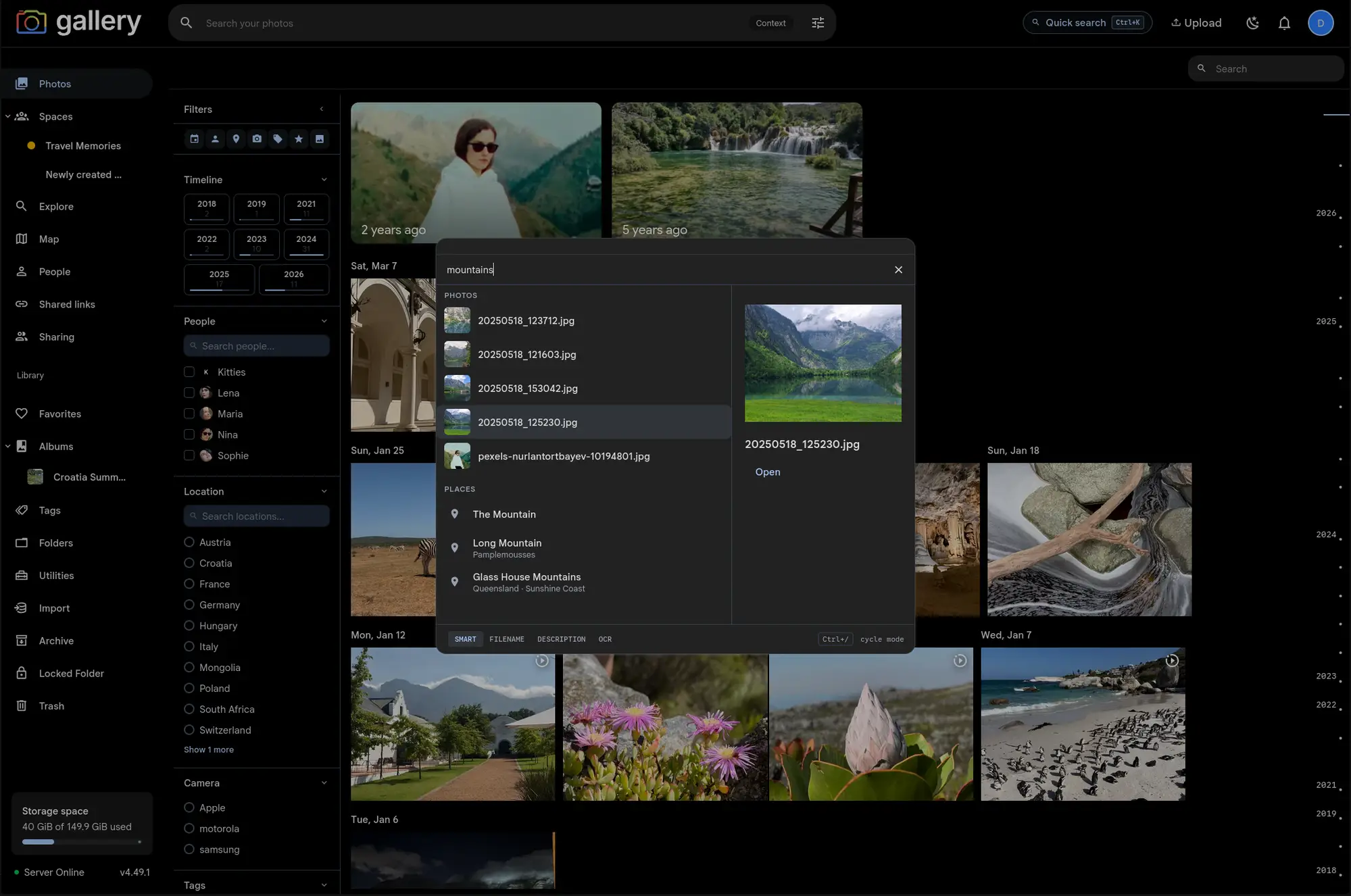
Search paletteGallery exclusive
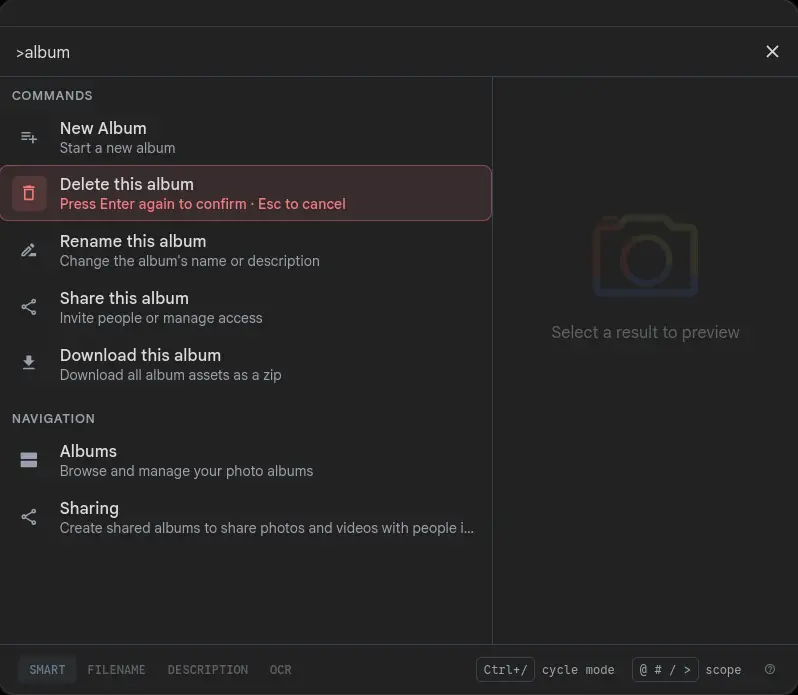
A keyboard-first command palette that searches photos, people, places and tags, jumps to any settings page, and fires context-aware verbs on the album or space you are viewing. All from Cmd/Ctrl+K.
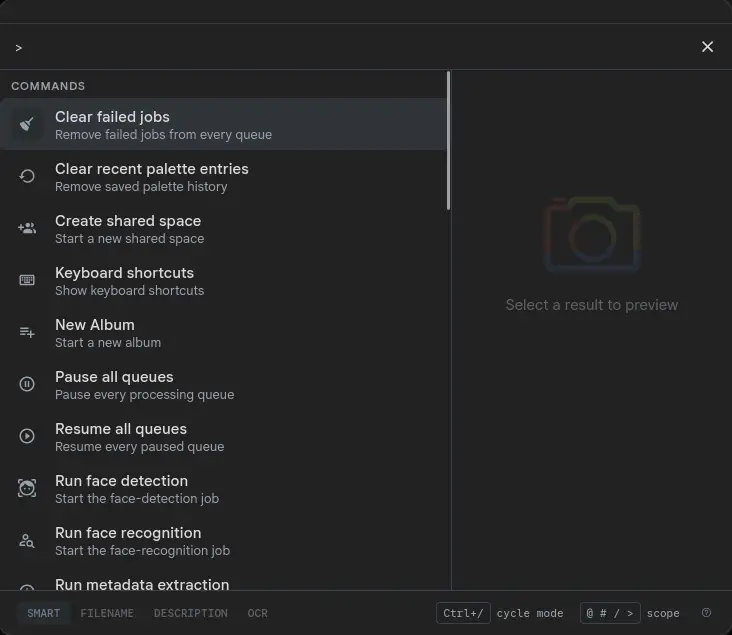
Prefix-scoped searchGallery exclusive
Type @ for people, # for tags, / for albums and spaces, or > for commands and pages. One prefix narrows the search palette to a single section, and a bare prefix opens the full index.
Page commandsGallery exclusive
On an album or space page the search palette grows context-aware verbs: rename, share, add member, delete. You see only what you can do there, and destructive ones take a second Enter.
Noodle Gallery for iPhoneGallery exclusive
The Noodle Gallery iPhone app is live on the App Store: background camera backup, on-device CLIP search, the map, and a working Shared Spaces preview.
Shared SpacesGallery exclusive
One timeline for photos that live across several people, phones and group chats, without forcing everyone into one account or one owner.
Search sorting and relevanceGallery exclusive
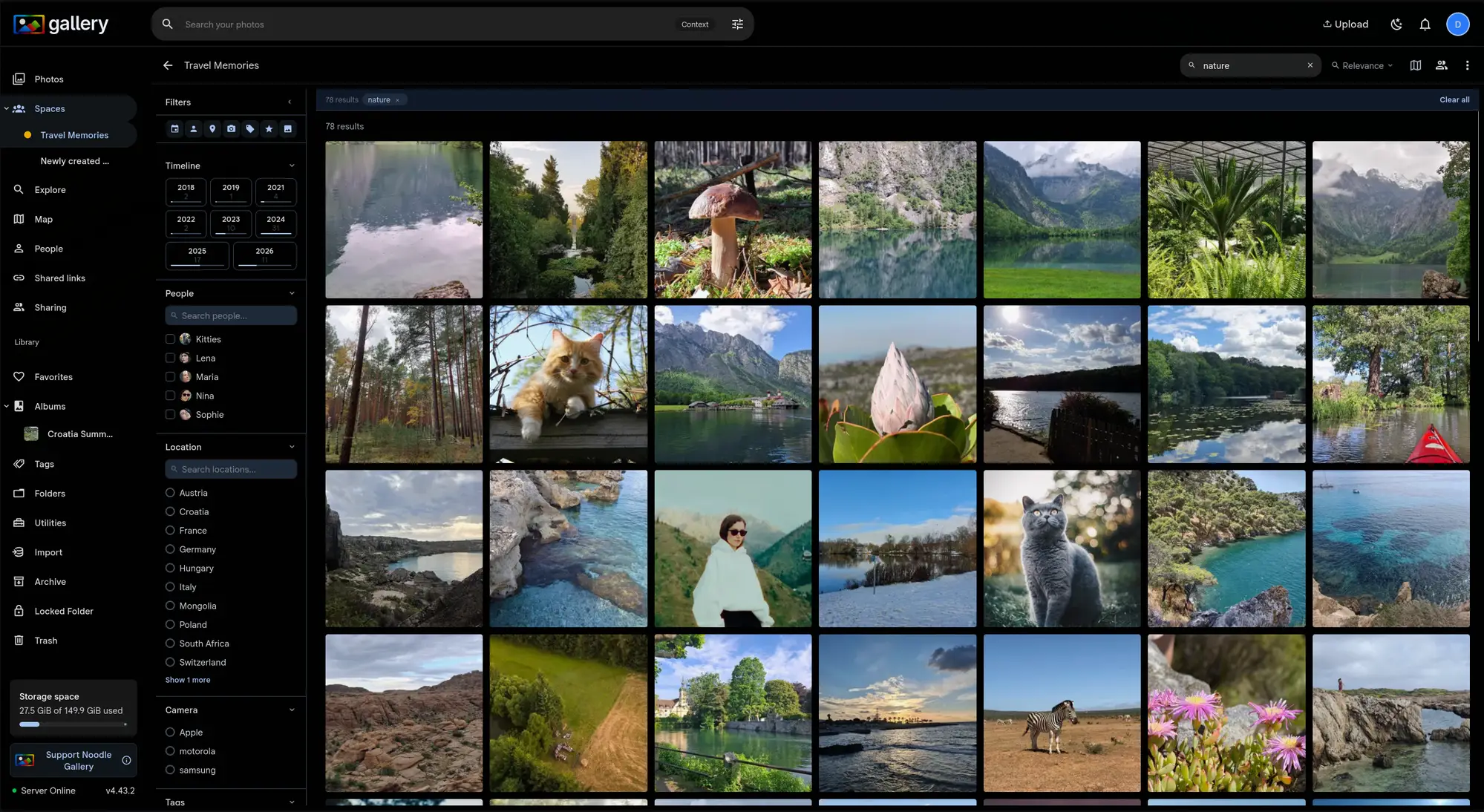
Order smart search results by date or relevance, and set a similarity threshold so filtered searches only return photos that actually look right.
Smart search and contextual filtersGallery exclusive
Search inside a Space with full-text and CLIP, with filter suggestions that narrow as you select.
Interdependent filteringGallery exclusive
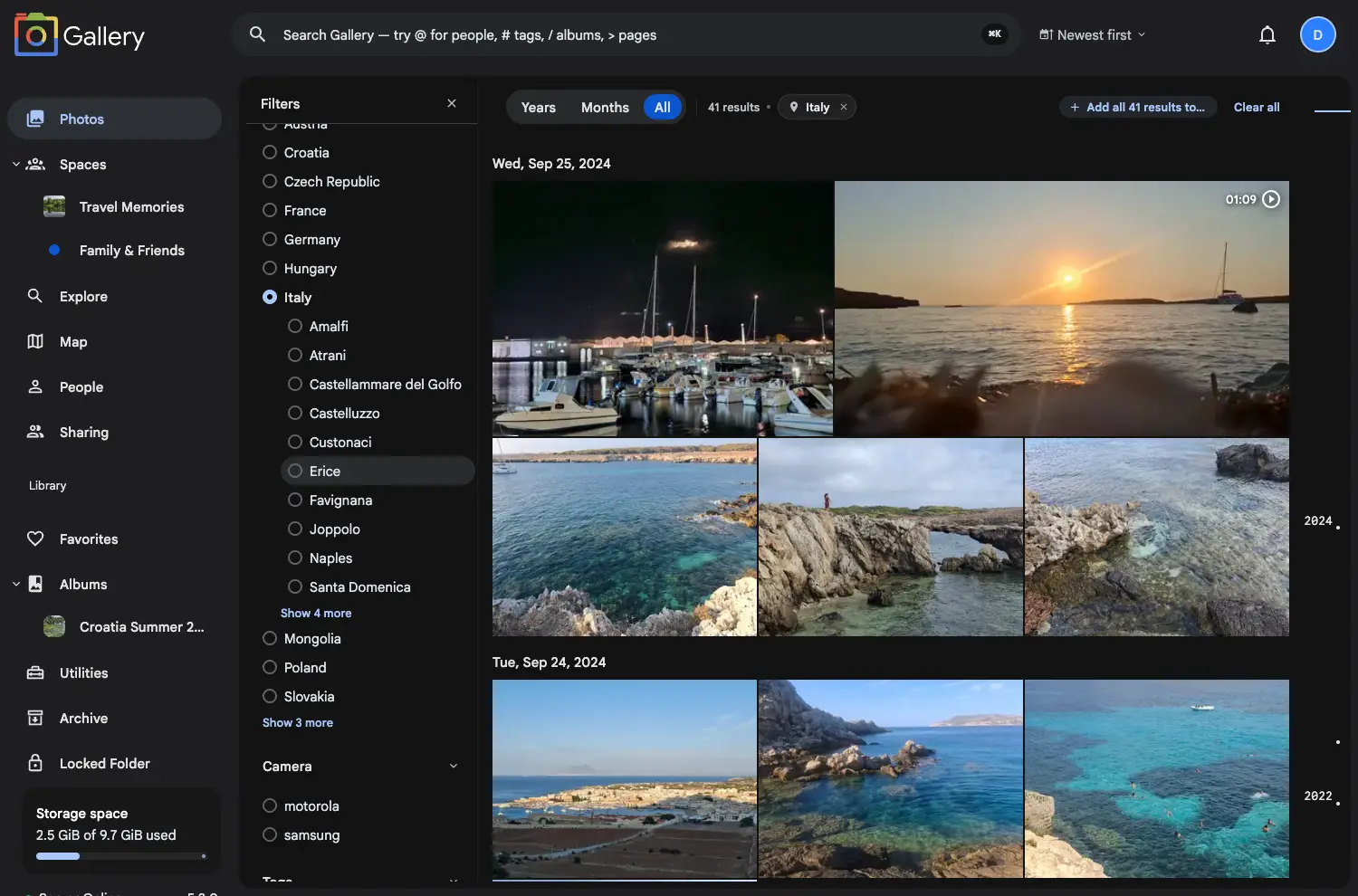
Every filter narrows every other filter. Pick a country and you only see the cameras, people, tags and ratings that exist in those photos.
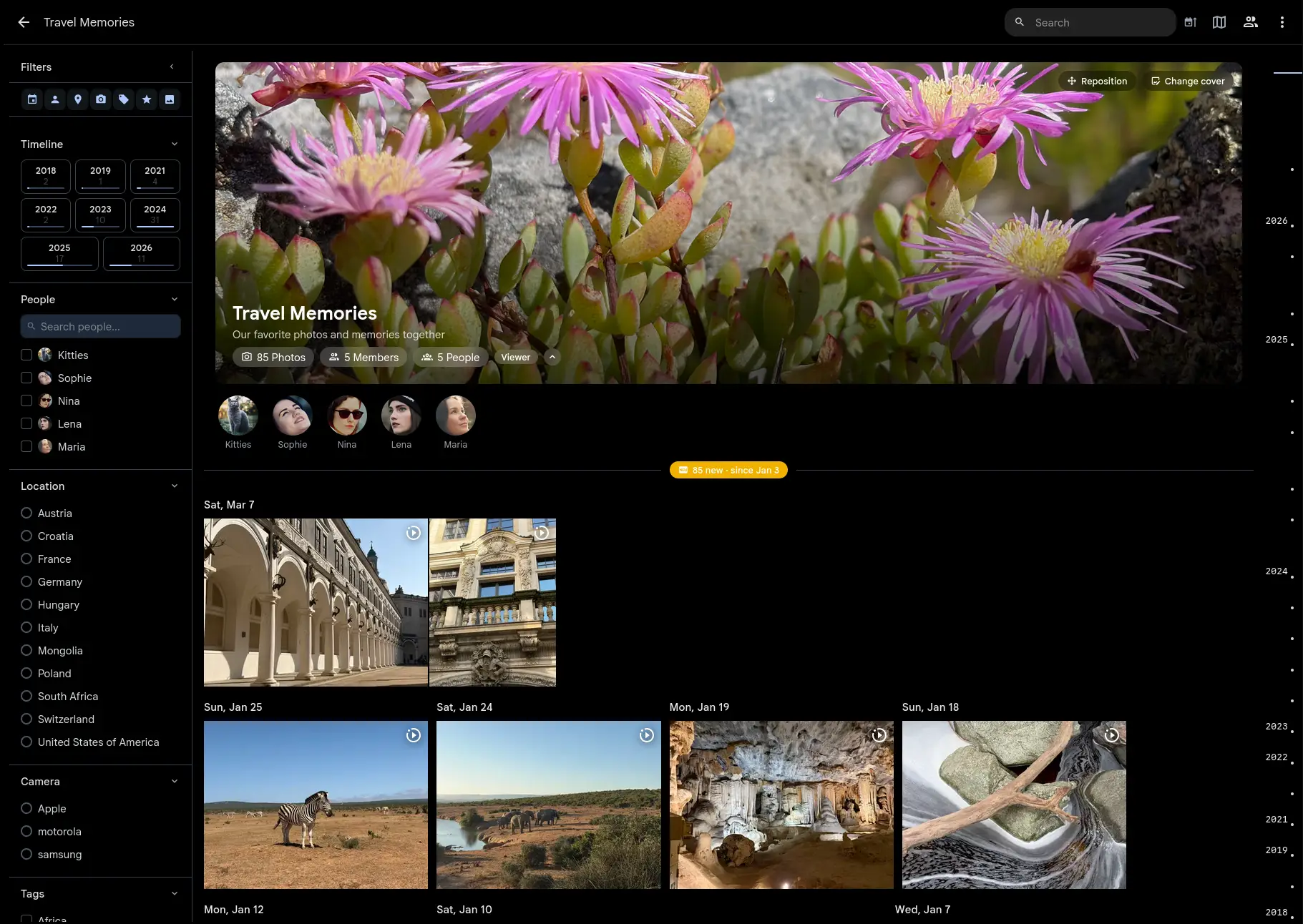
Spaces filteringGallery exclusive
Filter a Space timeline by date range, people, location, camera and tags.
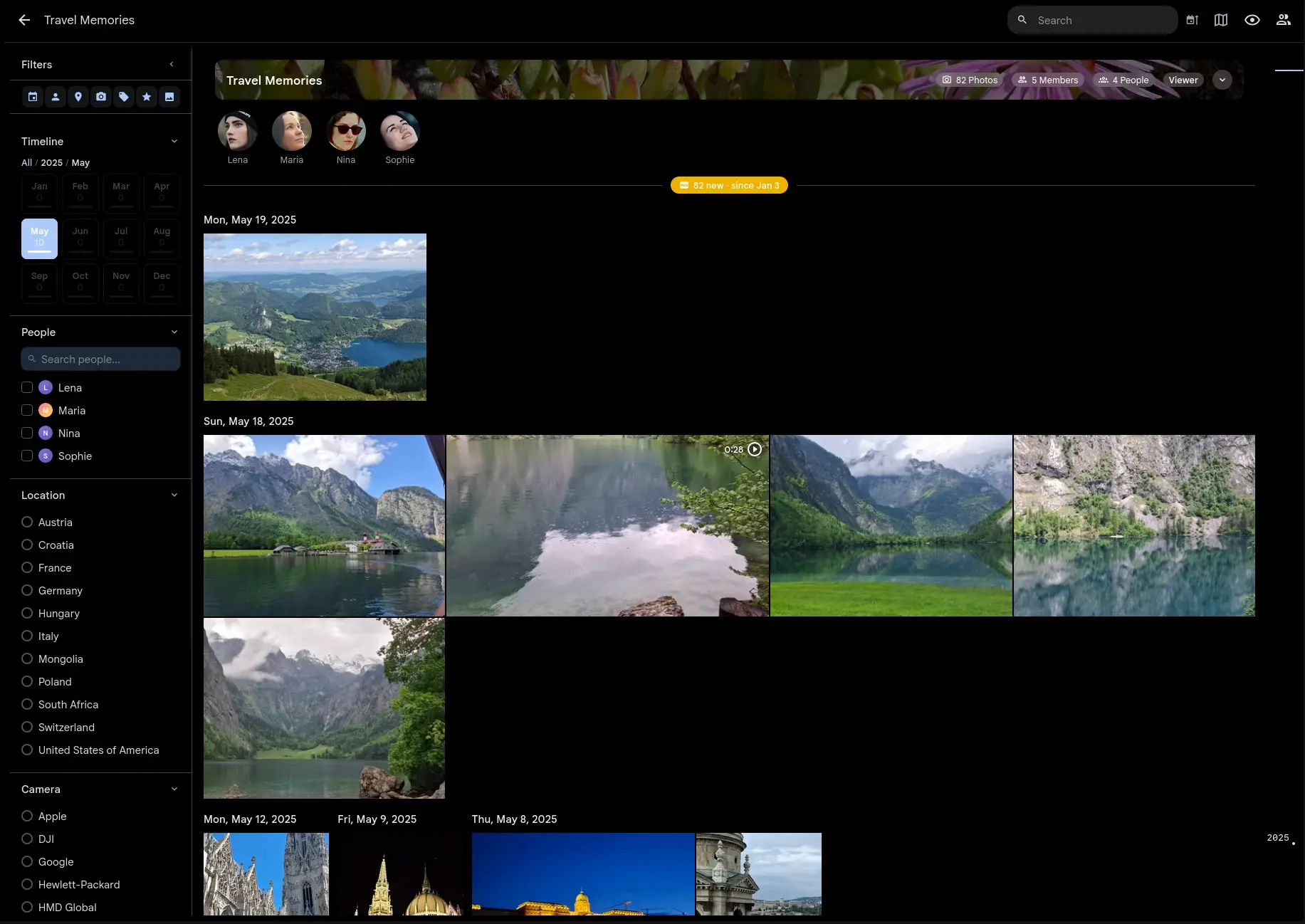
Map filteringGallery exclusive
Filter the map by people, camera, tags, rating, favorites and date. The same filters you use on Photos, now on the map.
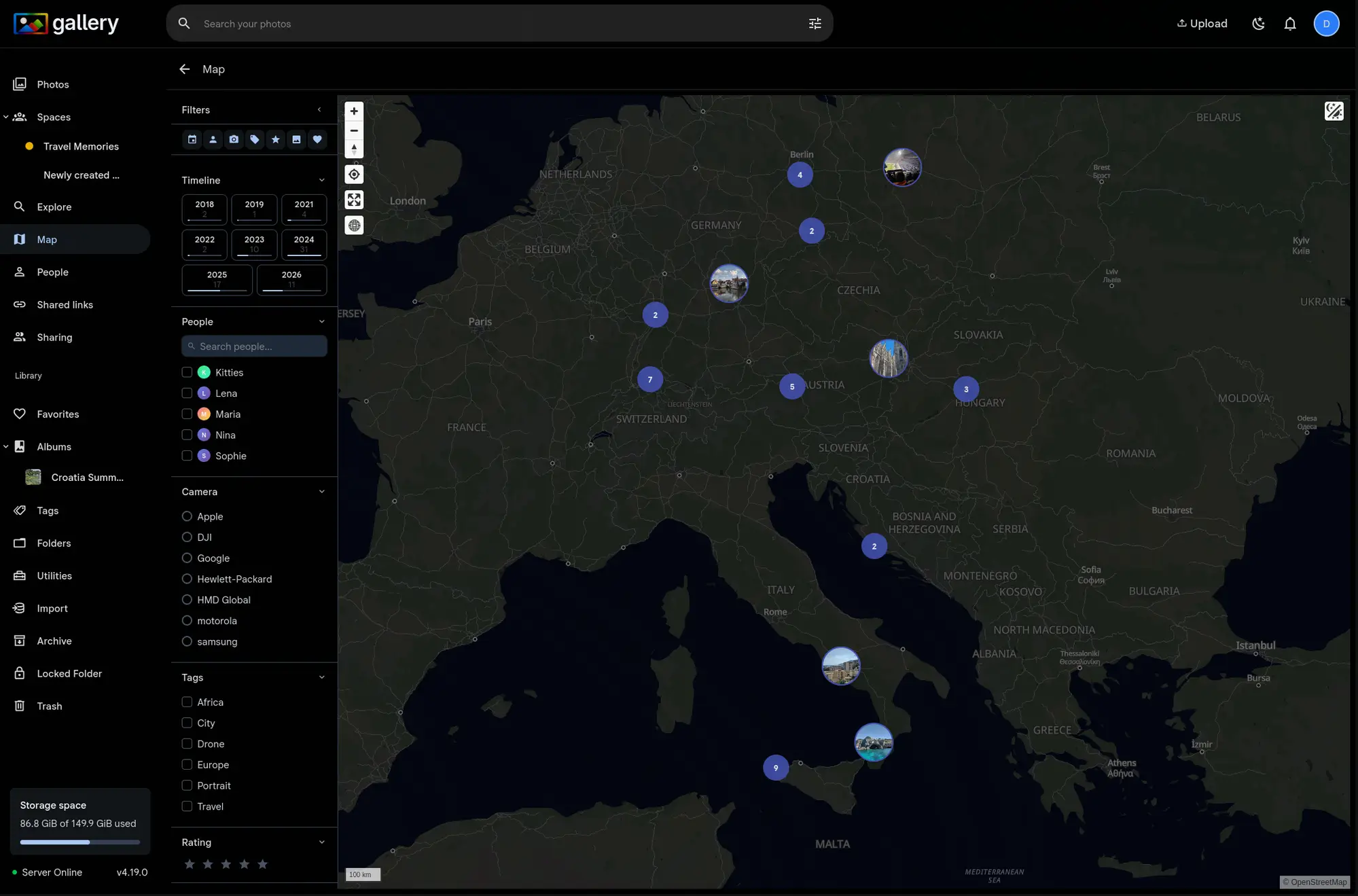
Video trimmingGallery exclusive
Trim a video in the browser. Lossless stream copy makes it instant and leaves the quality alone.
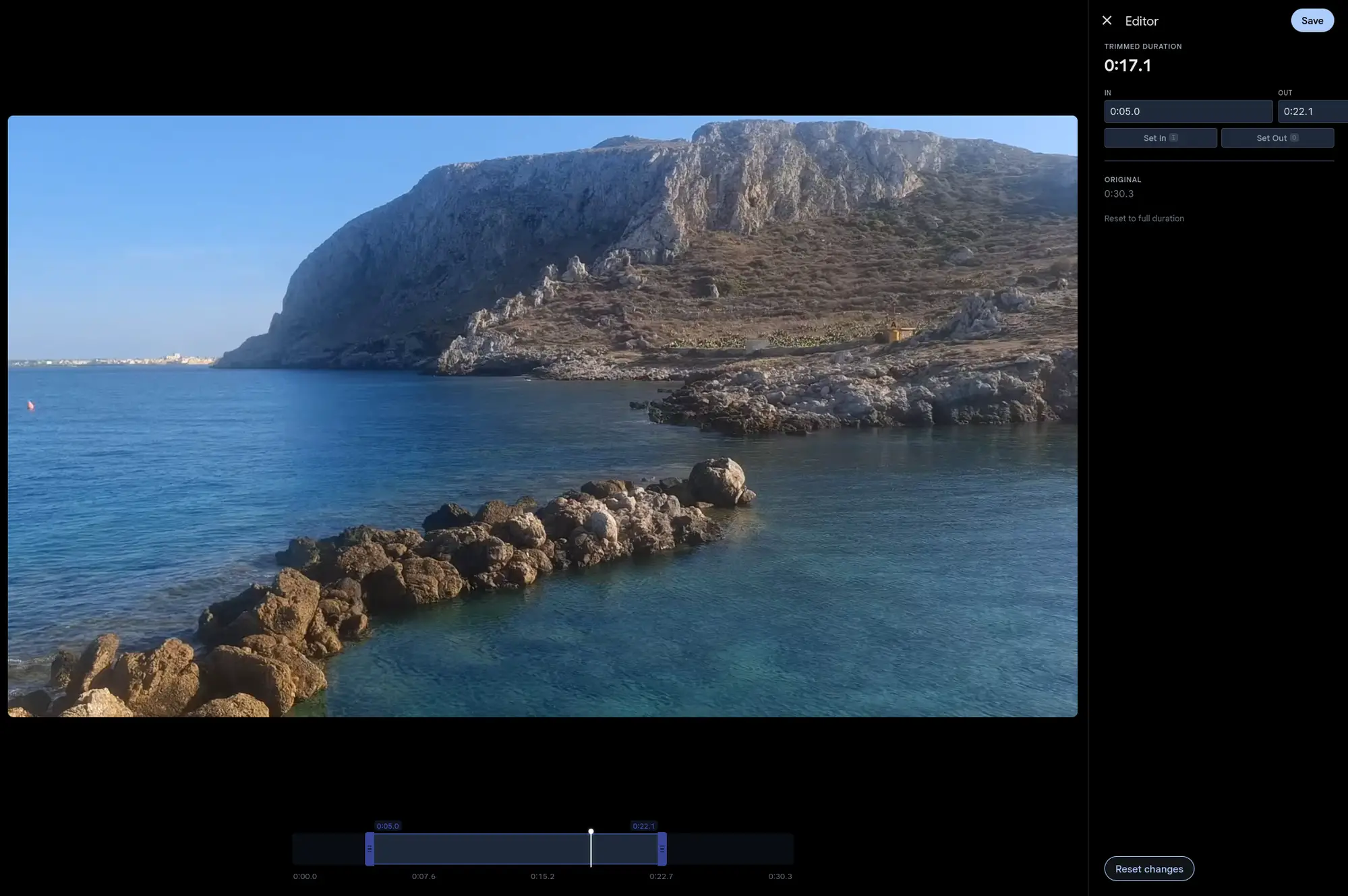
Image editingGallery exclusive
Rotate, crop and adjust without leaving the gallery. Edits are non-destructive, and thumbnails refresh themselves.
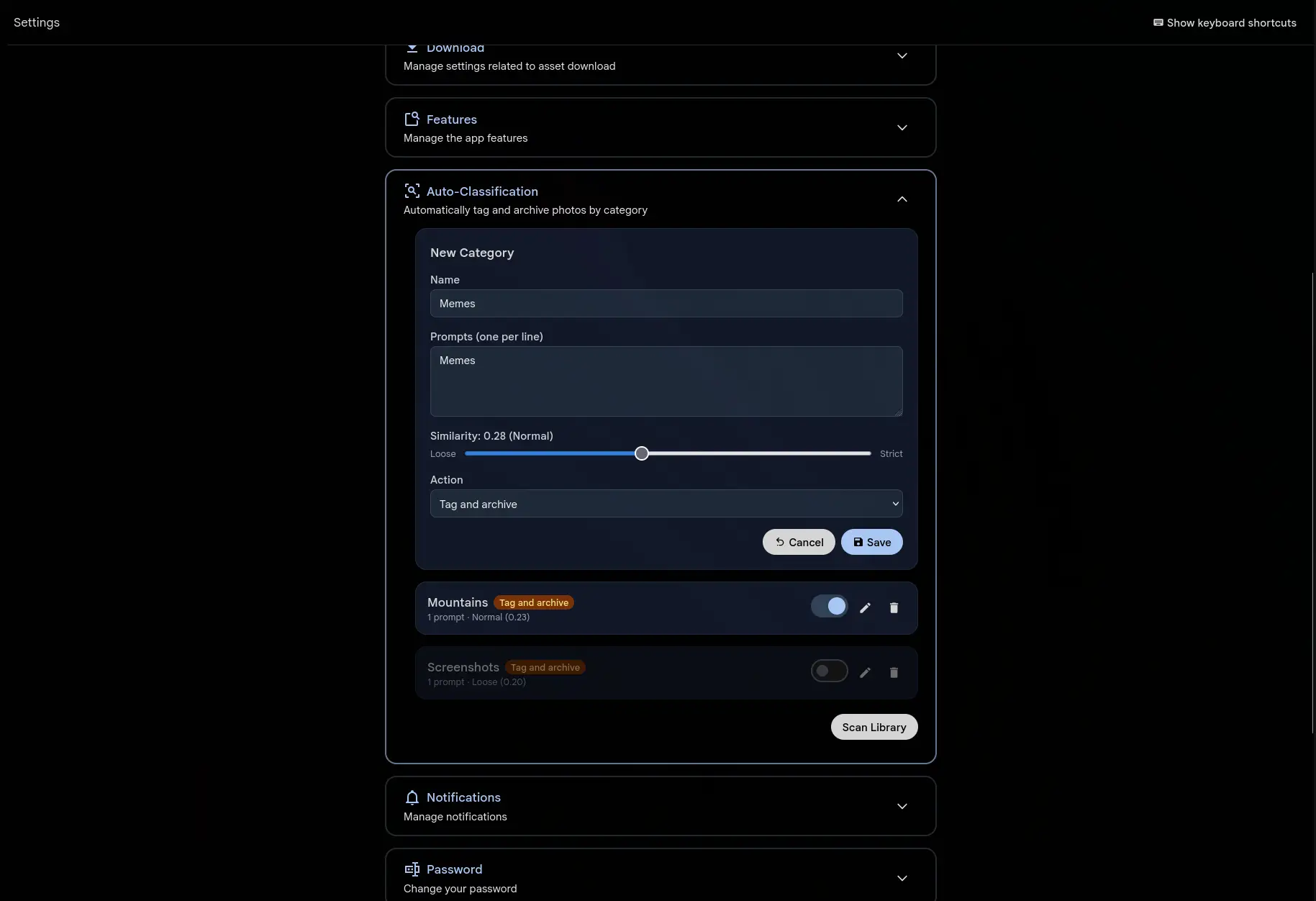
Auto-classificationGallery exclusive
Define what clutter looks like (screenshots, memes, receipts) and Gallery tags and archives it for you.
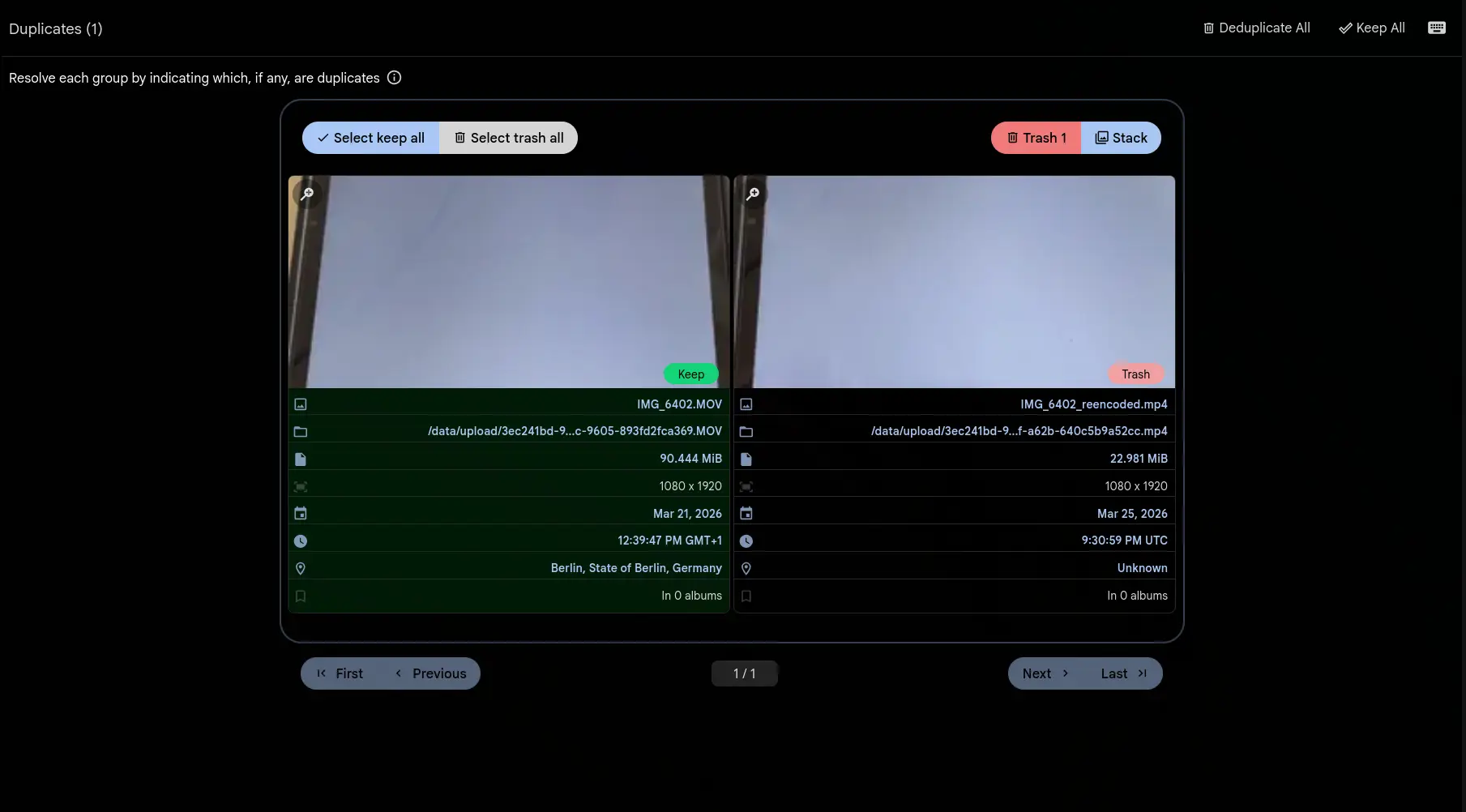
Video duplicate detectionGallery exclusive
Find duplicate videos even after they have been re-encoded, resized or converted to another format.
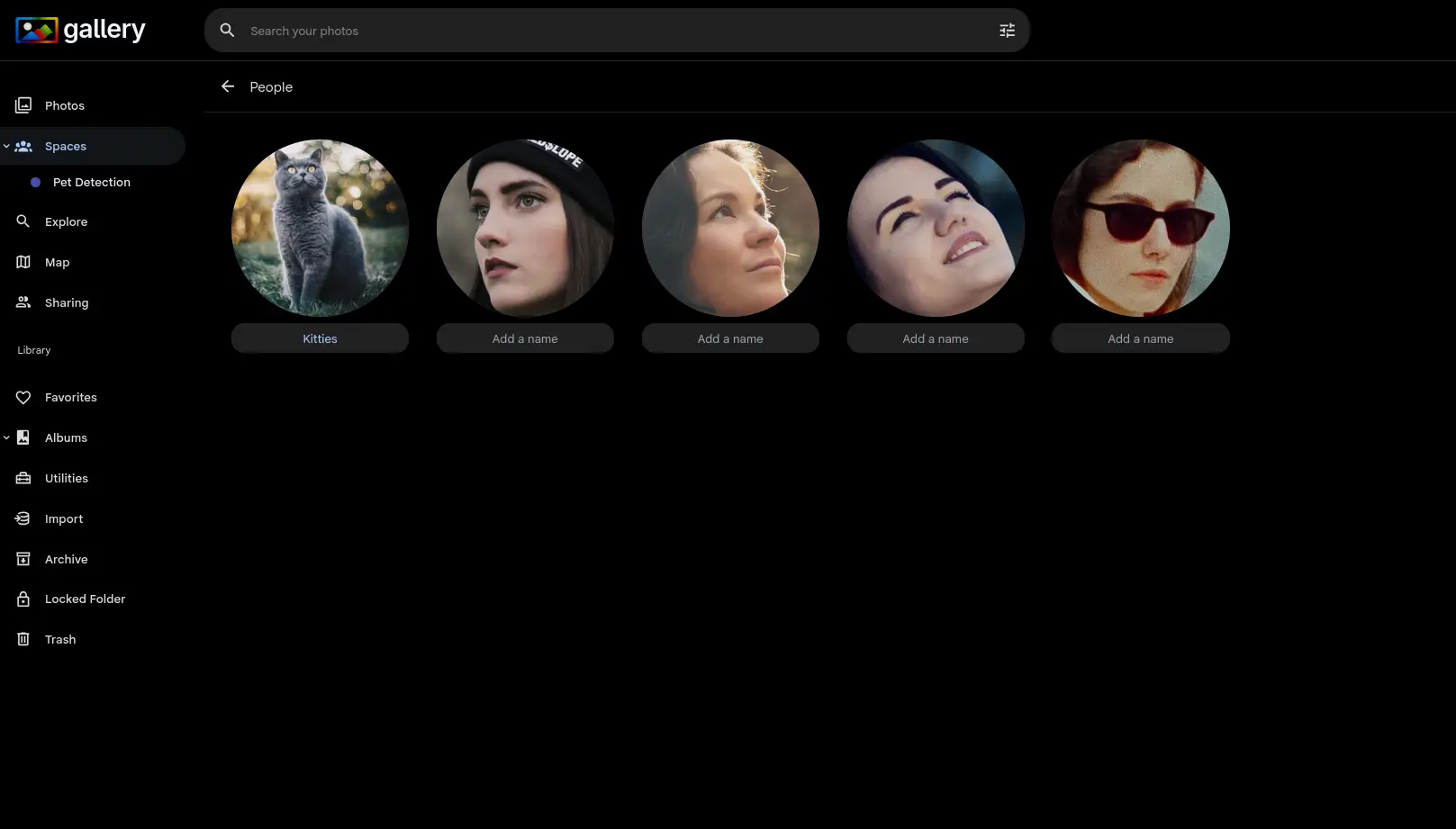
Pet detectionGallery exclusive
Gallery finds the cats and dogs in your photos. That is the groundwork pet recognition uses to tell one from another.
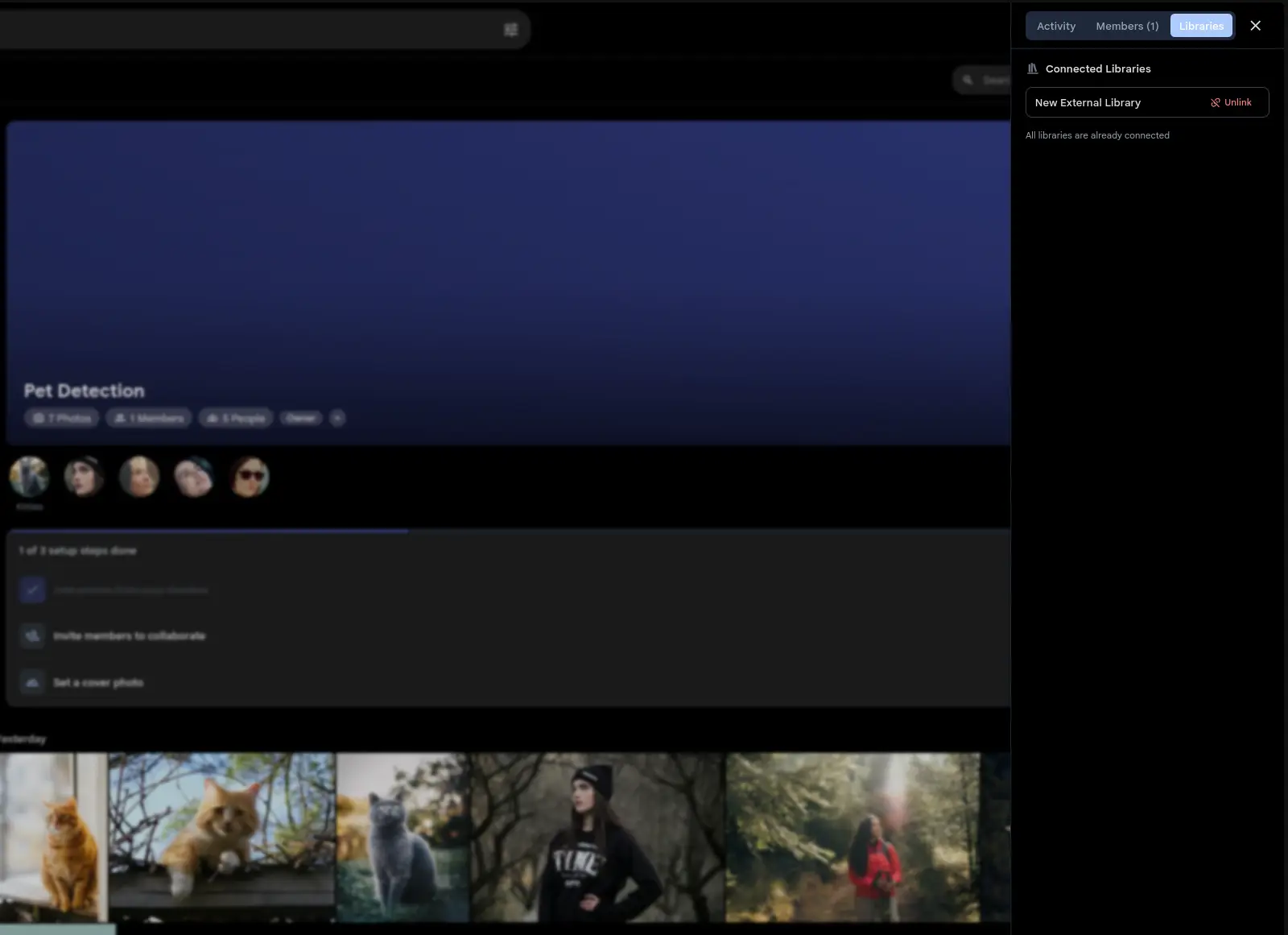
Connected librariesGallery exclusive
Link an external photo library to a Shared Space and thousands of photos appear at once.
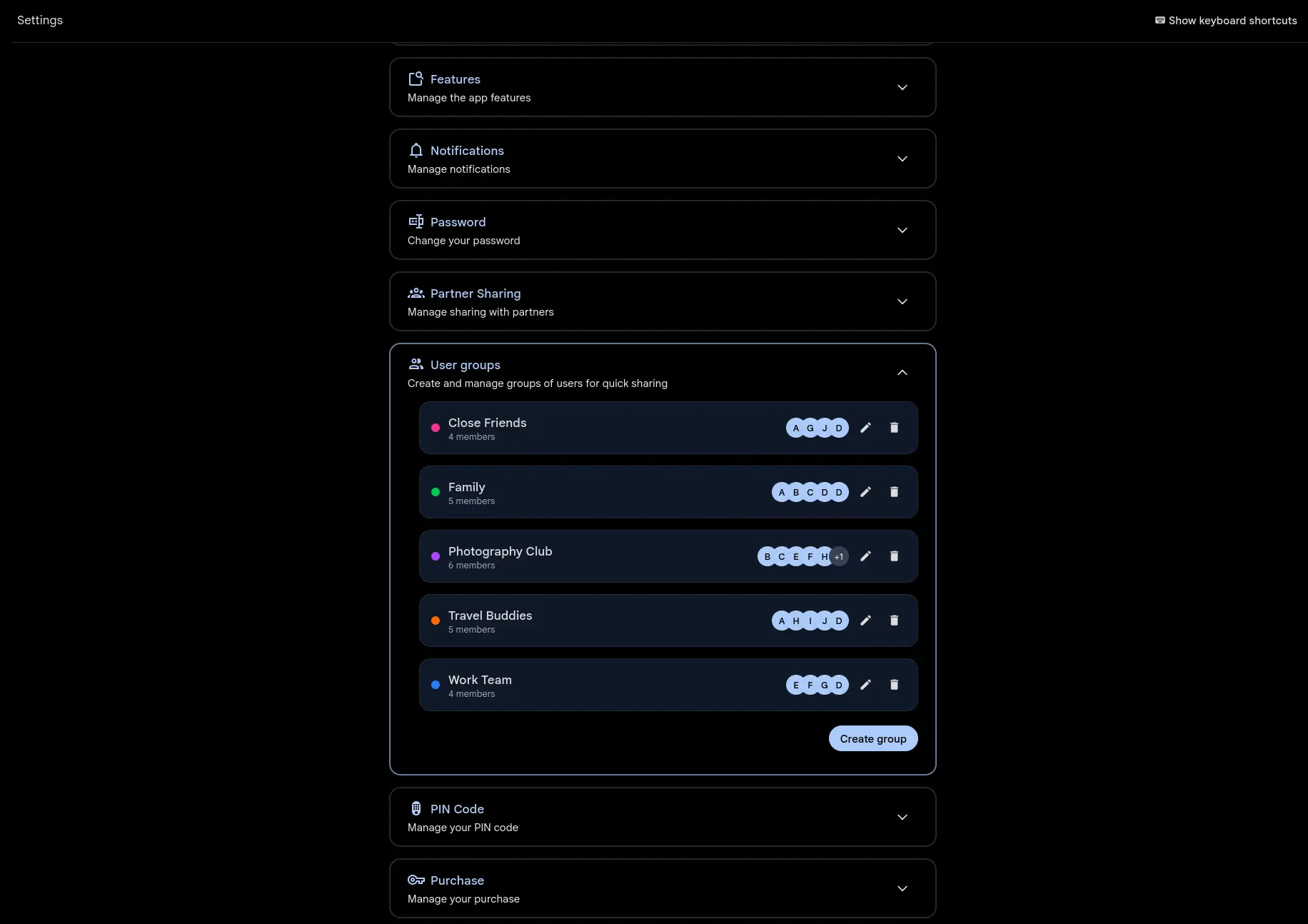
User groupsGallery exclusive
Make named, color-coded groups and invite a whole group to a Space or an album in one click.
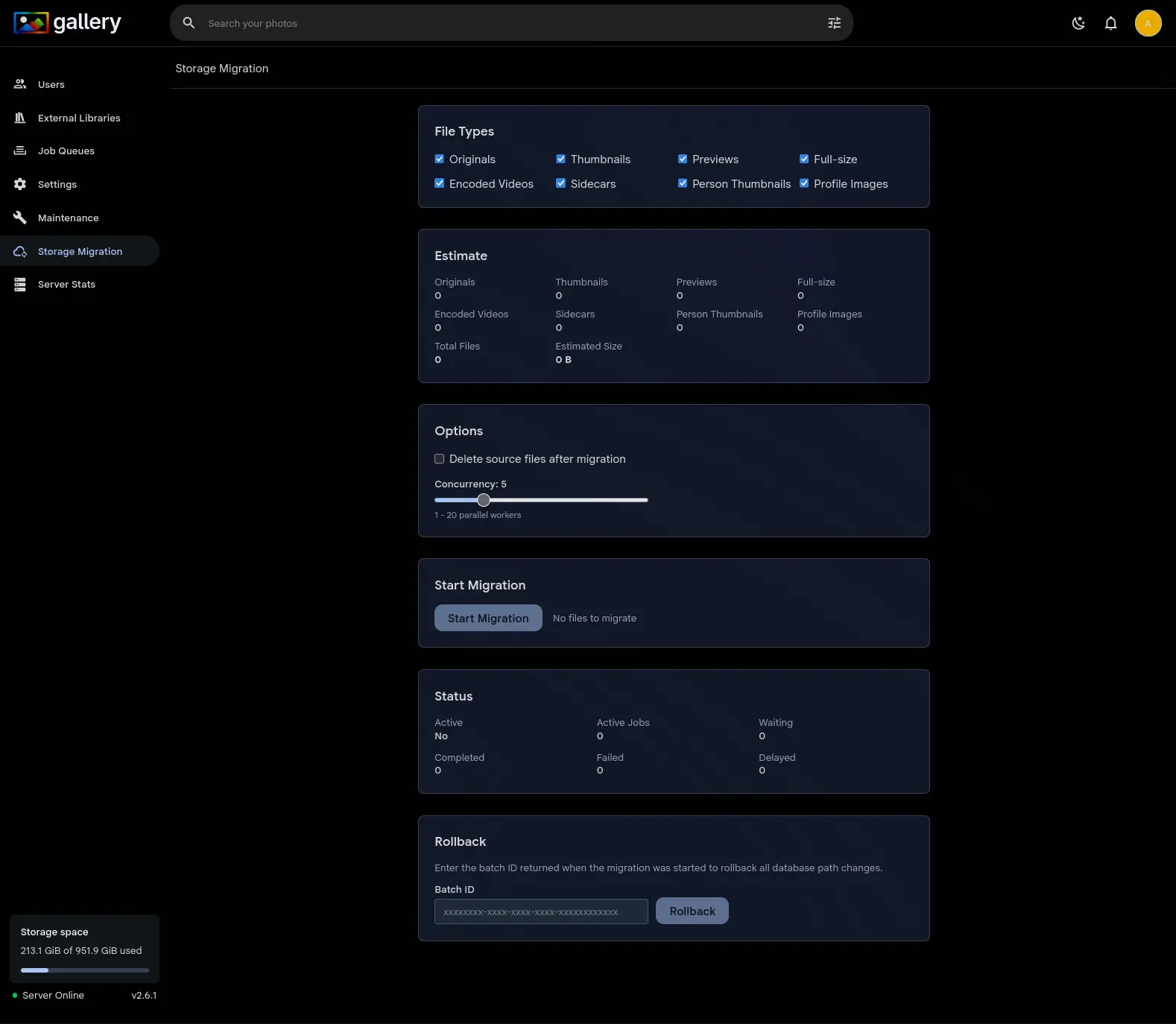
S3-compatible storageGallery exclusive
Keep your photos on any S3-compatible provider: AWS, MinIO, Cloudflare R2, Backblaze B2 or Wasabi.
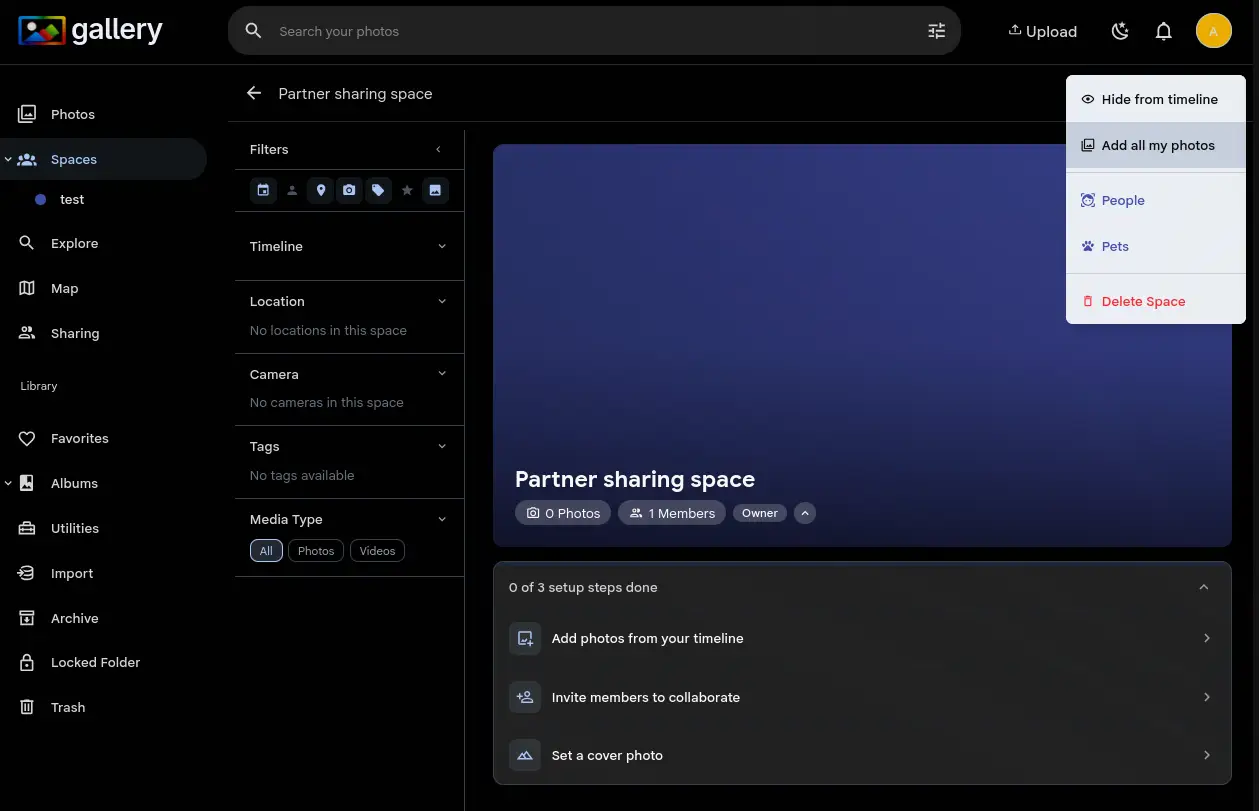
Bulk add to SpacesGallery exclusive
Add your whole library to a Shared Space in one click. A background job handles hundreds of thousands of photos.
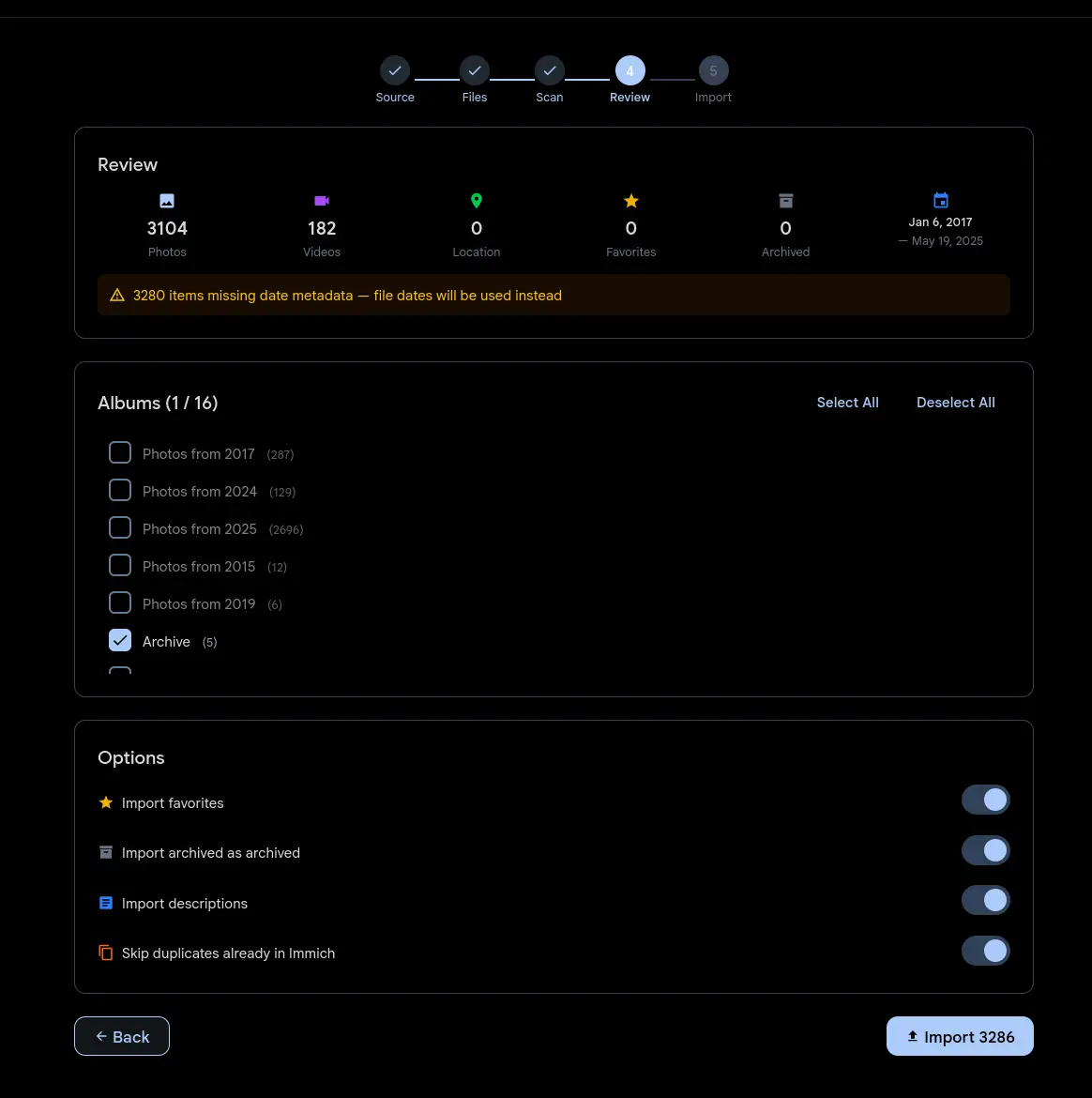
Google Photos importGallery exclusive
A guided wizard imports your Google Takeout archive straight from the browser. No CLI.
Mobile app
Native iOS and Android apps with automatic camera backup and the whole library.
Automatic backup
Switch it on once and camera backup runs in the background.
Face recognition
Faces are detected and clustered, so you browse by the people in your photos.
AI smart search
Describe a photo in plain words and CLIP finds it.
Timeline view
Browse your entire library in date order with infinite scroll.
Albums and sharing
Make albums, share them by link, work on them with other users.
Partner sharing
Share your entire library with a partner so you both reach the family photos.
Live Photos and videos
Live photos, motion photos and the major video formats all play.
RAW file support
Import and preview RAW files from the major camera makers.
EXIF and metadata
View and edit EXIF: camera settings, location and timestamps.
Reverse geocoding
GPS coordinates become place names, so you can see where a photo was taken.
Hardware transcoding
GPU-accelerated video transcoding, so a clip plays on any device.
OAuth and SSO
Single sign-on with any OAuth or OIDC provider.
Multi-user support
Several users, each with an isolated library and a storage quota.
External libraries
Mount an existing photo directory read-only, with no re-import.
CLI and API
A scriptable CLI and a REST API for automation, bulk work and integrations.
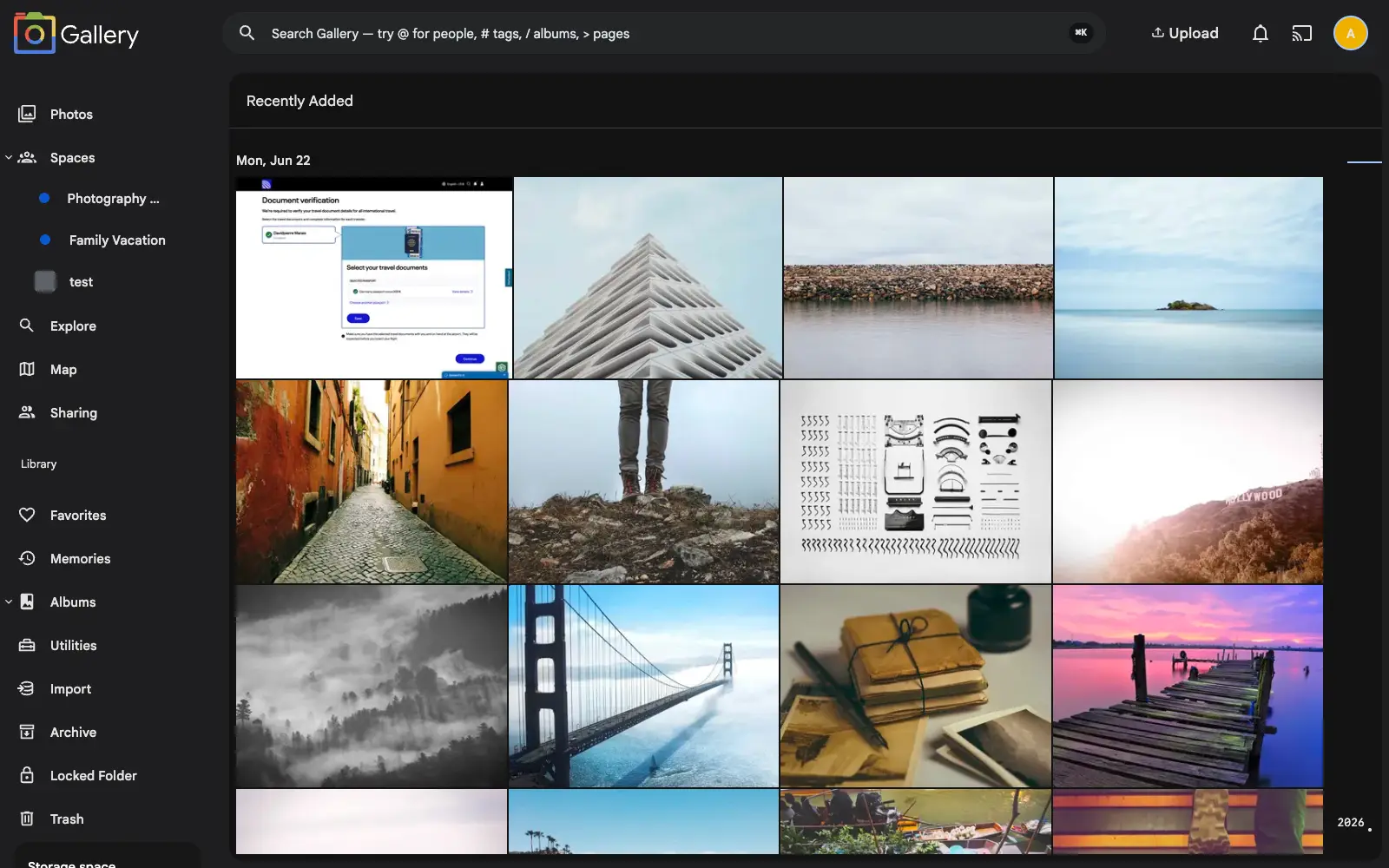
Recently added
See what just landed. This view sorts your library by when photos arrived instead of when they were taken, so a new import or a restored backup is easy to find.
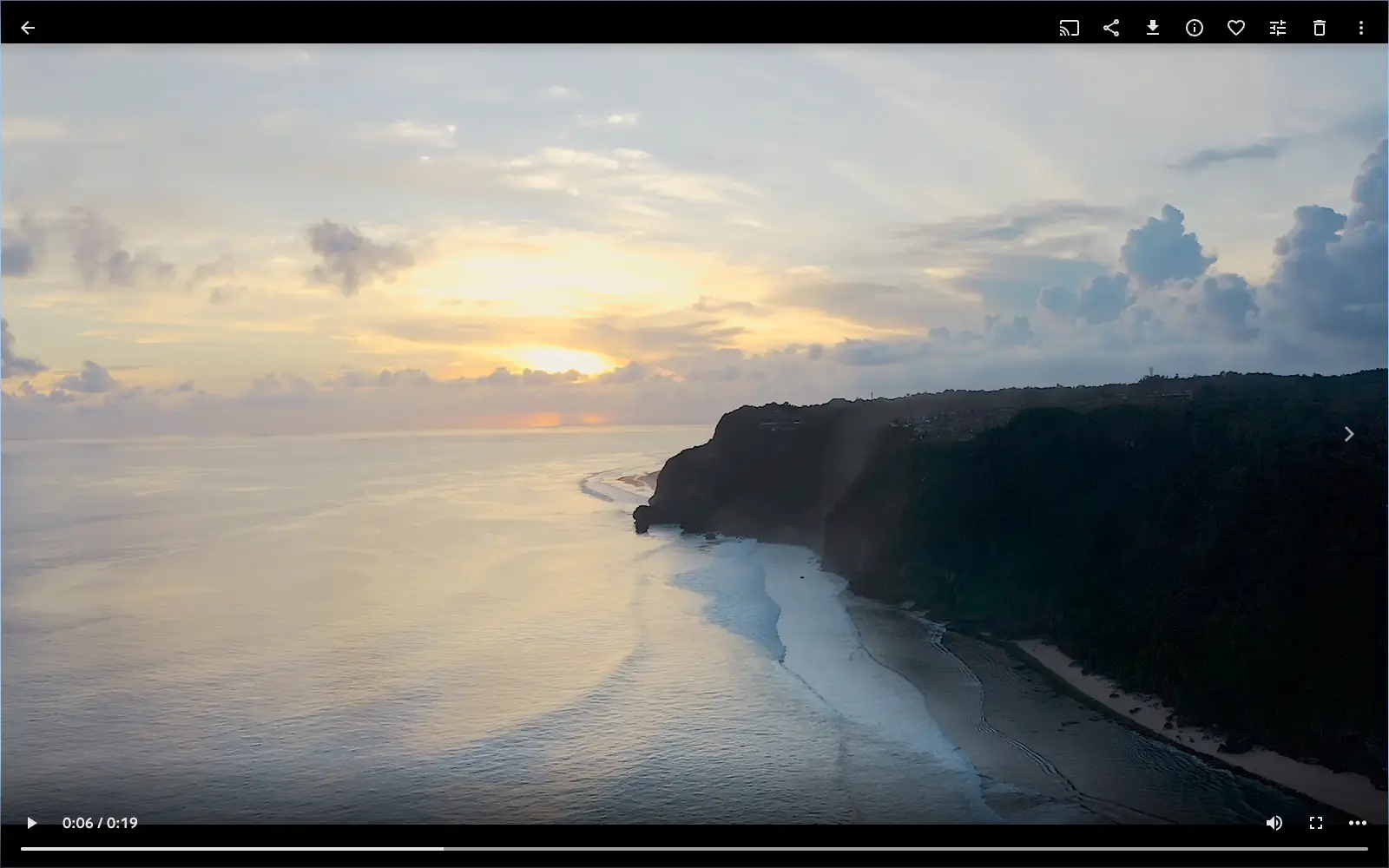
Instant video streaming
Videos start playing right away and adapt to your connection, with no download and no pre-transcode to wait for.
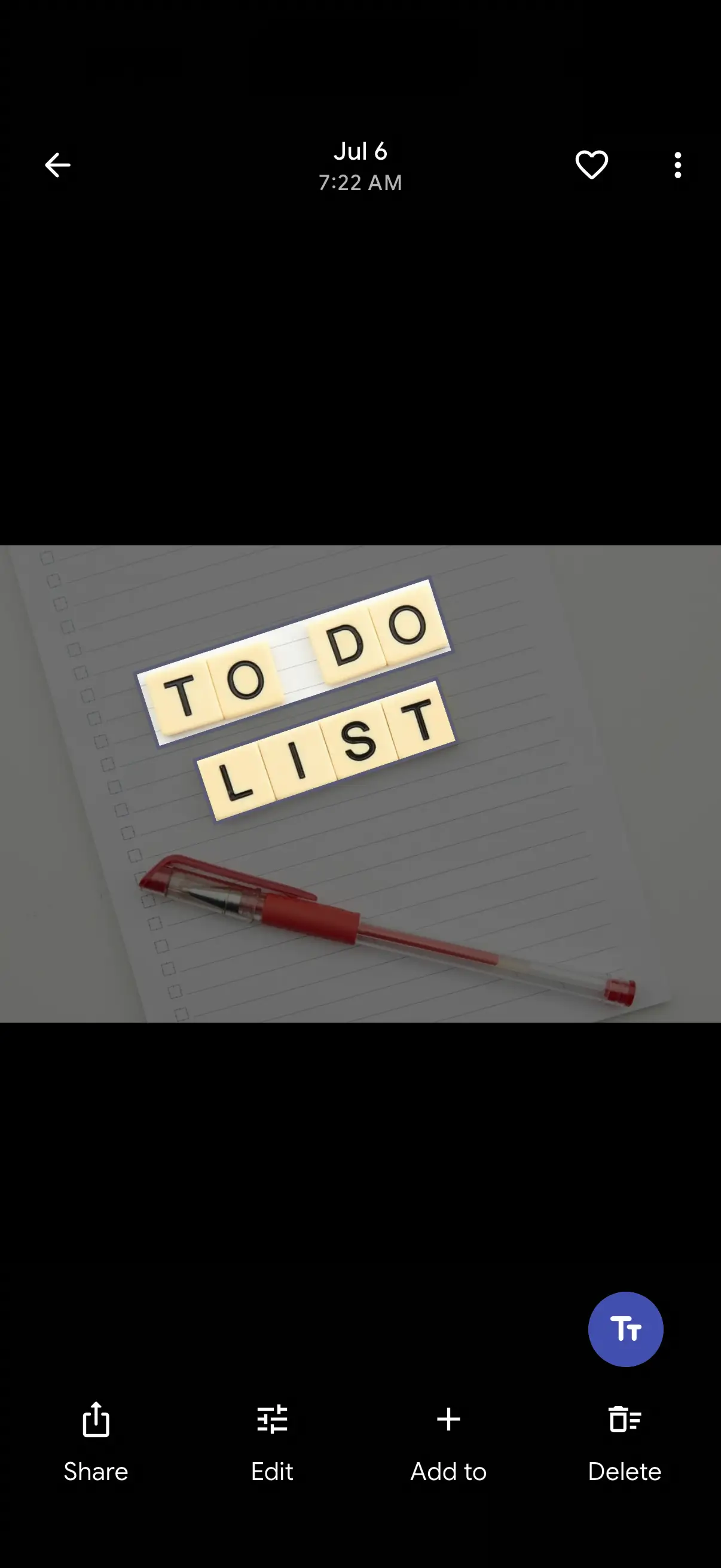
Text in your photos
Read and copy the text inside your photos (signs, receipts, whiteboards, screenshots) straight from the viewer.
Slideshow
Play an album or a day as a full-screen slideshow, straight from your phone.

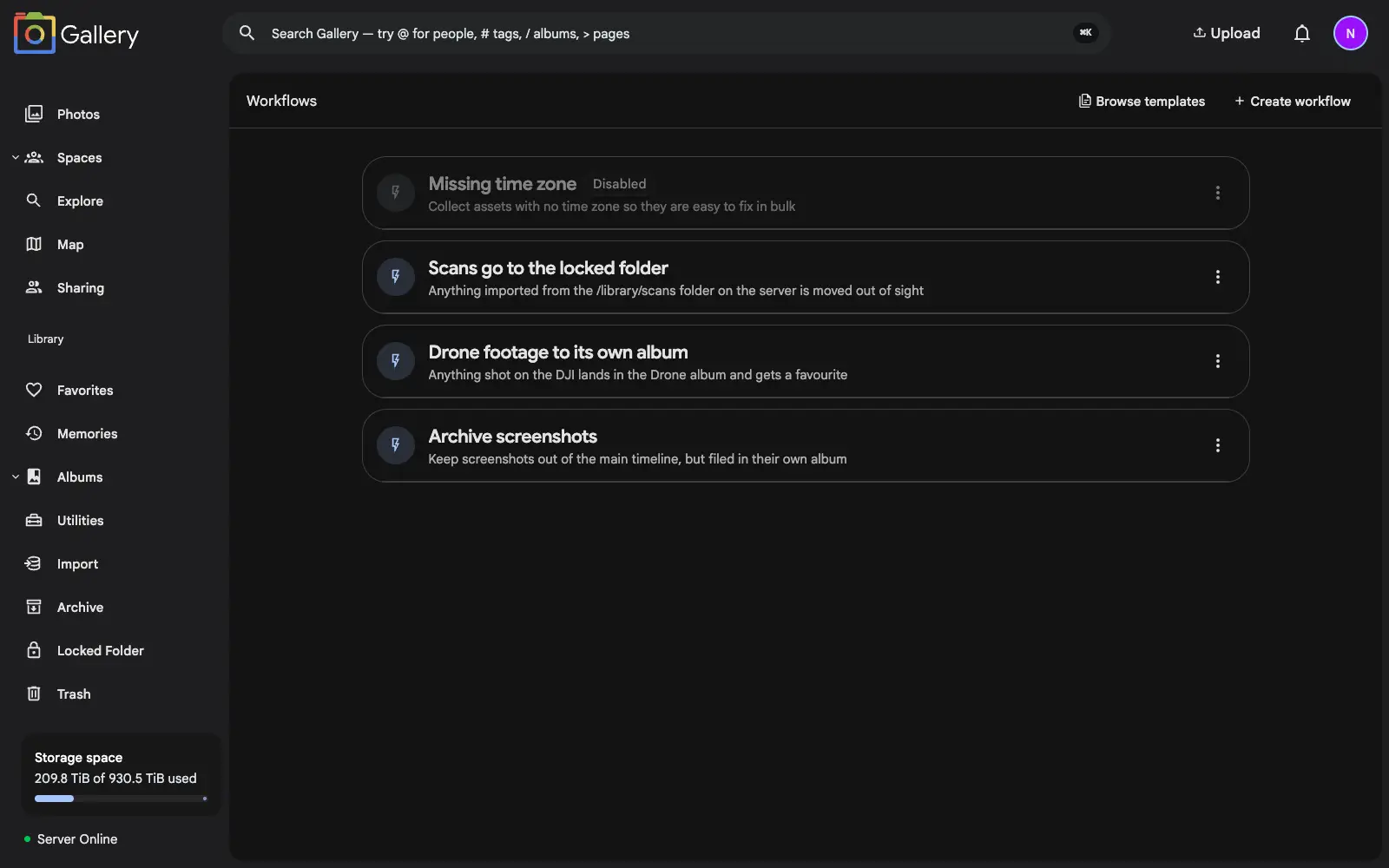
Workflows
Teach your library to file itself. Build rules that run the moment a photo arrives: archive the screenshots, album the drone shots, lock the scans.
No features match your filters
Try Gallery on your existing Immich library.
Swap three config lines. Your database, uploads, photos and videos stay exactly where they are, and a switch-back script returns you to Immich if Gallery does not suit you.