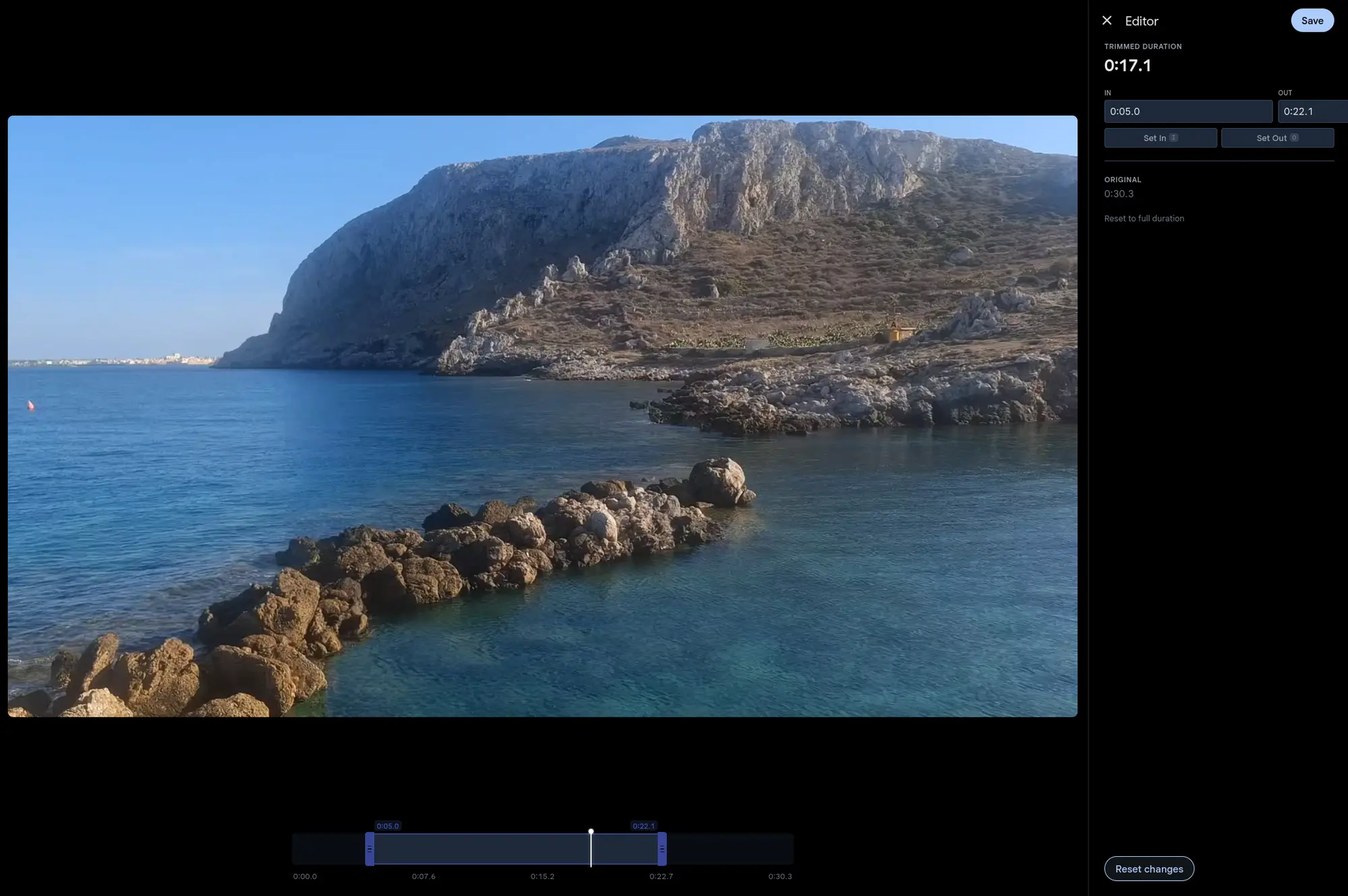
Cut the fluff, keep the moment
Open a video in the editor and drag the in and out handles to the part you want to keep. Hit save. The trimmed version is ready in seconds.
Gallery runs FFmpeg stream copy underneath, so the video and audio data are copied across without re-encoding. Quality is identical to the original. The wait barely moves with the length of the clip.
Non-destructive and reversible
Like photo edits, a trim never touches your original file. Re-open the editor any time. You can change the range, or restore the full video.
The timeline still shows the original duration after a trim. An earlier cut can be widened back out.
Keyboard-first workflow
Play the video and press I to mark the in point, O for the out point. Space toggles playback. It loops inside the trimmed region, so you see exactly what you will get before you save.