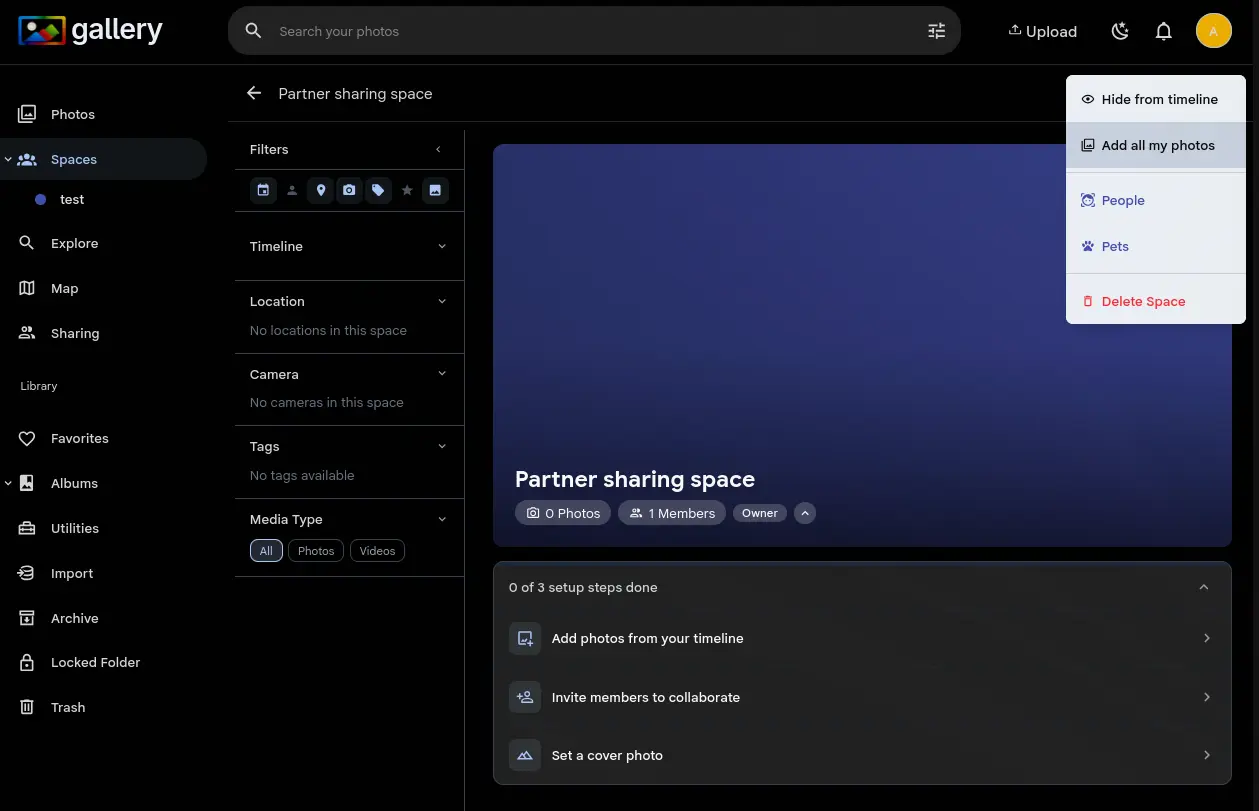
One click, whole library
Open a Space, tap the overflow menu, choose Add all my photos. A background job adds every photo in your library to the Space and tells you when it is done. No scrolling through timelines, no selecting batches.
Size is not the problem. 300,000 photos run server-side as a single database operation, and deleted and offline assets are skipped. Run it again whenever you like: duplicates are ignored.
If you want ongoing sync instead of a one-time add, Connected libraries keep a Space permanently linked to an external library, so new imports show up on their own.