Tens of thousands of photos, zero duplication
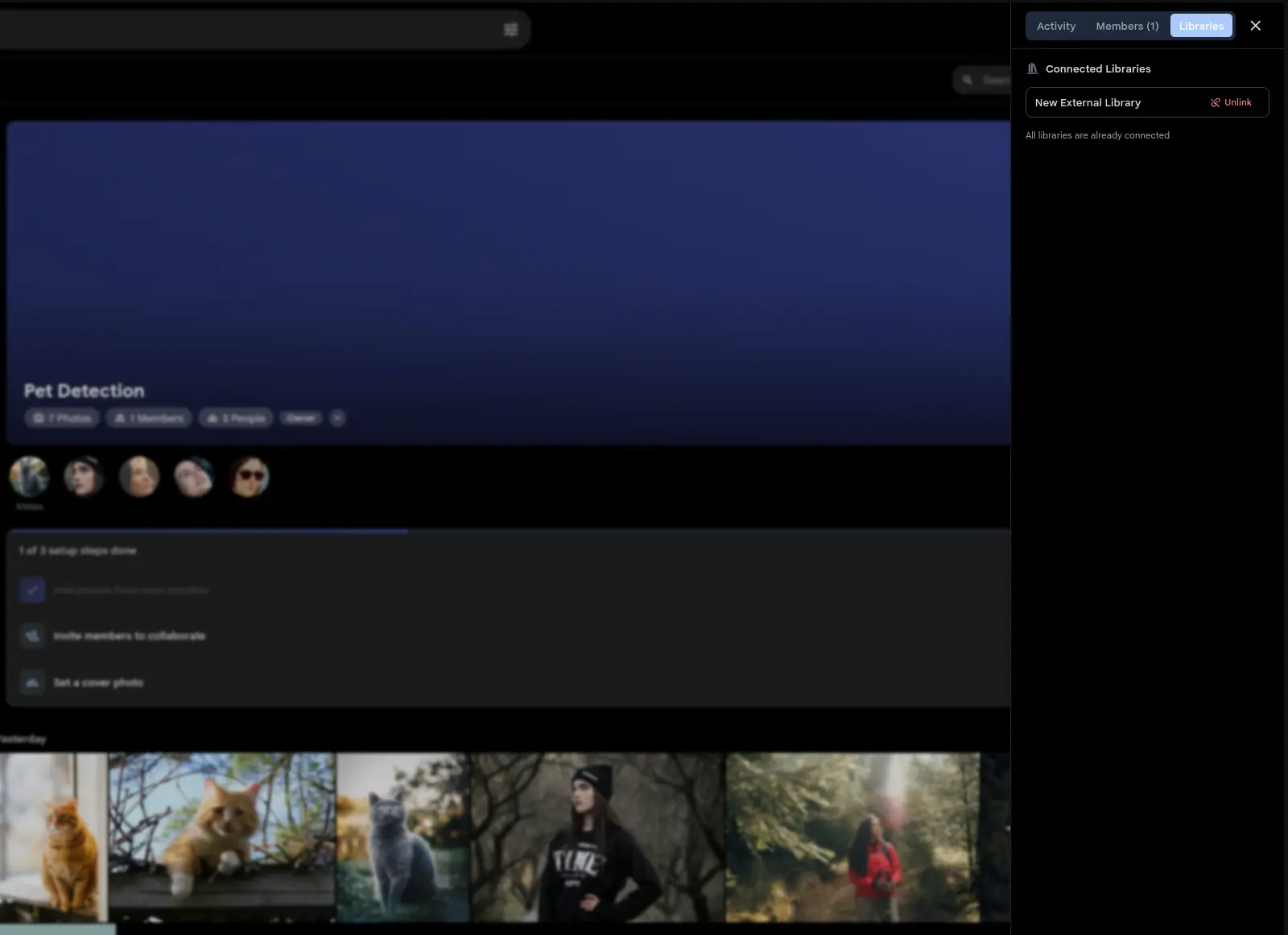
Connect an existing photo library to a Shared Space and every photo in it shows up in the Space timeline immediately. Assets resolve at query time, so the storage overhead is zero. The creating a library docs cover the setup.
Photos imported into the library later appear in the connected Space as they are scanned. Remove the connection whenever you want and the originals stay untouched.
Link a family archive to a shared Space and everyone gets decades of photos without a single file moving.
Don't need ongoing sync? Bulk add lets any editor push their entire library into a Space in one click, with no admin access required.