Finding the animals
Pet detection scans your library for animals and marks where they are. Since v5.6.0 it runs on RF-DETR. Species recall went from 84.8% to 98.1%, the no-detection rate from 10.0% to 0.7%, at unchanged CPU cost. It also stopped the old habit of occasionally reporting a dog as a bear.
It records cats and dogs only. Birds, horses, sheep and cows are still scored, because a horse has to win its own class to be discarded (otherwise it would be forced onto whichever of cat or dog scored highest), but nothing is written for them. They used to land in a shared per-species entry that the People page never listed.
Where detection stops
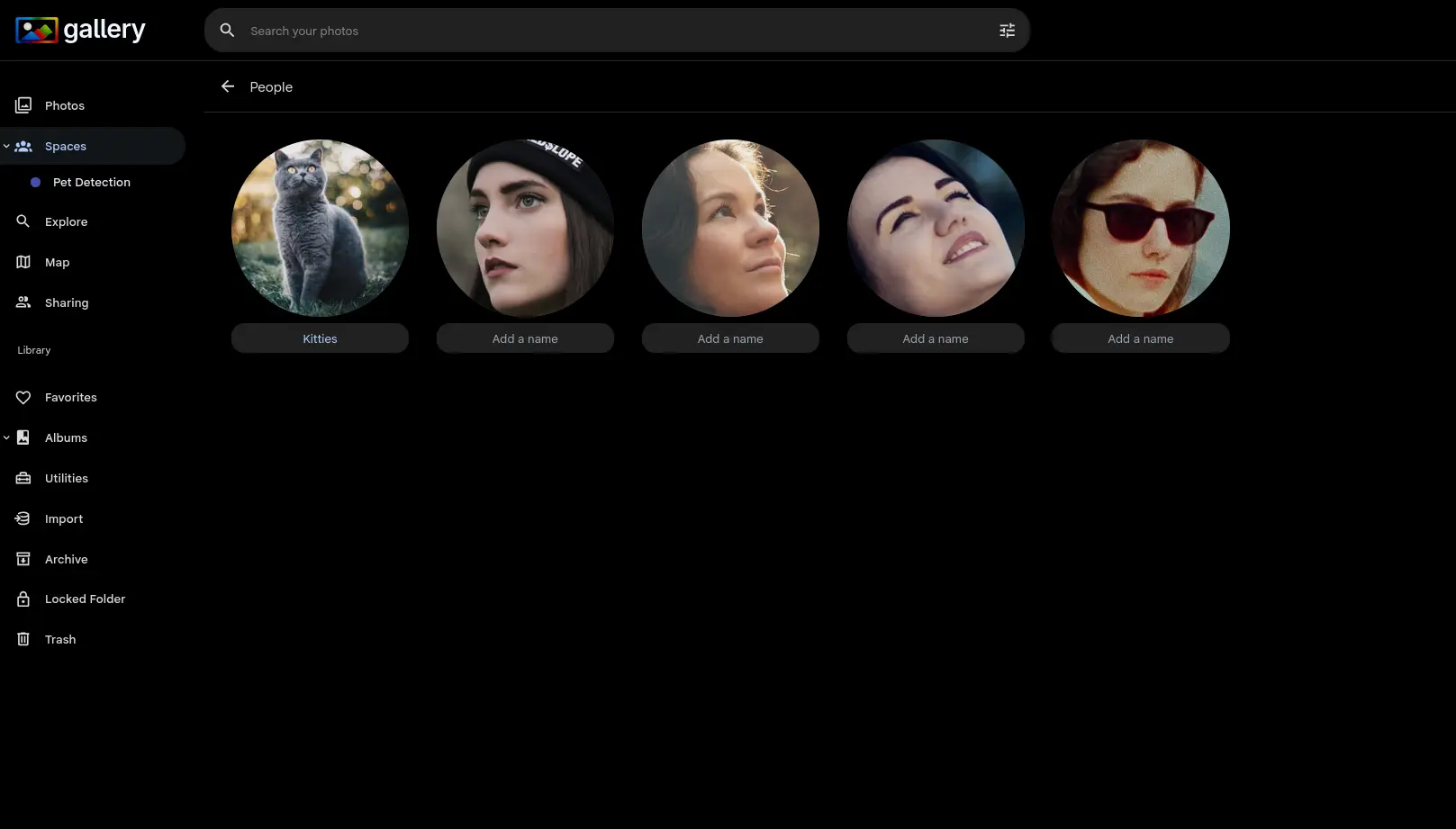
Detection answers whether there is an animal in the frame, and where. It does not say which animal. On its own it puts nothing in your People section.
That second half is Pet recognition, which turns detected dogs and cats into identities you can name, merge and browse beside the people in your library. Detection is its input: with detection off, recognition has nothing to work with.
Turning it on
Pet detection is off by default, under Machine Learning settings. Enabling it covers newly uploaded photos; an existing library means re-running the job over it.
It runs in the same pipeline as face recognition, so there is nothing extra to deploy.