One character to focus the palette
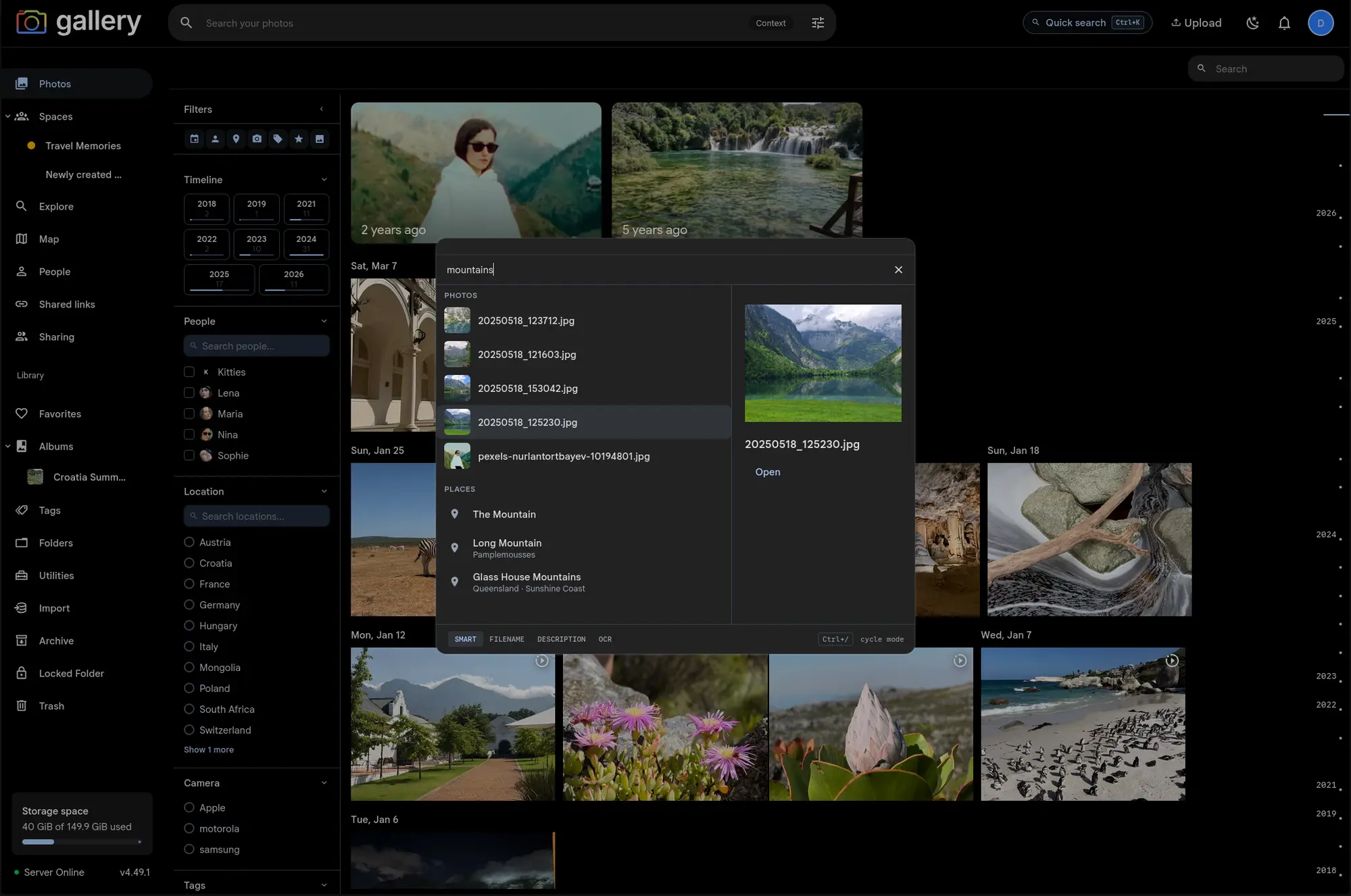
The Cmd/Ctrl+K palette normally fans out to every section at once: photos, people, places, tags, albums, spaces and pages. Type a prefix character at the start of your query and it hides every section except the one you asked for.
Four prefixes ship today:
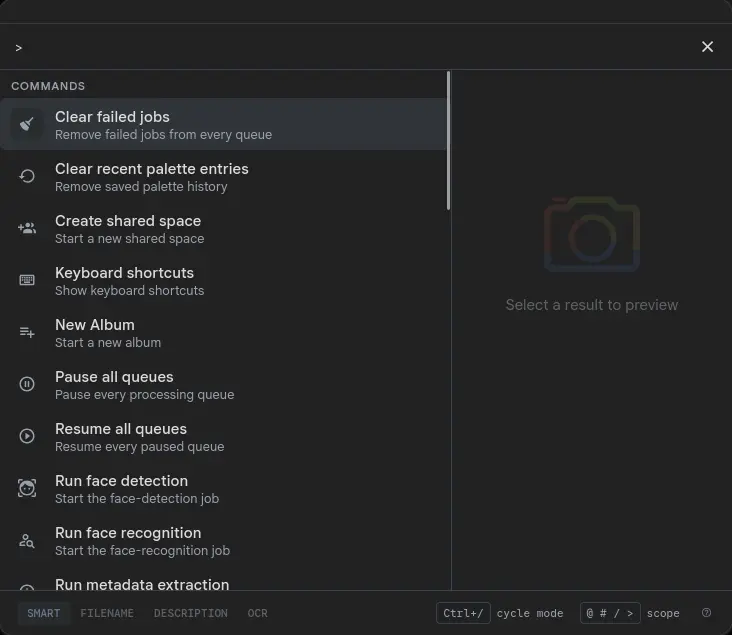
@alice scopes to People and runs a name search#vacation scopes to Tags, matching a substring against your tag list/hawaii scopes to Albums and Spaces, both sections, sorted by best match>theme scopes to Commands and Pages, the navigation and verbs tier
The parser eats the prefix before any provider sees it, so @alice sends alice to the people search. Backspace it out and the full multi-section palette returns on the next keystroke, with no stale sections left behind.
Bare prefix opens the full index
Type @ with nothing after it and you get your ten most recently updated people, which is the fast way back to a face you were editing. # alone shows your five most recently updated tags. /alone lists your most recently active albums (sorted by most recent photo date) and spaces (sorted by last activity). > alone lists every command and navigation page you can reach, alphabetically: some 36 of them for an admin, around 11 for a regular user.
Those lists are local. No server round-trips beyond what the palette already fetched when it opened. People, albums and spaces are cached per session; tags are cached with lightweight cross-tab invalidation, so a tag you just created shows up straight away.
Part of the search palette
Prefix scoping shipped alongside the rest of the Search palette, the same Cmd/Ctrl+K surface that searches photos, people, places and tags, fires global commands, and adapts its Commands section to the album or space you are viewing.