One character to focus the palette
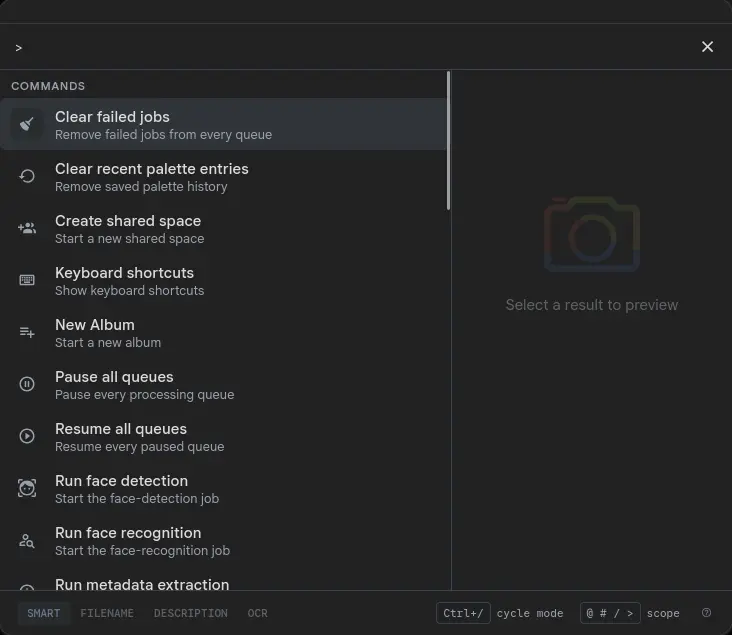
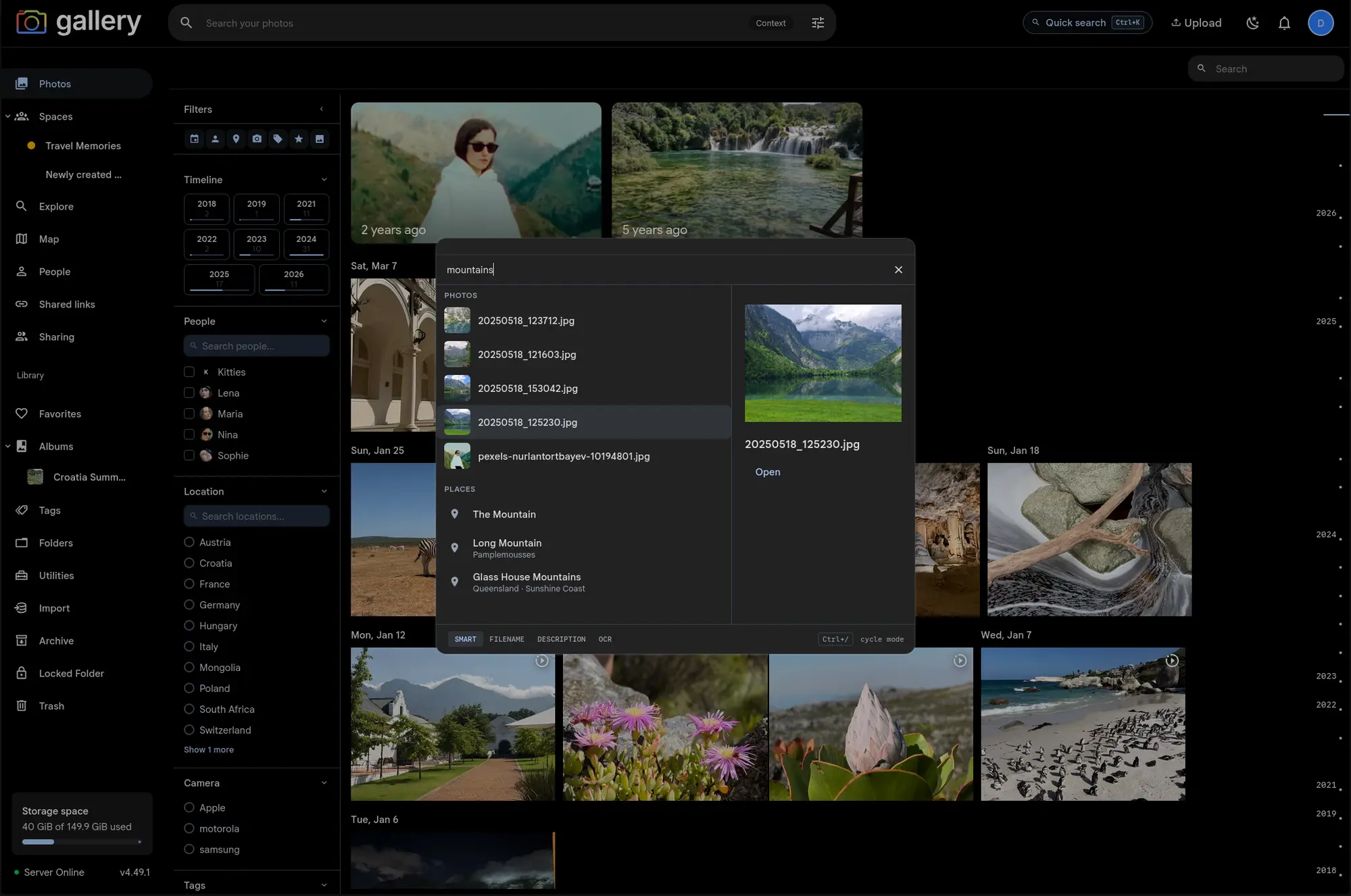
The Cmd/Ctrl+K palette normally fans out to every section at once — photos, people, places, tags, albums, spaces, and pages. Prefix scoping gives you a way to skip the fan-out entirely: type a prefix character at the start of your query and the palette immediately hides every section except the one you asked for.
Four prefixes ship today:
@alice — scopes to People, running a name search#vacation — scopes to Tags, filtering by substring match against your tag list/hawaii — scopes to Albums and Spaces, both sections, sorted by best match>theme — scopes to Commands and Pages, the navigation and verbs tier
The prefix character is consumed by the parser before it reaches any provider — so @alice sendsalice to the people search, not @alice. Backspacing the prefix out returns to the full multi-section palette on the next keystroke, with no stale sections leftover.
Bare prefix opens the full index
Typing just @ with nothing after it shows your ten most recently updated people — a fast way to jump to a face you've been editing or a person you searched for earlier. # alone shows your five most recently updated tags. / alone lists your most recently active albums (sorted by most recent photo date) and spaces (sorted by last activity). > alone lists every command and navigation page you have access to, alphabetically — all 36 or so for an admin, around 11 for a regular user.
The bare-prefix lists are entirely local — no extra server round-trips beyond what the palette already fetched on open. People, albums, and spaces are cached per-session; tags are cached with lightweight cross-tab invalidation so a freshly created tag shows up immediately.
Part of the Search Palette
Prefix scoping shipped alongside the rest of the Search Palette — the same Cmd/Ctrl+K surface that searches photos, people, places, tags, fires global commands, and adapts its Commands section to the album or space you are currently viewing.