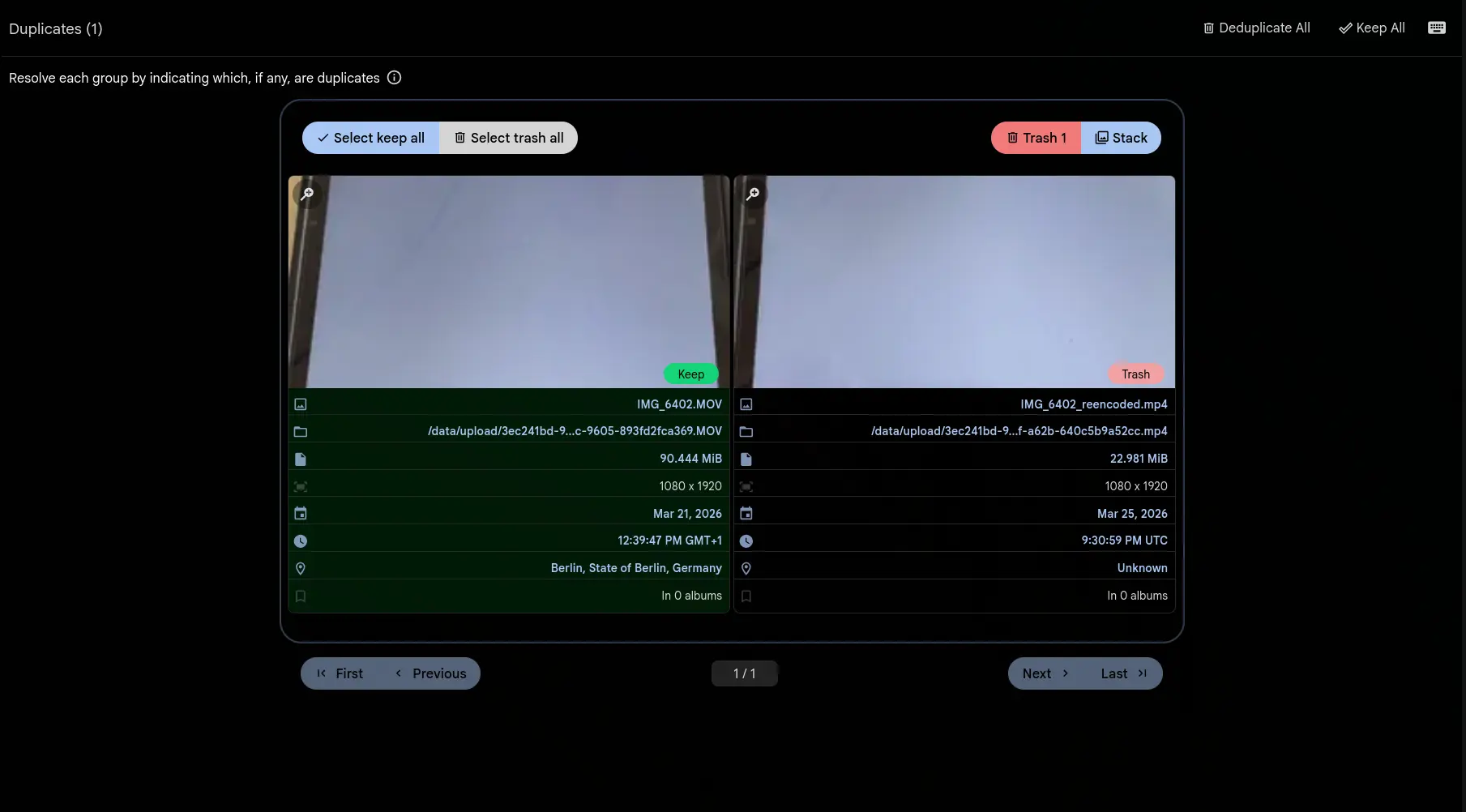
Same video, different file
You have the same vacation clip three times over: a 4K HEVC original, a 1080p H.264 re-encode, and a copy that was compressed for WhatsApp. They look identical and every byte is different. Gallery detects all three as duplicates.
The CLIP model that finds visually similar images now works on video. Gallery pulls 8 evenly spaced frames from each file, encodes them with CLIP, and averages the embeddings into one vector. Same visual content, near-identical vectors. Codec, resolution and bitrate make no difference.
The same flow you already know
Video duplicates land on the same Utilities > Duplicates page as image duplicates. Review them side by side. Keep the best version, trash the rest, or stack them together, and resolve, deduplicate all and keep all work as they did.
There is nothing to configure. If you have Smart Search and Duplicate Detection enabled, videos are included the next time the jobs run.
The edge cases
Awkward files still get processed. Clips under 2 seconds get a single frame from the midpoint instead of 8. A video with missing or corrupt metadata falls back to a frame at the start, and if a frame cannot be extracted at all, Gallery averages the ones that did come out.
Videos only ever match other videos. The threshold is the same configurable distance you already use for image duplicates.