Tags were stuck on the web
Hierarchical tags like Family/Kids or Travel/Lisbon are one of the most precise ways to organise a library, and Gallery reads them from your files' XMP and IPTC data too. In the app you could only search by them. Seeing which tags a photo had, or adding one, meant going to a computer.
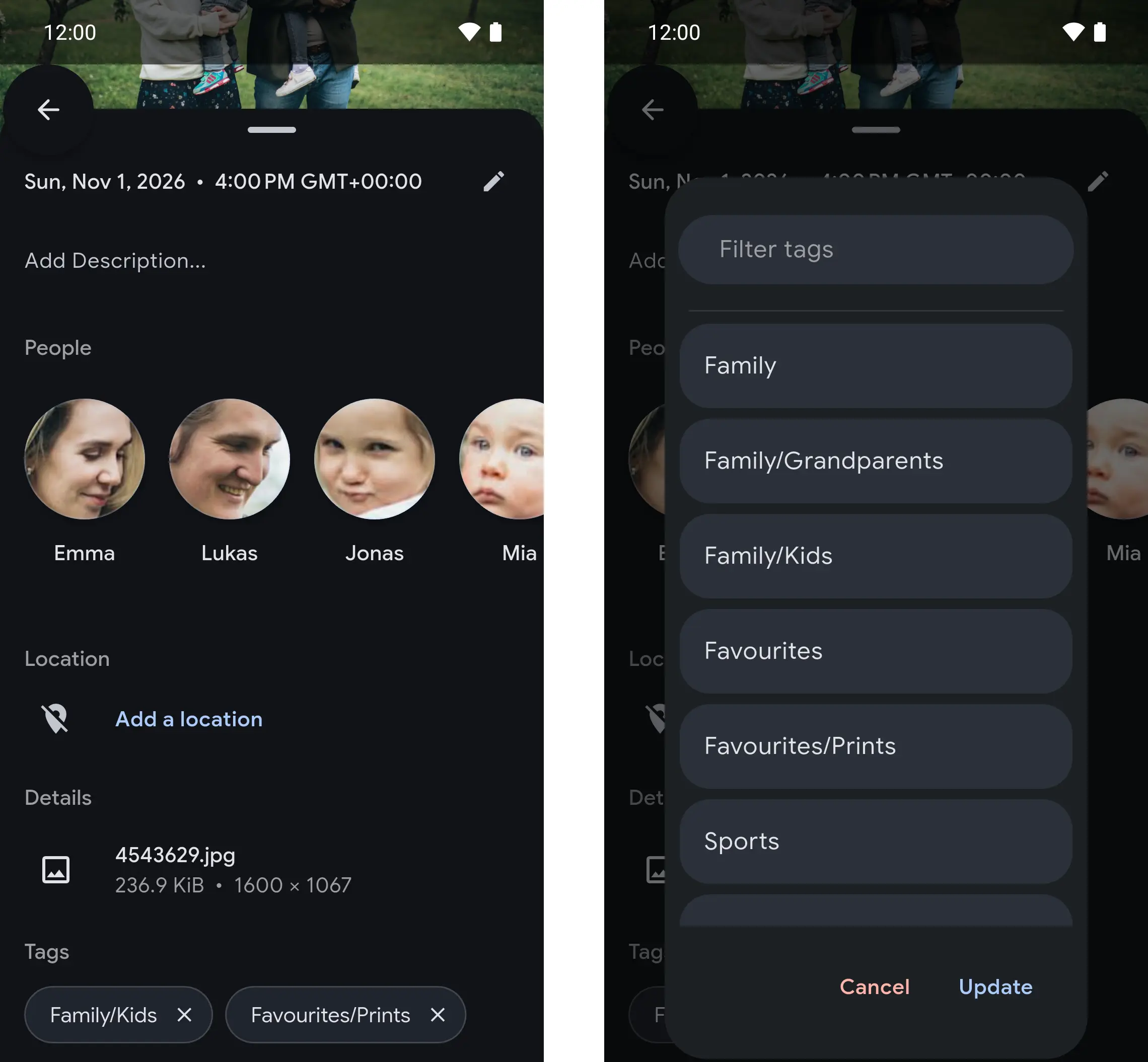
In the photo details
Swipe up on a photo and its tags sit below the details, each with a button to remove it. Add tag opens a picker with every tag you have and a filter for long lists. Changes are written back to the photo's sidecar file, as they are on the web.
Tag a selection
Select several photos on the timeline and tag them in one step, or take a tag off all of them at once.
From Immich
Tags in the app come from Immich v3.4, which Gallery v5.11 is built on, so they work exactly as in Immich. They show for anyone who has turned tags on, under Account Settings › Features › Tags on the web.