A favorite was a property of the photo itself, and only the photo's owner could set it. In a library one person fills, nobody notices. In a library a family shares, it means the favorites are whatever the uploader liked. Everyone else could look at the picture of their own child and had no way to keep it.
Now it belongs to you
Favoriting is a fact about you and a photo. If you can see it, you can heart it: your own library, a partner's photos, anything in a Shared Space. That includes Space Viewers, who can change nothing else about a photo.
Your hearts are private. No other member sees them, and none of them can add or remove one for you. Two people can favorite the same photo, or disagree about it, and neither ever finds out.
One Favorites page for everything you can see
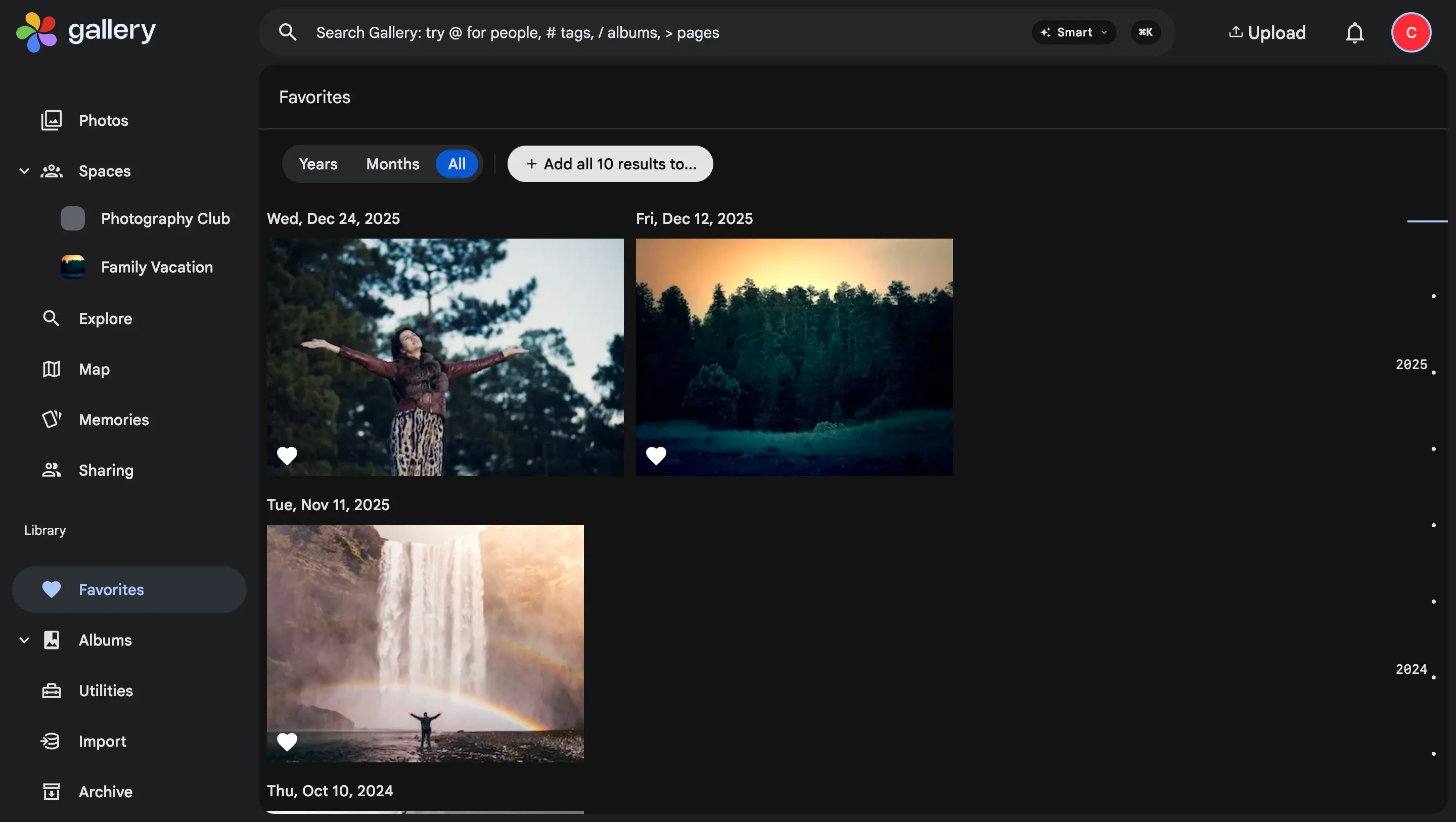
The Favorites page mixes what you hearted across your own library, your partners and your spaces. The favorites filter does the same on the Photos page, in search and on the map.
A favorite stays reachable even when you have hidden its space from your timeline. Favorites is where you go to find something, so hiding must never make it disappear from there.
Favorites are per photo, never per stack. And if you lose access to a photo, because you left the space or the owner took it out, it drops out of your favorites with it.
On the web and on the phone
The heart is un-gated from ownership in the web app and in the iPhone and Android apps, in the viewer and in multi-select. Favorites sync to the phone as their own stream, so hearting a shared photo does not touch the owner's copy or re-sync it to every member.
Nothing to migrate
The favorites you already had carry over as your own on upgrade. The path back to Immich restores them too.