A bucket you can read
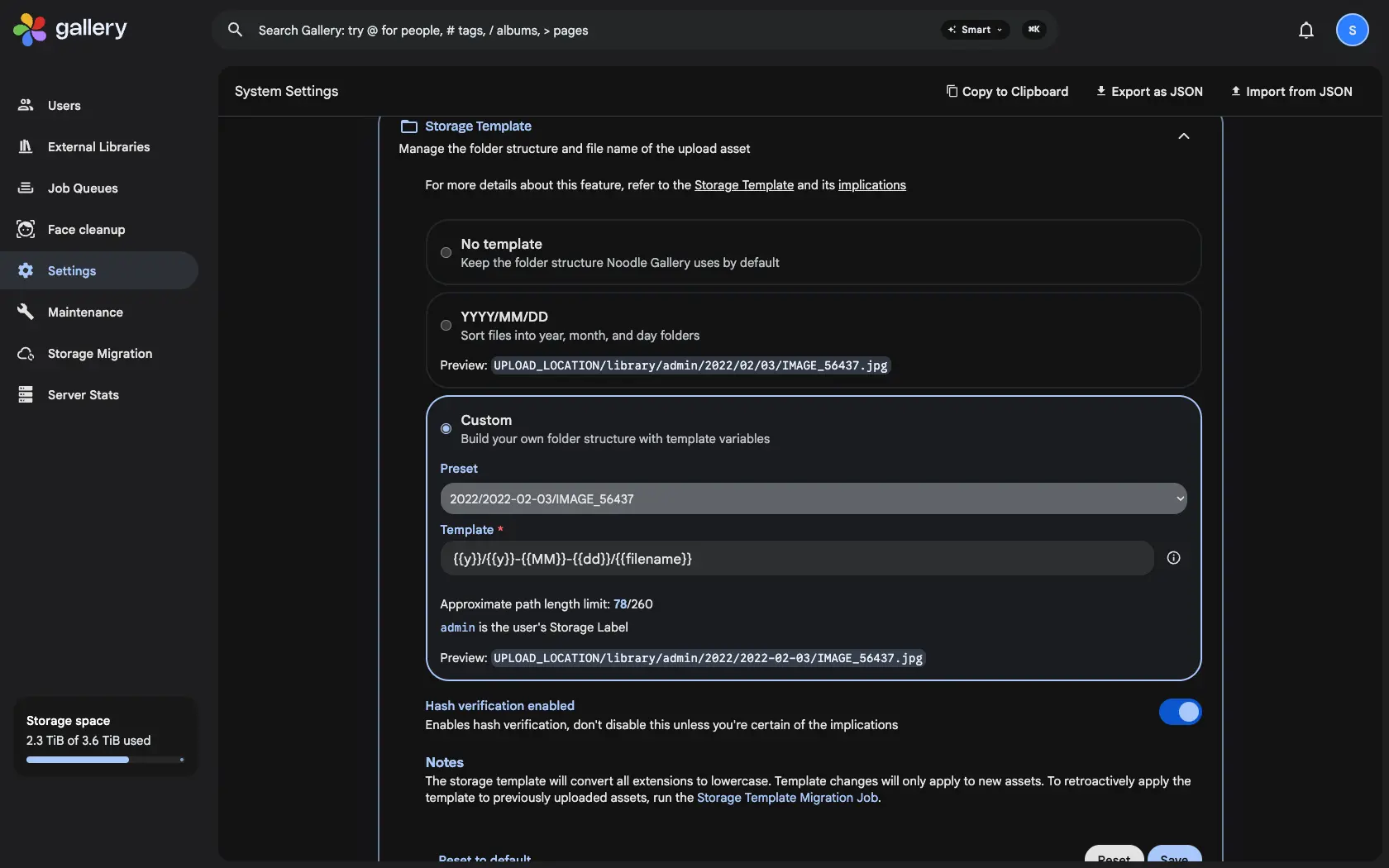
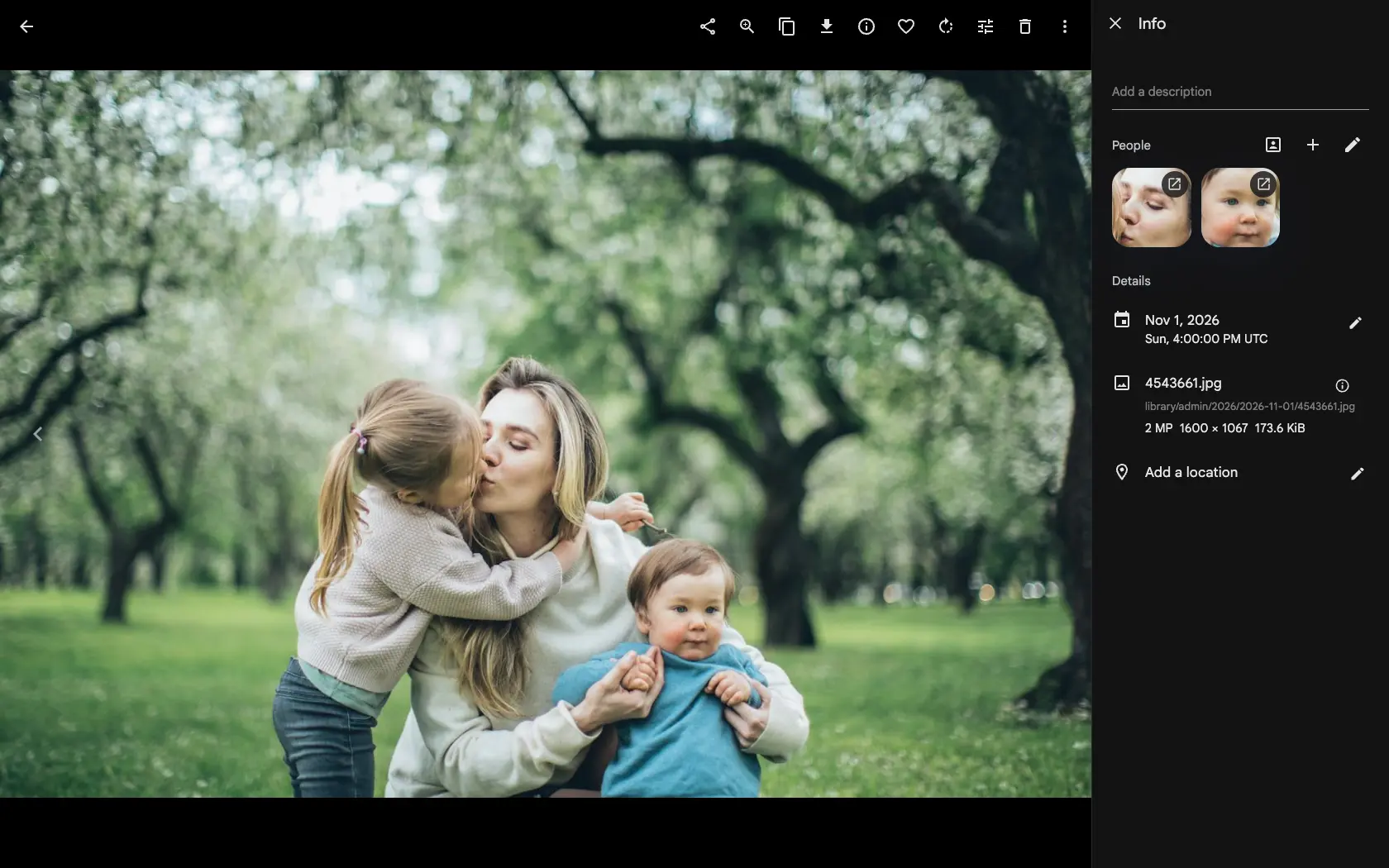
The storage template is how an admin decides where files live: 2026/2026-11-01/IMG_0042.jpg instead of a random ID. It matters when you open the files outside Gallery, back them up with another tool or move away one day. On a server with the S3 backend it did nothing: uploads kept their upload/ keys, and the bucket was a list of IDs.
The same template, in the bucket
With the template enabled, a new upload lands under upload/ and then moves to its template path under library/, exactly as it does on disk. The Migration job now also moves thumbnails and encoded videos that live in S3. Change a photo's date and it moves again, so the bucket keeps following the template.
Moved without leaving the bucket
A move inside S3 is a server-side copy, a size check, the database pointed at the new key, and only then a delete of the old one. Nothing is downloaded, files over 5 GiB are copied in parts, and every move is recorded, so a server that stops half way picks up where it left off. A file always stays in the backend that holds it.
Upgrading a library that is already in S3
If your server already had photos in S3 and the template enabled when it was upgraded, Gallery does not start moving thousands of files on its own. It waits until an admin runs the Storage Template Migration once from the Jobs page, and that run also queues the move of thumbnails and encoded videos.