One frame was never enough
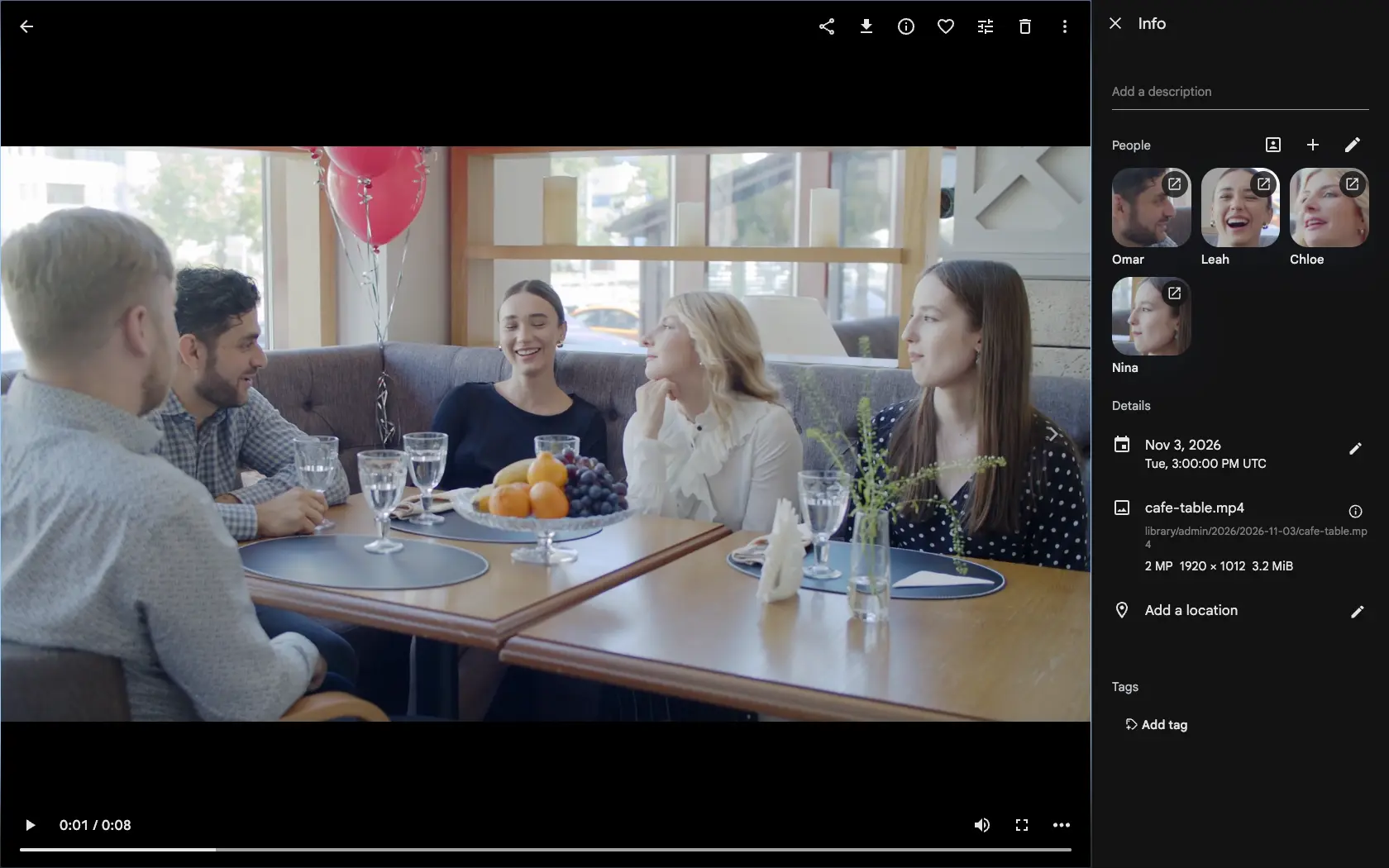
A photo has one moment. A video has hundreds. Until now face detection looked at just one of them, the poster frame from the first second or two, picked without regard to who was in it. A grandparent who walked in at second ten was never found, and the people who were found got face crops cut from a small, upscaled poster, often too soft to tell them apart.
Sampled from start to finish
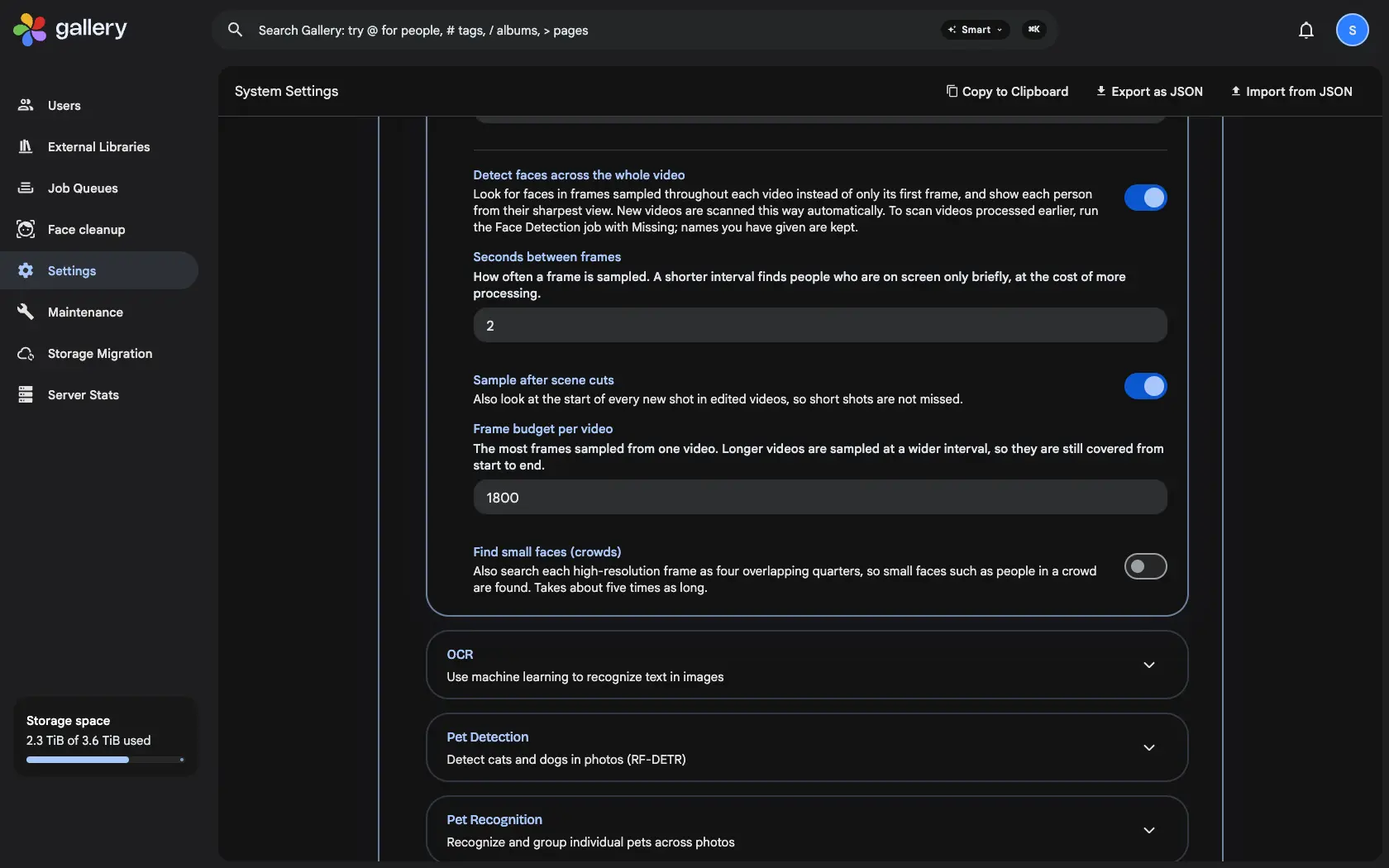
Turn on Detect faces across the whole video under Administration › Settings › Machine Learning › Facial Recognition. Gallery then samples a frame every two seconds and at the start of every new shot, within a budget that stretches the interval for long videos so they are still covered to the end.
One face per person, from the best frame
The detections are grouped so each person appears once per video, not once per frame. For every person Gallery keeps the sharpest frame it saw, so their face in the People panel, on their person page and in every crop comes from a full-resolution frame instead of the poster.
Your names stay
The setting is off by default, and new videos are scanned this way once it is on. To rescan the videos you already have, run Face Detection with Missing on the Jobs page. A re-scan matches the new faces to the ones you named, so nobody loses their name.