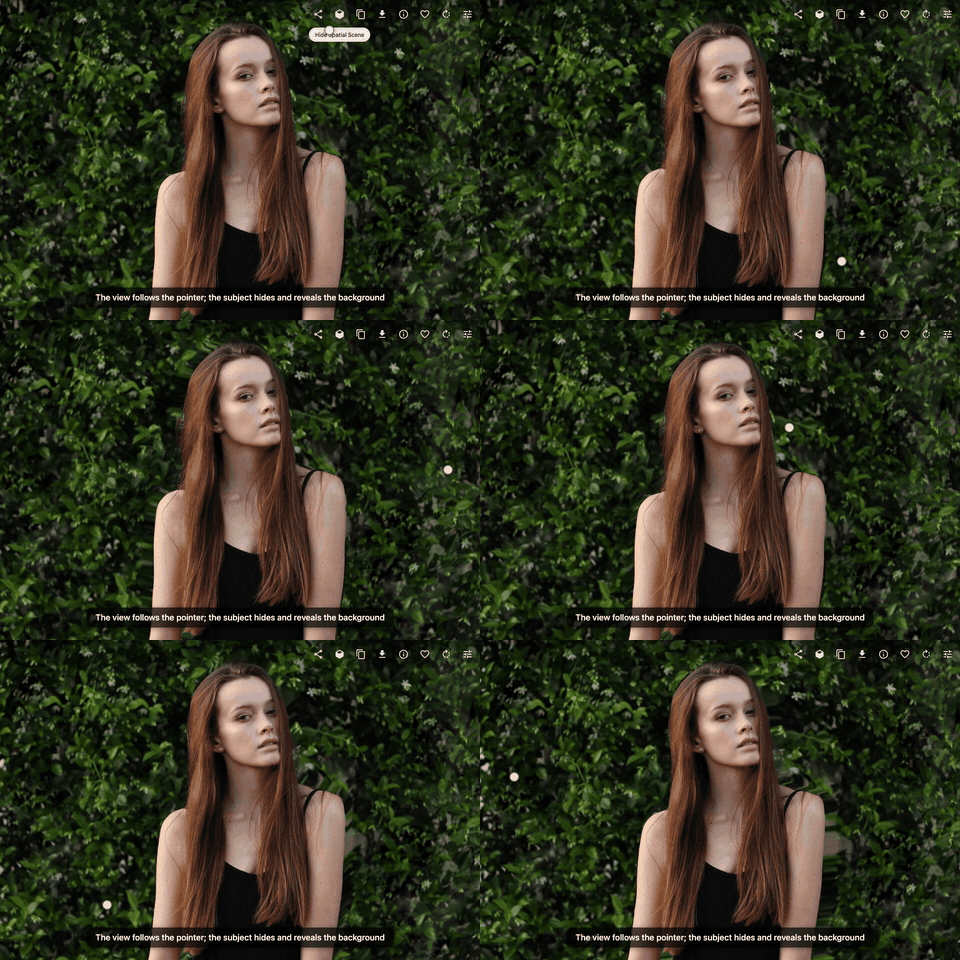
Open a photo, press Spatial, and it turns into a 3D scene: the subject stands out and the background shifts behind it as you move the pointer or tilt your phone.
Open a photo in the web app and press Spatial. The subject stays where it is and the background moves behind it, so its edges cover and uncover what is behind them, the way a scene does when you move your head. Move the pointer, drag on a touch screen, or tilt your phone or tablet. Leave it alone for a few seconds and it sways gently on its own.
Computed once, on your server
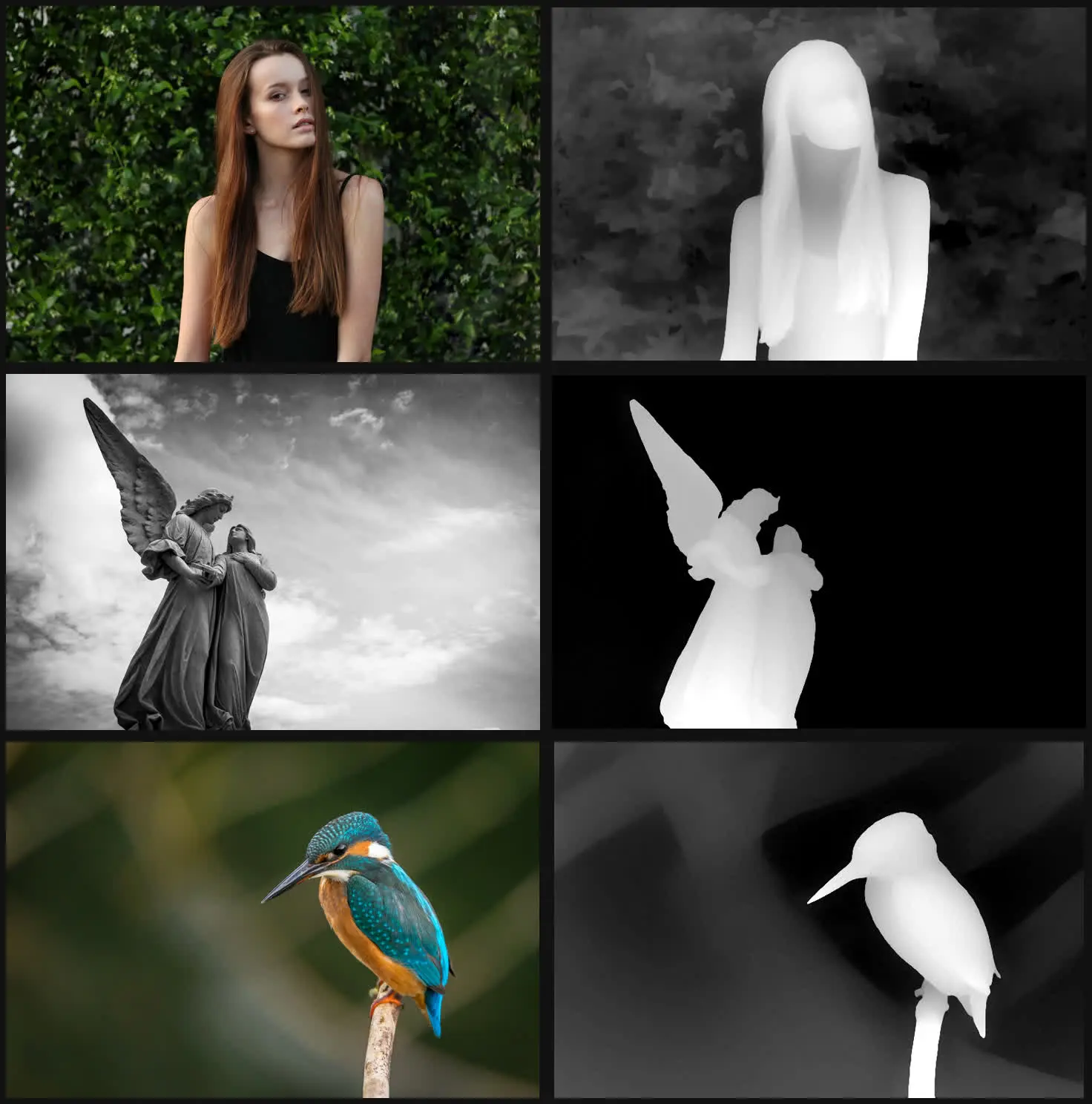
After a photo is uploaded, Gallery estimates how far away each part of it is, the same way it already finds faces and reads text. That estimate is a small greyscale depth map, stored beside the photo's thumbnails. Your browser does the rest with WebGL. Nothing is sent to an outside service.
Only where it looks good
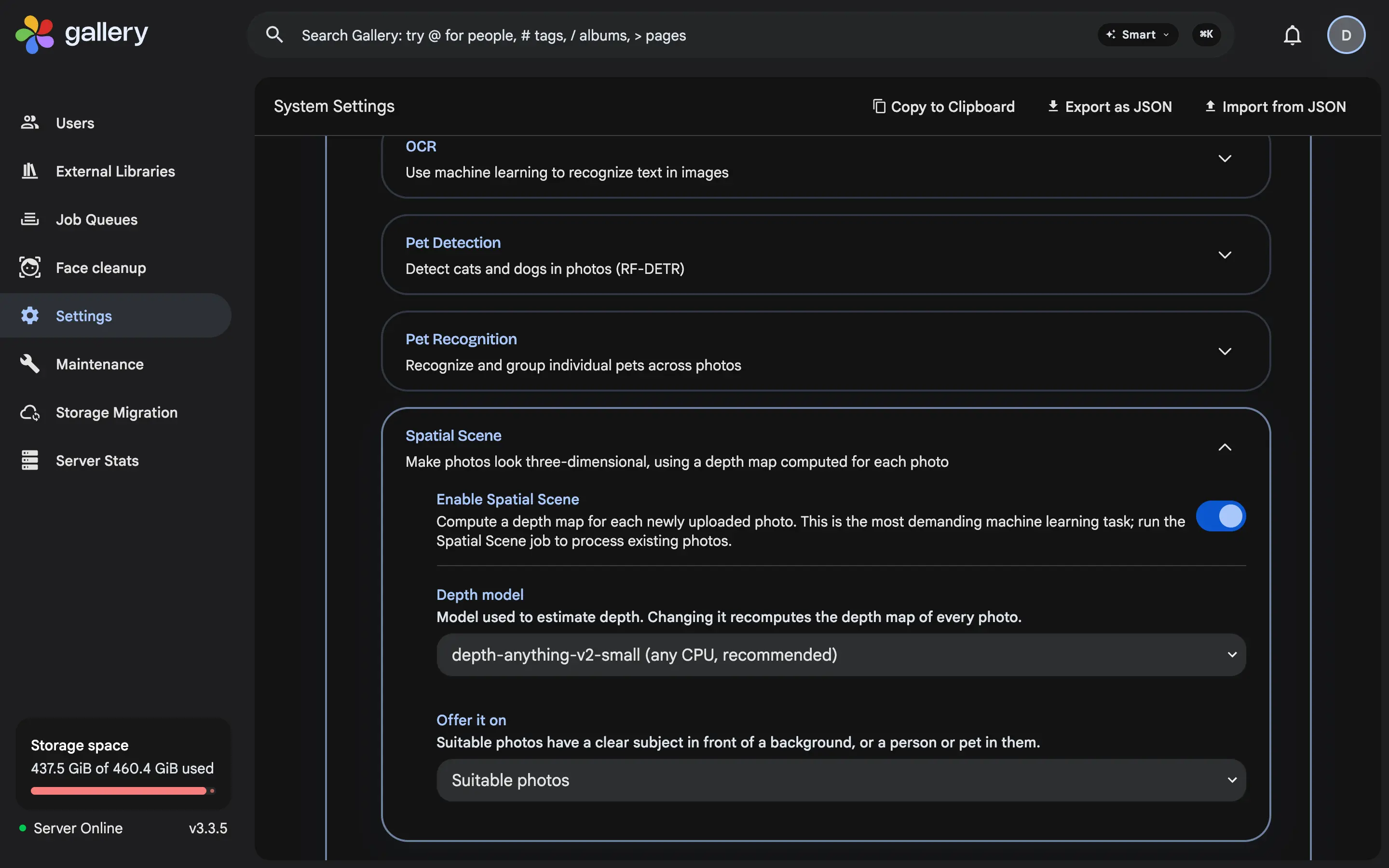
The effect shines on a clear subject in front of a background: a person, a pet, an object, a street of buildings. On a screenshot, a document or an open beach it just looks like the photo tilting. So by default the button appears only on suitable photos, judged from sharp edges in the depth map or a detected face. On a test library of 492 phone photos, it was offered on 83%. An administrator can offer it on every photo instead.
Off until you turn it on
Spatial Scene is the most demanding of Gallery's machine learning features, so it starts switched off. The default model is small and runs on any CPU, at about two seconds per photo on an older desktop processor. A larger model gives sharper edges on servers with a GPU, and a backfill job processes the photos you already have. It works in the web app today, including phone and tablet browsers; the Gallery mobile app does not show it yet.