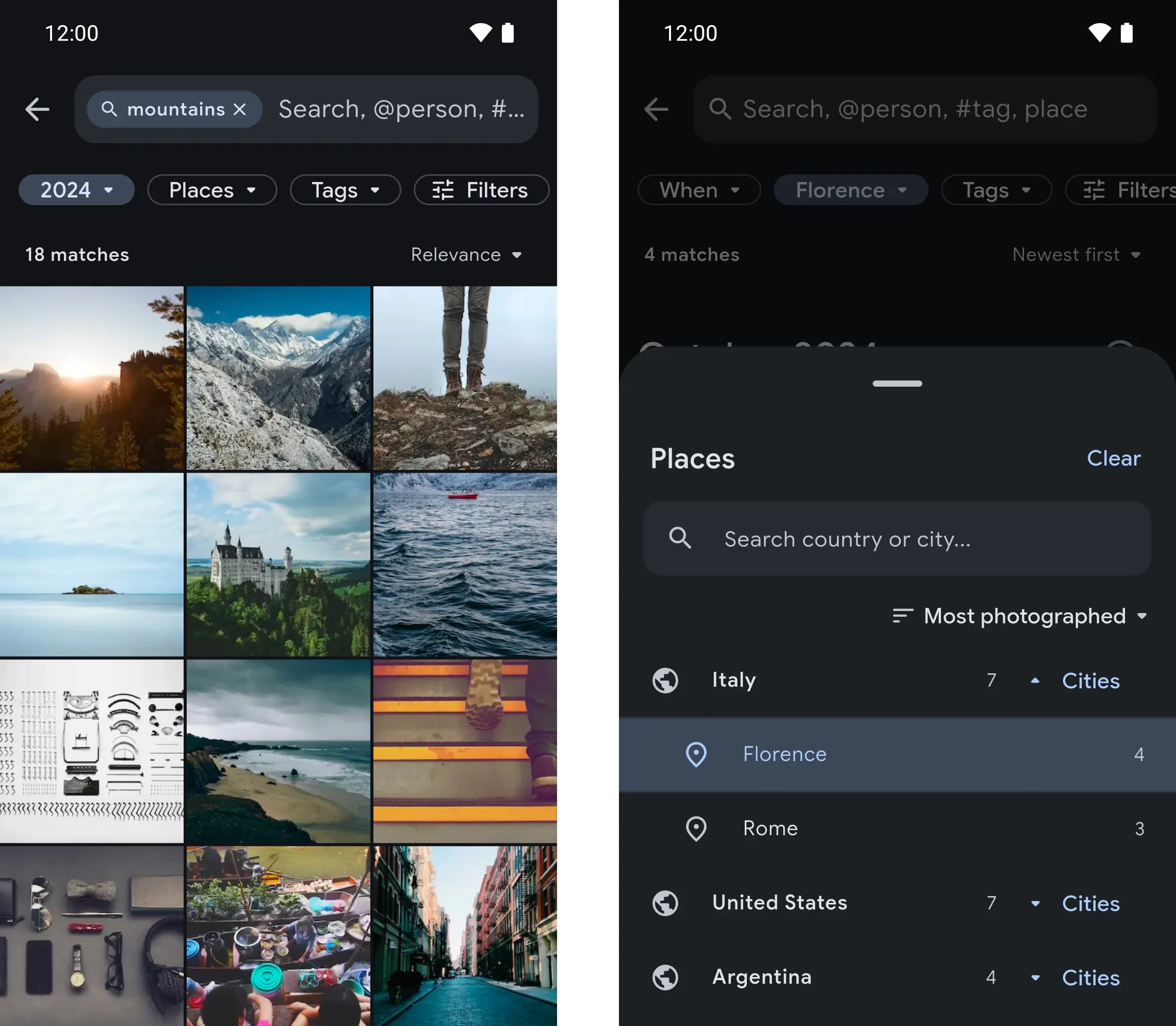
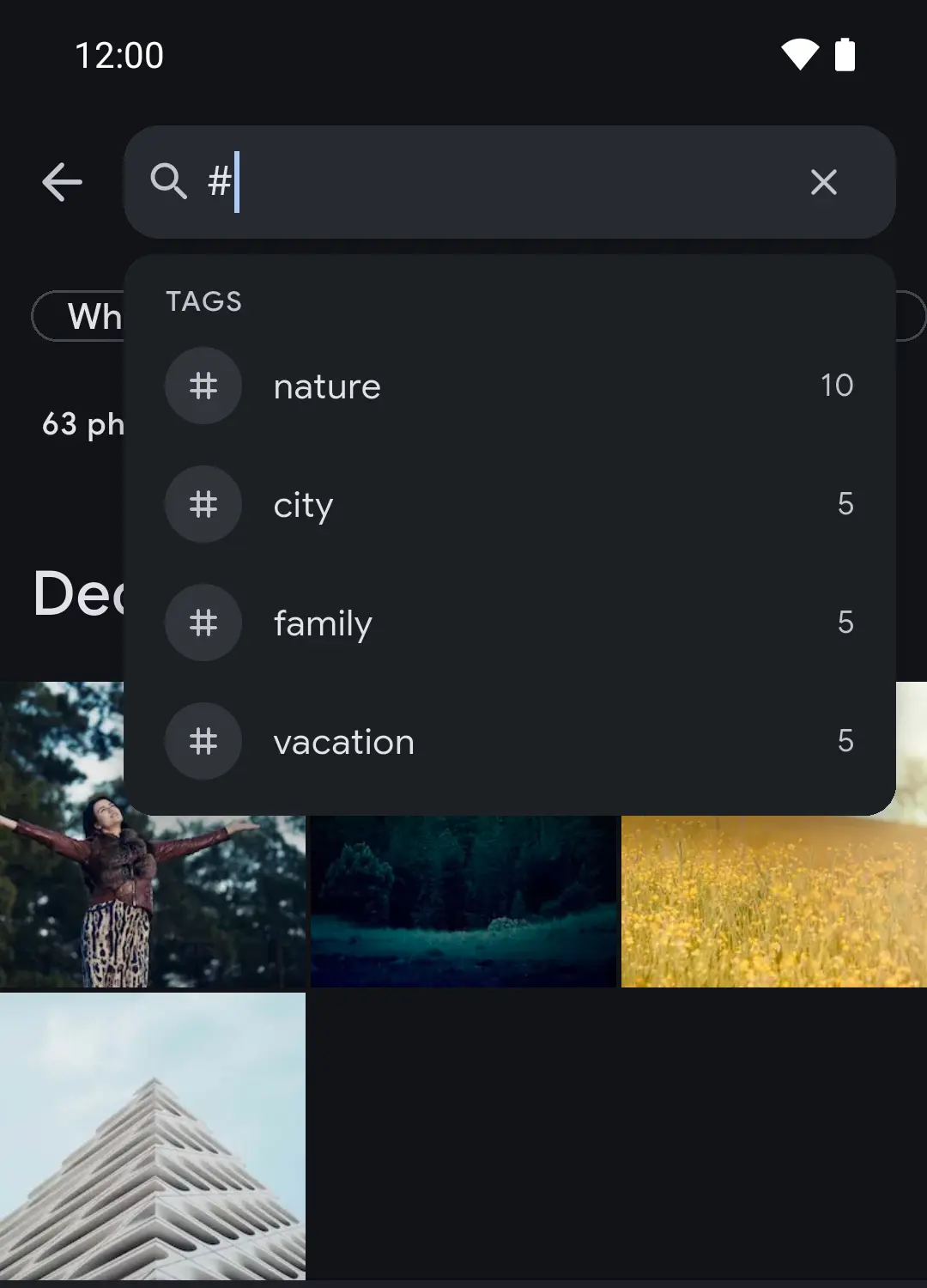
Search on the phone becomes a mode of the Photos tab: type @people, #tags, places or years, add filter chips with live counts, and watch the results narrow as you go.
Until now, filtering on the phone happened in a sheet of pickers laid over the timeline. It covered the photos you were filtering and gave no counts, so you only found out that a person, a place and a year had nothing in common after choosing all three.
Search is a mode of the Photos tab
Now the search button turns the Photos tab itself into search mode. The app bar and the bottom bar step aside for a search field and a row of chips: People, When, Places, Tags and Filters. The grid below updates as you change them, with the exact total above it. Type @ for people, # for tags, or a place, a year or a month, and the field suggests matches. Press Enter for a Smart Search on what you typed.
Every option shows what it leaves
Each chip opens a sheet with a count beside every option: people, quick ranges, years and months, countries with their cities, and tags. An option that would leave nothing is greyed out, and a whole section disappears when your library has nothing for it. The Filters sheet holds the rest: favourites, photos or videos, rating, camera, albums, text in the photo, a date range, archived and untagged.
Search where you already are
The same search opens inside an album, a Space, a person, a place, Favorites, Archive, Videos and the recent pages, limited to that screen. The field says where you are, as in "Search in Japan 2023", and filters the screen already fixes are hidden. Back returns you to where you were, scroll position included.